graphics errors...have i screwed my card?

Shane

Super Moderator
Staff member
Hey people im having problems running games.....it seems to be after i attempted overclocking my GFX Card.

ive probably screwed my GFX Card:D but i have returned the card to default settings now.

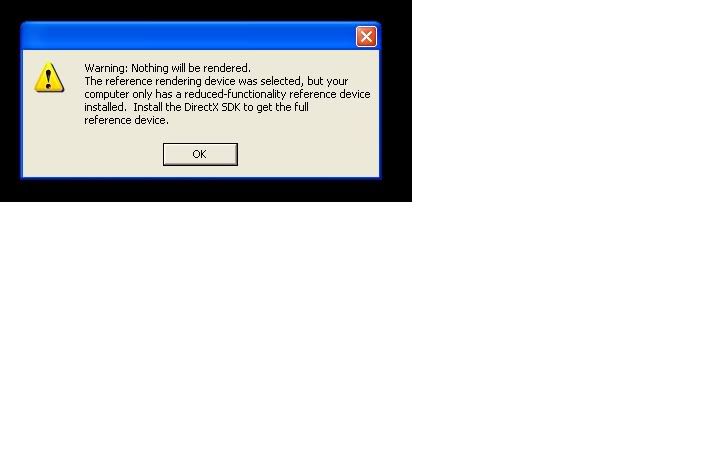
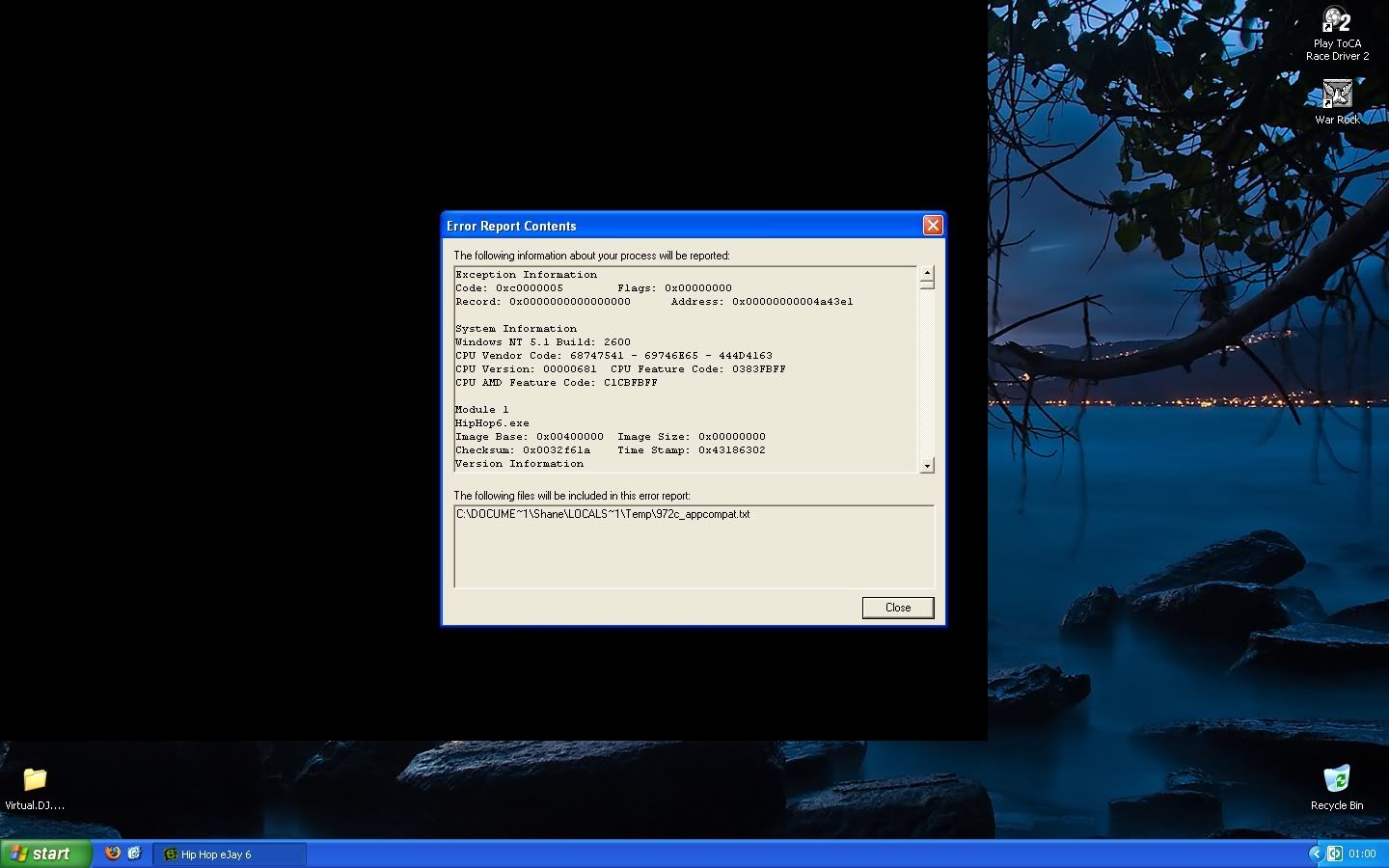
these are the errors i get when i try to play warrock which was fine before.
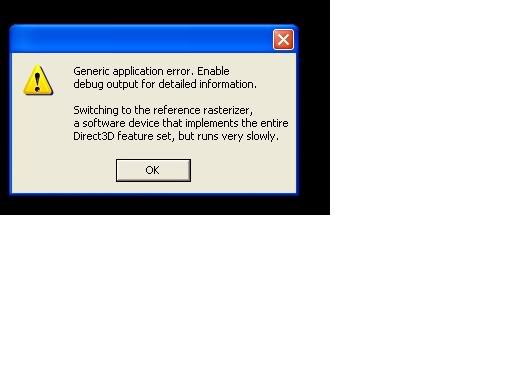
err1.jpg


err2.jpg


after i click ok on that the screen goes black :mad:


also my other game (Play ToCA Race Driver 2) wont launch either. post located here.

http://www.computerforum.com/100432-toca-race-driver-2-problem.html

any suggestions?
 
Last edited:
Hi stranglehold,

well im gonna d/l that overnight because its like 400+ Mb:D so i hope it will fix the problem...
do you think theres a possbility i overdone the overclocking?:rolleyes:

as soon as ati tool found 1 artifact i reduced the sliders and searched for artifacts again and none were found.

i returned them to default speeds anyway now:)
 
I would not think it screwed the card up, you might try to reintall the games they might have got some corrupted files somehow.
 
I would not think it screwed the card up, you might try to reintall the games they might have got some corrupted files somehow.

ive completly reformated the pc because it needed doing anyway and have instaled the games fresh.:(
 
Starting to not sound to good for the card, was it doing the same thing before the reinstall, same error. I guess after you reinstalled you updated your boards chipset drivers and video card drivers, updated DirectX
 
yeah it was doing the same thing before re-install...ive installed latest drivers,DX9c & boards chipset drivers (VIA_Hyperion Pro)
 
If you knew someone with another card you could use or if you have any other card to try to see if it goes away that would help you narrow it down. I almost want to say its the card but I feel like something is not quite right as far as a file-driver-directX or something:confused:
 
new pc !!! omg. sorry for my useless input but i think its about time

hehe i know tell me about it...but i dint want to buy one just yet until after xmas.


If you knew someone with another card you could use or if you have any other card to try to see if it goes away that would help you narrow it down. I almost want to say its the card but I feel like something is not quite right as far as a file-driver-directX or something:confused:

no i dont know anyone i could borrow a AGP card from and i dont have another card:cool:

damn nothing will start...not even Ejay Hip hop 6 demo:D

screwed.jpg


i dont know whats wrong.


ohh well i wont know til tommorow until that download has finished.

if that doesnt fix it il take out the card and use onboard GFX and try and run warrock again.

warrock does work on intergrated graphics i heard anyway.
 
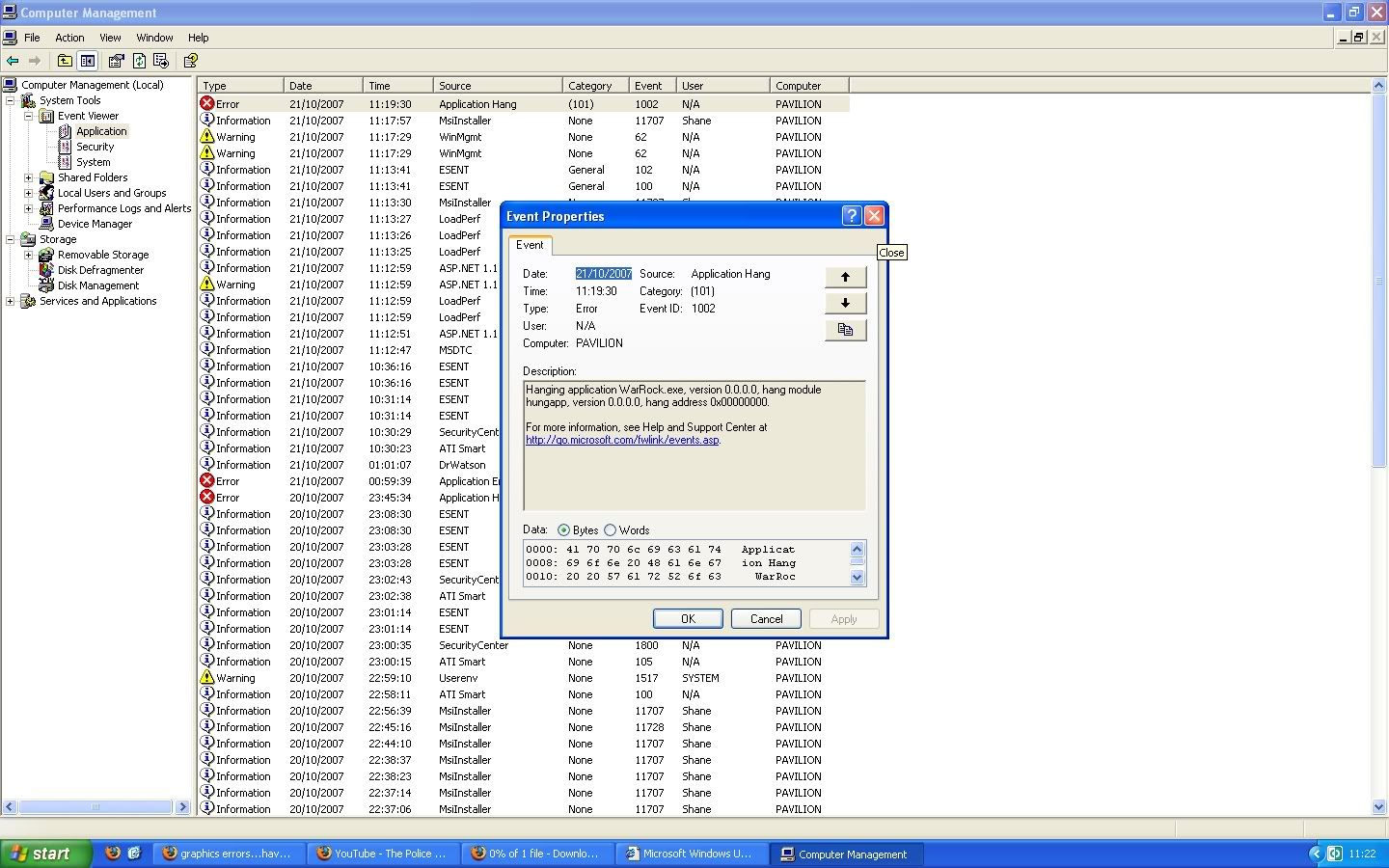
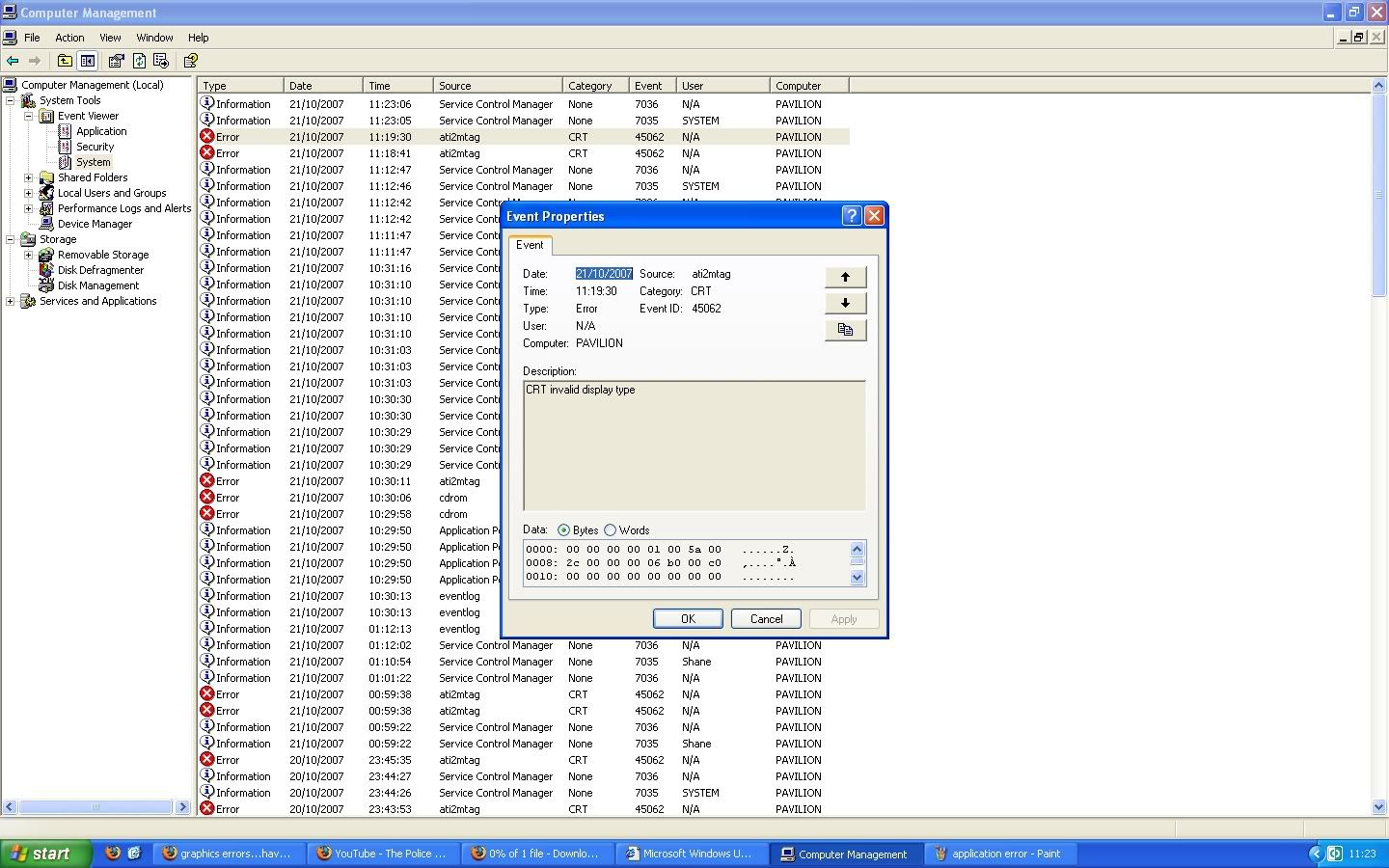
My computer > manage > event viewer, check both application and system logs. If it is a software error, event logs will possible tell you what is malfunctioning. It could also just relate the faulting process and nothing more... :\

I've pushed my graphics card more than I should in my time Overclocking, and I've never encountered such an error. I'm with stranglehold in that I suspect software, but fear it's simply an old card that gave out in the middle of a determined OC.
 
My computer > manage > event viewer, check both application and system logs. If it is a software error, event logs will possible tell you what is malfunctioning. It could also just relate the faulting process and nothing more... :\

I've pushed my graphics card more than I should in my time Overclocking, and I've never encountered such an error. I'm with stranglehold in that I suspect software, but fear it's simply an old card that gave out in the middle of a determined OC.


well i done what you said and theres quite alot of errors in the log for both System and application.

heres what i think are the culprit?

applicationerror.jpg


systemerror.jpg


i also downloaded and reinstalled DirectX SDKand its still the same:cool:

It must be a application error because my screens fine not playing games...no bad colours or anything.
 
ok il try that thanks hermeslyre i appreciate your help so much.

i actualy removed my GFX card and used my onboard GFX just to see if i got the same error when trying to run warrock and i did so it cant be that the GFX card is faulty.

but i will put my card back in now and try what you said :)
 
YAY it worked...i can play games again lol.

so it wasnt my GFX Card:D

tks alot man ;)
 
Back
Top