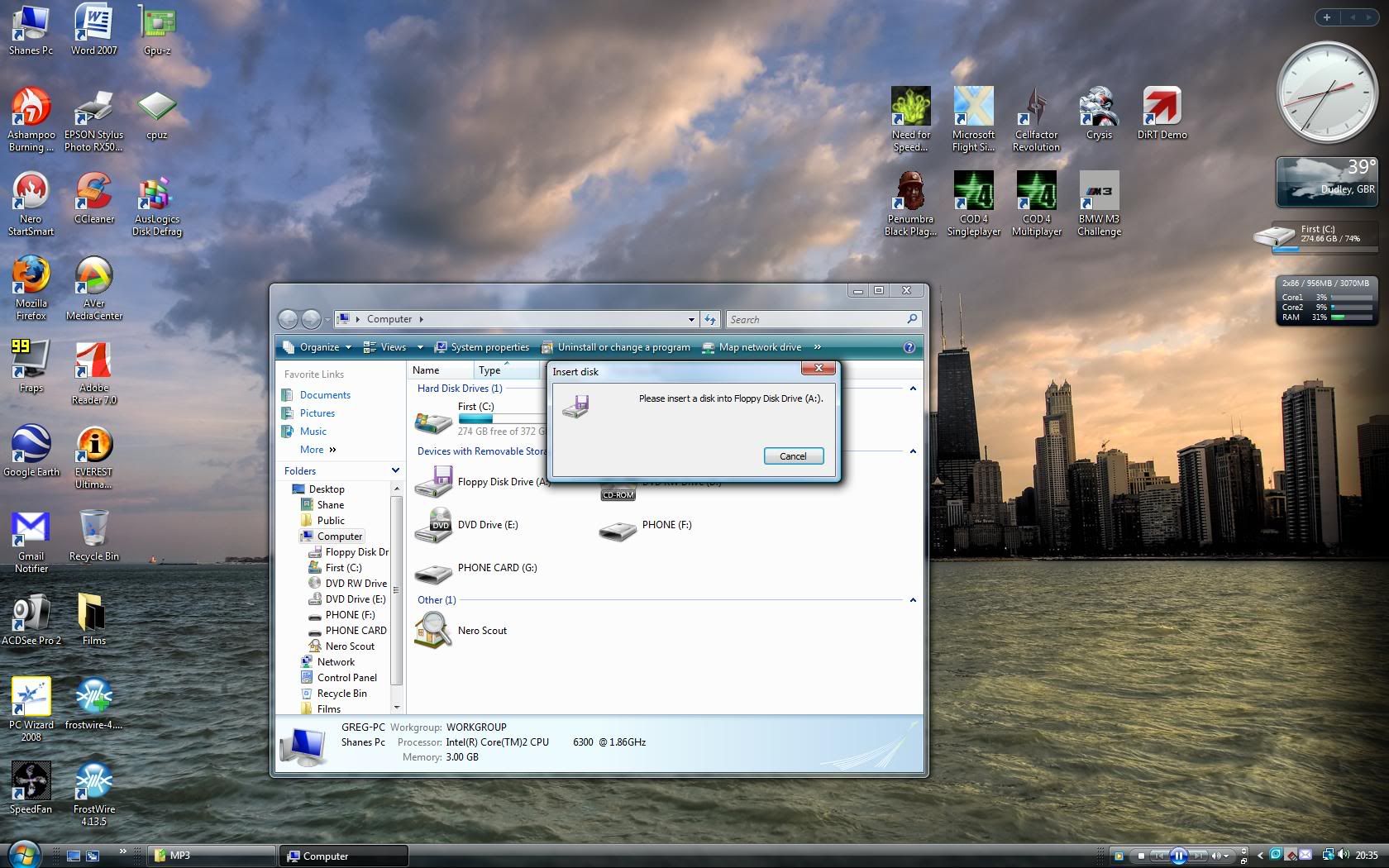
Shane Super Moderator Staff member Mar 4, 2008 #1 Lol wth i clicked on my computer just and it appears i have an invisible floppy drive thats installed itself in my system how is this i dont even have a floppy drive in my pc
Lol wth i clicked on my computer just and it appears i have an invisible floppy drive thats installed itself in my system how is this i dont even have a floppy drive in my pc
Cromewell Administrator Staff member Mar 4, 2008 #2 If you have a floppy set in the BIOS it will show up in windows regardless of whether you actually have one or not. (At least it does on my system )
If you have a floppy set in the BIOS it will show up in windows regardless of whether you actually have one or not. (At least it does on my system )
I-KILLED-U New Member Mar 5, 2008 #3 Yea mine is showing up a floppy drive and I dont even have one installed. It just comes by default I guess
Yea mine is showing up a floppy drive and I dont even have one installed. It just comes by default I guess
StrangleHold Moderator Staff member Mar 5, 2008 #4 If you dont want to look at it go into your bios and disable your floppy port
SubDude199 Member Mar 5, 2008 #5 and most mobo's come with it enables in bios. if you ever do a cmos reset you need to turn floppy off in bios of you dont have one. also a bios update will have the same effect.
and most mobo's come with it enables in bios. if you ever do a cmos reset you need to turn floppy off in bios of you dont have one. also a bios update will have the same effect.