
Help, PC needs new harddrive

JoeBowHunter

New Member
So I just got a Dell Studio XPS 435T/9000 desktop from my uncle. He was told vie the computer hardrive failure so my guess is it needs a new one. I have yet to see this because I forgot to grab the power cord for the monitor.

Till then is there a good place to get parts that some of you like and is it possible for me to get another brand other than Dell?

please excuse my noobness to all this as it has been years since I have truly tried to learn about computers. so a few quesions:

-Where can I find a new harddrive
-Anything else I should replace or upgrade
-is this good for gaming
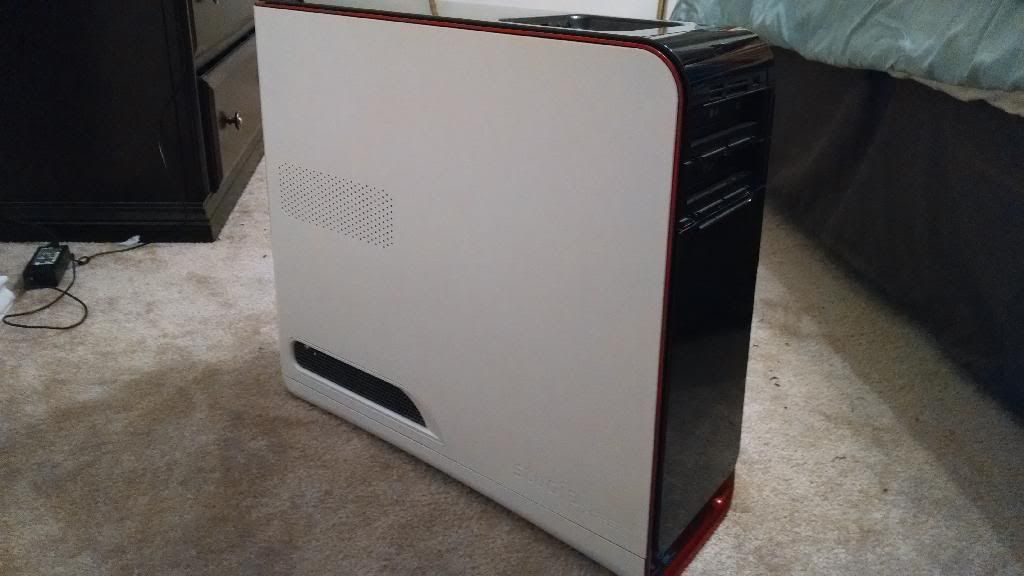
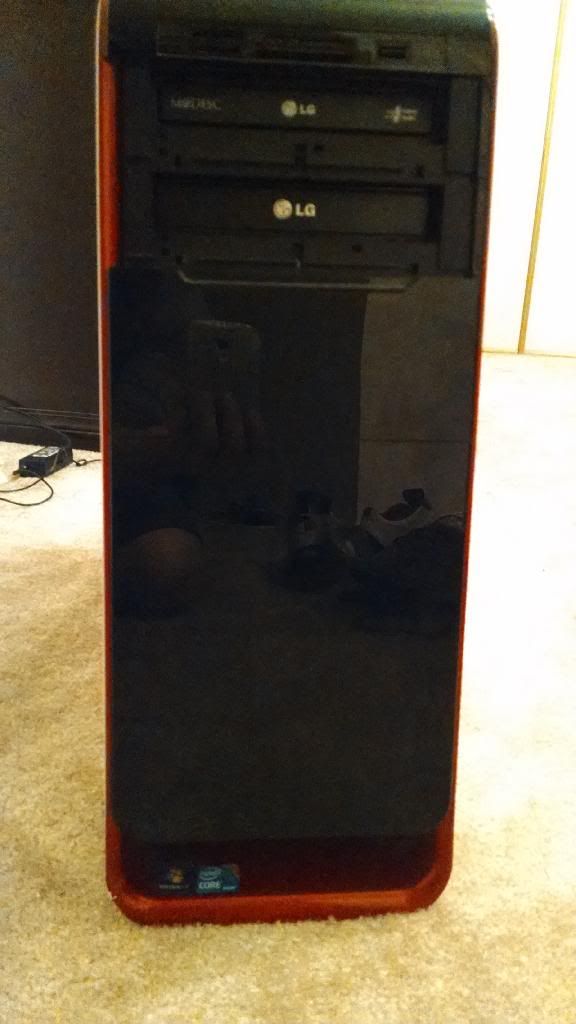
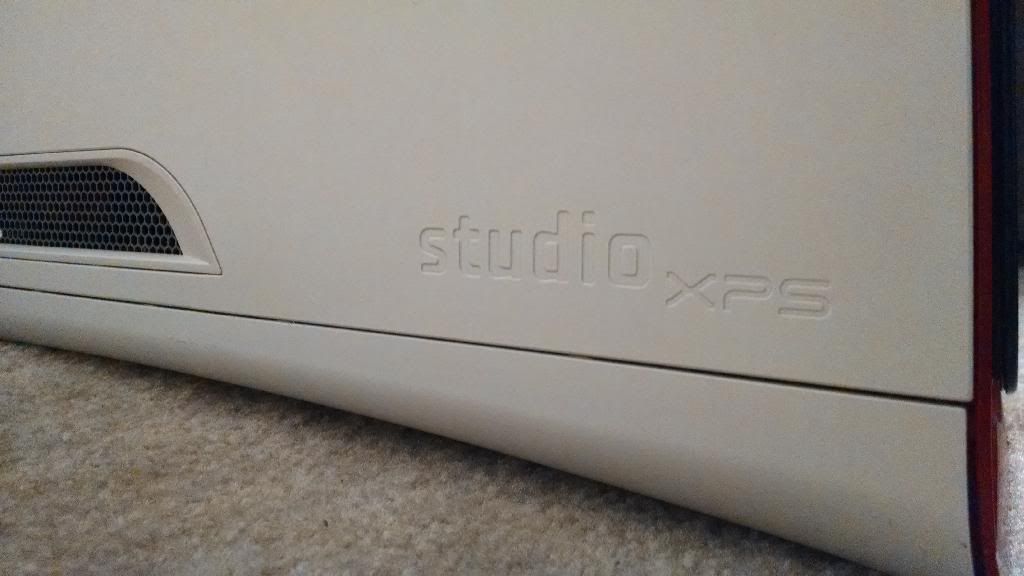


Well before you get a new hard drive or anything check to see if it works, so get that cable for the monitor and test it out. If it doesn't work you can buy a new HDD/ any part from newegg, micro center, NCIX, amazon etc. and it doesn't have to be made by dell as long as it compatible.

Wait till you can fully use the computer, see where it lacks, and then upgrade it off of that, however its not a custom PC and space and options are limited so upgrading the graphics card or processor is going to cost quite a bit of money. I.E to get a new graphics card you "may" have to upgrade the case and power supply depending on what card it is.

As far as the GPU goes it isn't that great, however if your not playing on 1080p than it should suffice for now.
 
Yea I'll plug it in tomorrow after work and see what it says, I'll come back with the results and go from there. And as far as gaming goes I really only plan to play SWTOR and maybe some others.

Edit: It does turn on but I cant see what its doing right now due to no screen
 
Last edited:
So plugged it in and it said to reboot and select proper boot device...I have to double check when I get home though

My friend also sent me spinrite ISO so I can give that a go.
 
Last edited:
What OS do you plan to install? You'll need to go to the Dell website, enter the Dell Service Tag # (should be a label on the machine) and then download the drivers for that OS for the hardware on that machine.
 
If it came preinstalled with windows 7 and your uncle don't have the recovery cd's then you can just download the iso for the version of 7 that was installed (32 or 64bit) and use the key that should be on the side of the case to activate it.
 
Back
Top