How to get rid of password requred on wake-up

James79

Member
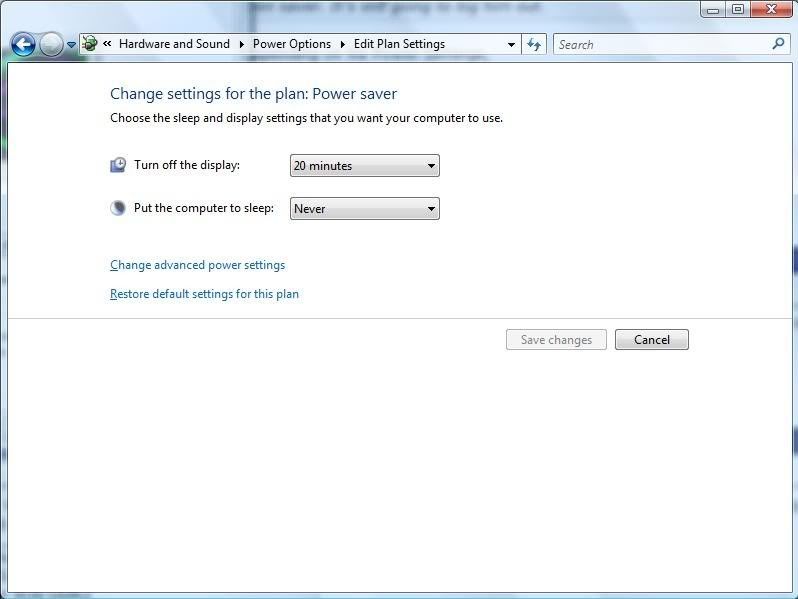
I currently have Windows Vista Home Premium on my laptop. Recently upgraded to Service Pack 2. Now all of a sudden, my screen will sleep and automatically go to locked out. So I have to put in the password to resume on what I was doing before. I have already went to control panel and select password not required under the power options in control panel. It doesn't solve the problem. Does anyone know any suggestions to fix this problem. Thanks

James
 
Now all of a sudden, my screen will sleep and automatically go to locked out. So I have to put in the password to resume on what I was doing before.
James

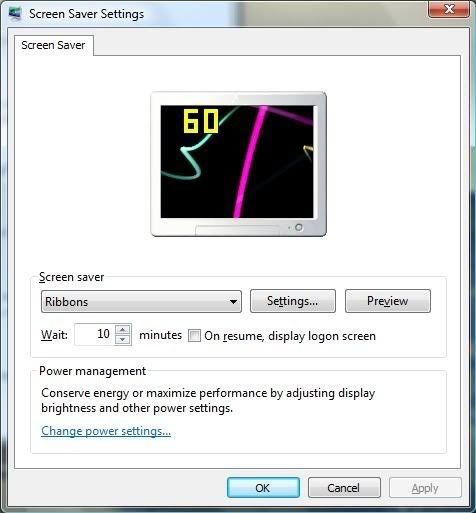
Right Click on Desktop, Left Click "Personalize".
Left Click "Screen Saver". Uncheck box "On resume, display logon screen".

Maybe this will help.?
CAPS.jpg
 
Thanks for the support everyone. I think I fixed it. I went to screen saver and chose a screen saver and set it to 9999 minutes. So it should never go sleep on me now.
 
Or you may want to check out the policies in place on the computer. In gpedit, there may be a policie that is preventing you from removing the password on log in setting.
 
Back
Top