
Laptop color all screwed up. NEED EXPERTS

AlienWare

New Member
Ok, so I have an Alienware m14x and today i open the lid, and all of a sudden, the screen looks like this:
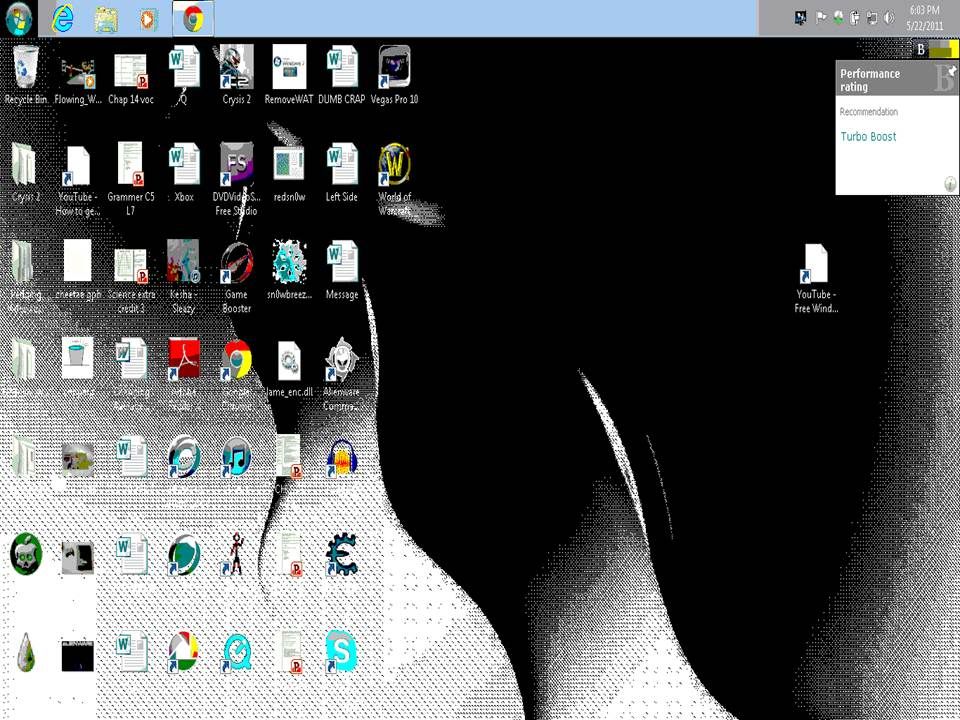
Presentation1.jpg


So i plug it into my desktop monitor and it fixes itself to how it was:
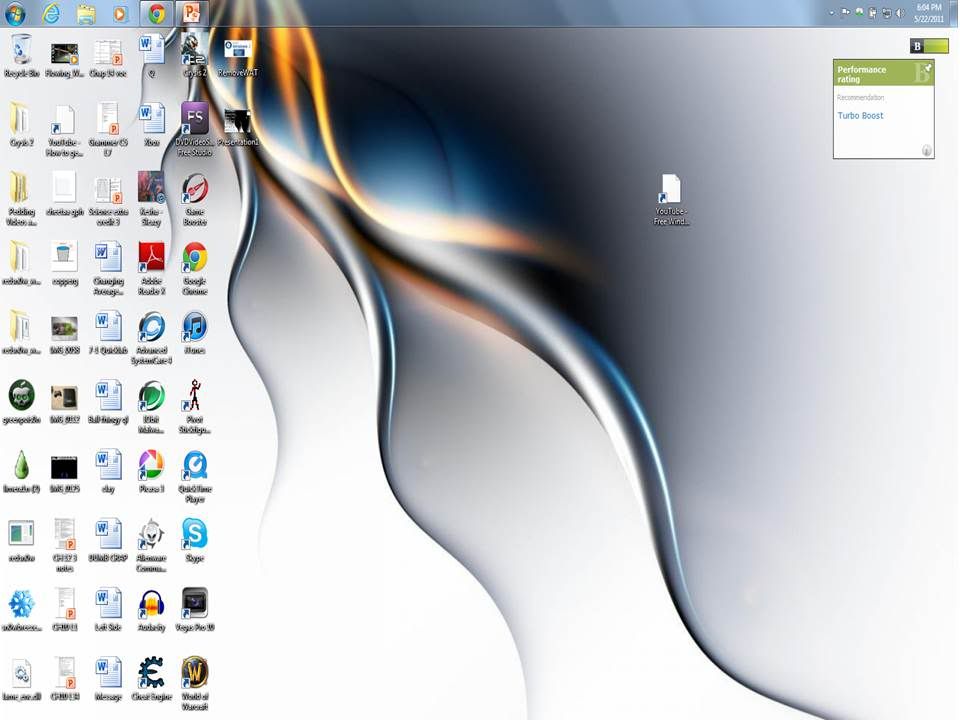
Presentation2.jpg


Then i unplug it from the desktop monitor and it gets ****ed up again.

HOW DO I FIX THIS???
 
Last edited:
yes like 3 times, then i updated all drivers, then i checked for registry errors, last i ran the repair you can access through tapping the f8 key at the splash screen.
:confused::confused::confused::confused::confused::confused::confused::confused::confused::confused::confused::confused::confused::confused::confused::confused::confused:
 
I would say that its the ribbon cable to the LCD, or the LCD itself. but neither of these would show up on printscreen.

did you try it in safe mode to see if that had any effect?
 
It almost looks like a GPU/LCD problem to me. How old is your laptop? Does it overheat at all?
 
If that's a screen cap, it shouldn't be in any way related to the connection between the LCD and the GPU, otherwise the first picture should show up just fine. Unless it's a photo (and it's a damn good photo if it is).

It looks like the colour/resolution settings got messed up for some reason. Go to your display settings (I think it's right click on the desktop -> preferences -> display settings or something like that... not on my Windows installation now so can't check) and check the colour depth/resolution for your laptop monitor.
 
Everything is perfect. Its a 1.5 week old Alienware M14X. It has never overheated. The display settings dont help anything.
 
Although it is STILL ****ed up. PLEASE HELP ME!

I want to do a system restore. I need help doing the folowing:

I need to back up my laptop to my Desktop via LAN. There is an option that says "back up to a network location", but when i click it, my laptop says "You do not have permission to access this location. Please contact the network admin."

Here are the stats of my Desktop:
-The account is an ADMIN
-File sharing is on
-Password protected sharing is off
-The workgroup is the same on both PC's
-i am sharing the public folder so i can back up my laptop to that folder


Laptop:
-ADMIN account
-Sharing turned on
-Same workgroup as desktop.
 
if its only 1.5 weeks old. call customer service, RMA it and get it repaired or possibly (@store) a new one....

when you plug in the external, did you say the laptop lcd goes normal? or the external lcd was normal.

eitherway rma it :)
 
Back
Top