

The_Other_One
VIP Member
This week has been "give me your laptop" week or something seeing as I've essentially done hardware repairs on about 4 and helped users with a few others 
Anyway, I didn't think much about it until towards the end, but decided to snap a couple pics of the laptop while I rebuilt it.
So first off, the tear down. This laptop was pretty straight forward. Lots and lots of screws, but nothing too hidden or out of the ordinary. Just take all the screws out, pop some tabs loose, and start gutting it.
The CPU was removable. Thanks goodness. I know this laptop had been repaired and I think someone had squeezed a whole tube on the thing. Sooo... I took the CPU to the bathroom and ran some water over it, rubbing the junk off with my thumb and an old toothbrush. I also cleaned off the heatsink in the bathroom in a similar fashion.
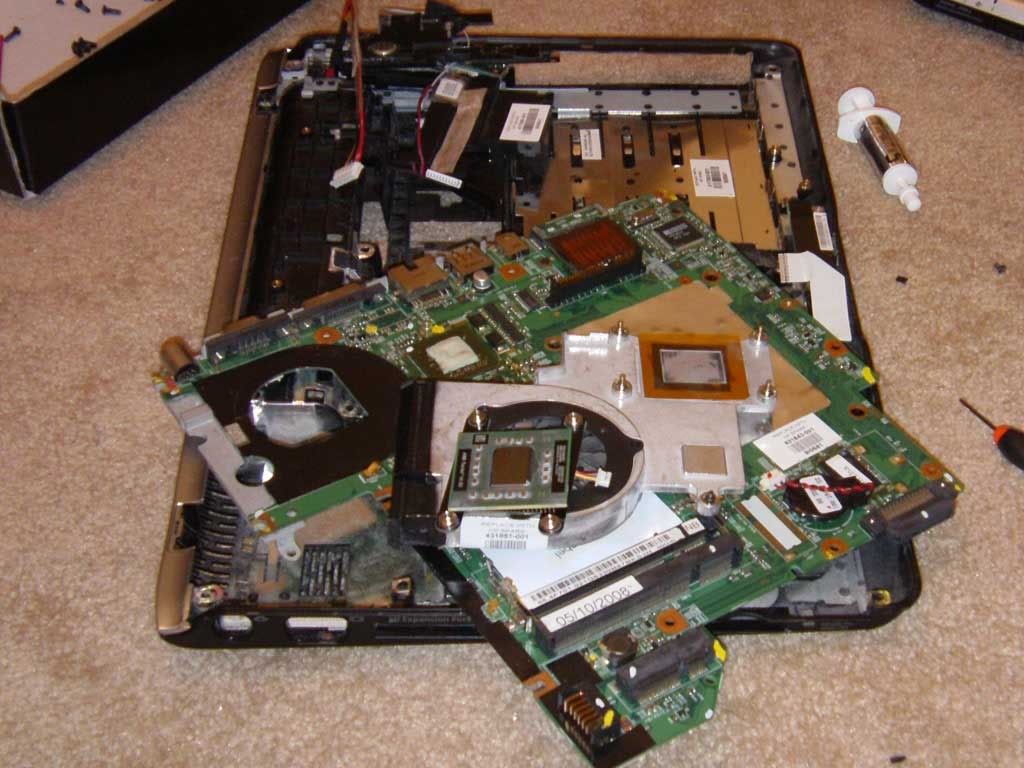
Everything is dried off, mostly dusted out, ready to piece back together. Added some fresh thermal past, reseated the thermal pads, tightened the heatsink down and mounted the motherboard in the case.
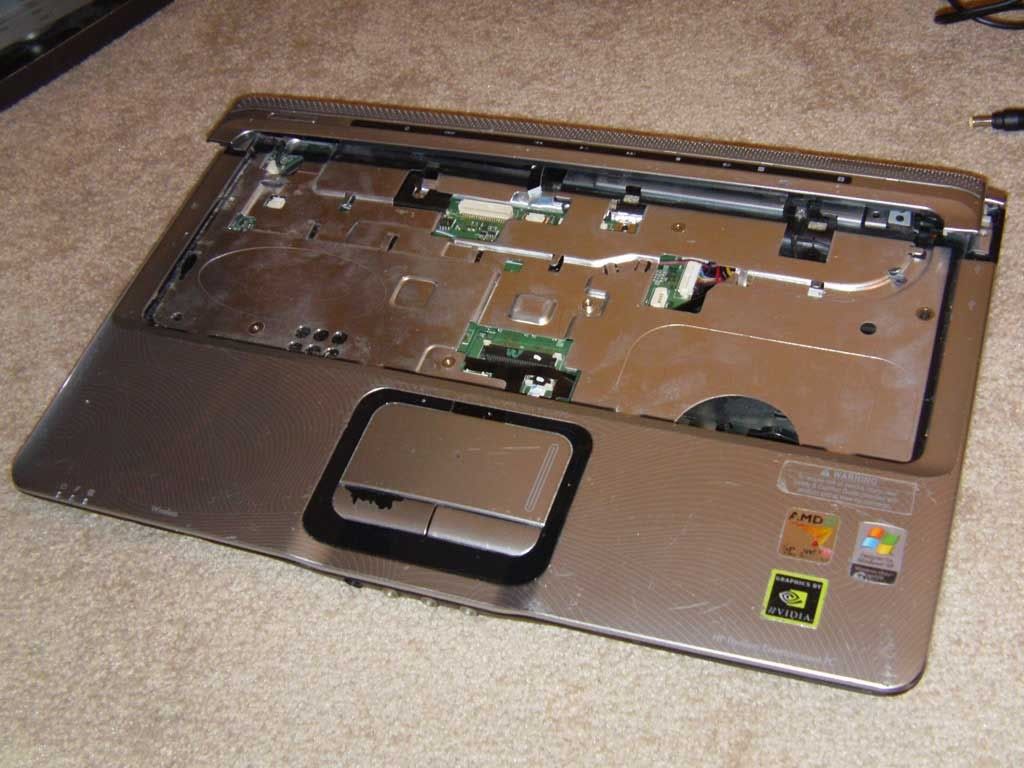
Placed the other half of the case on and added a couple screws to hold it in place. I went ahead and plugged in the power button to confirm it would actually power up. Indeed it did and gave me some weird beep code (perfect, just what I wanted :good: )
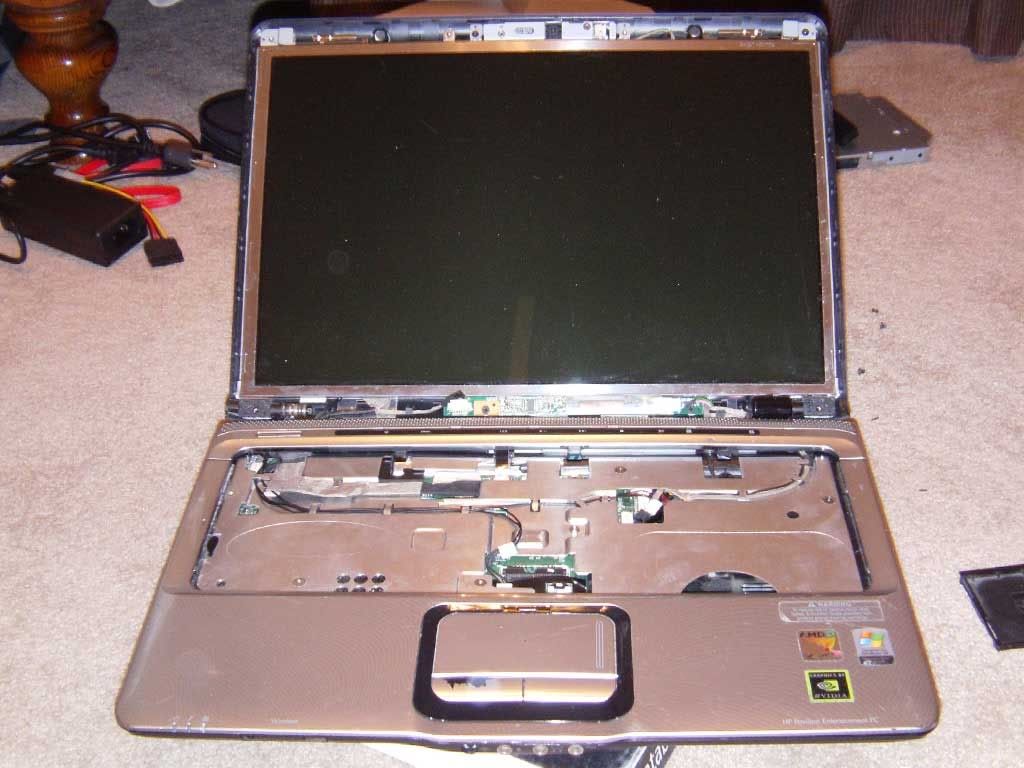
Mounted the LCD back in and made sure the hinges were nice and tight. Started routing the wires for the wifi/mics/camera/LCD along the ridges. Went ahead and stuck the RAM back in too and tried another power on. I got the HP logo, so big :good:
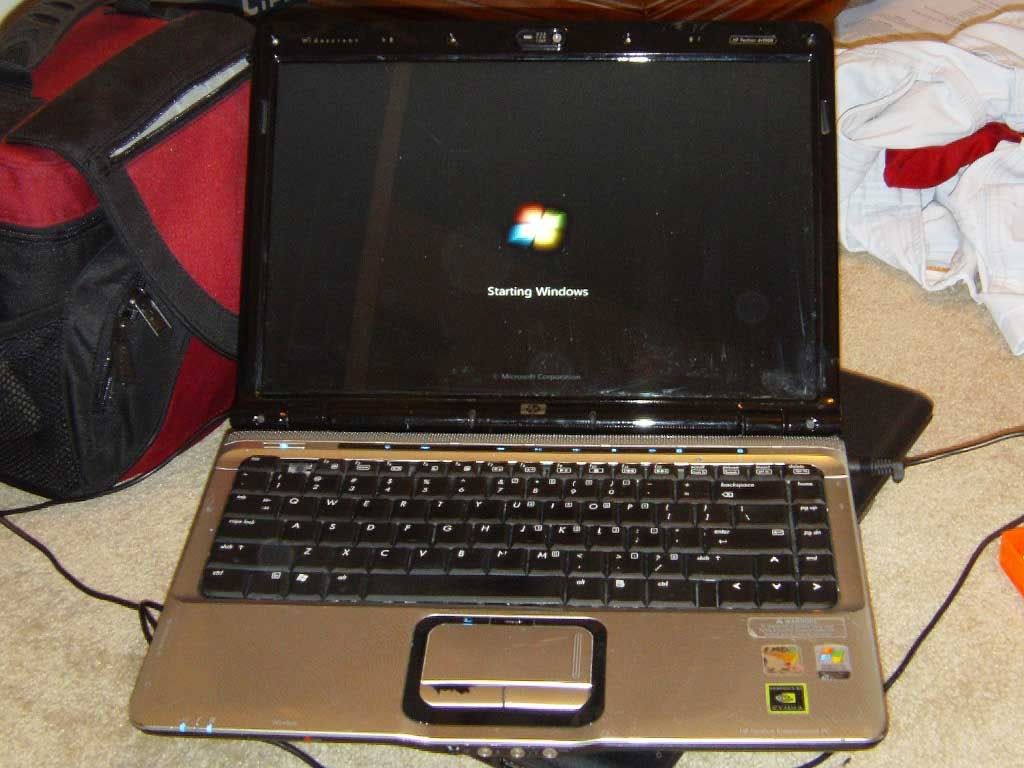
Added the keyboard and some other plastics/screws. Drives came back in now along with the wifi card and all bottom panels. I did my first actual boot attempt, which was sucessful. I ran a few quick tests, such as testing sound, keyboard, wifi, etc. Everything seemed to work.
No picture 5, but it's essentally the completed build. All rubber bumpers added back, few extra screws, etc. Now I have another laptop
Anyway, I didn't think much about it until towards the end, but decided to snap a couple pics of the laptop while I rebuilt it.
So first off, the tear down. This laptop was pretty straight forward. Lots and lots of screws, but nothing too hidden or out of the ordinary. Just take all the screws out, pop some tabs loose, and start gutting it.
The CPU was removable. Thanks goodness. I know this laptop had been repaired and I think someone had squeezed a whole tube on the thing. Sooo... I took the CPU to the bathroom and ran some water over it, rubbing the junk off with my thumb and an old toothbrush. I also cleaned off the heatsink in the bathroom in a similar fashion.
Everything is dried off, mostly dusted out, ready to piece back together. Added some fresh thermal past, reseated the thermal pads, tightened the heatsink down and mounted the motherboard in the case.
Placed the other half of the case on and added a couple screws to hold it in place. I went ahead and plugged in the power button to confirm it would actually power up. Indeed it did and gave me some weird beep code (perfect, just what I wanted :good: )
Mounted the LCD back in and made sure the hinges were nice and tight. Started routing the wires for the wifi/mics/camera/LCD along the ridges. Went ahead and stuck the RAM back in too and tried another power on. I got the HP logo, so big :good:
Added the keyboard and some other plastics/screws. Drives came back in now along with the wifi card and all bottom panels. I did my first actual boot attempt, which was sucessful. I ran a few quick tests, such as testing sound, keyboard, wifi, etc. Everything seemed to work.
No picture 5, but it's essentally the completed build. All rubber bumpers added back, few extra screws, etc. Now I have another laptop
