
davie23223
New Member
I have 1GIG RAM total.
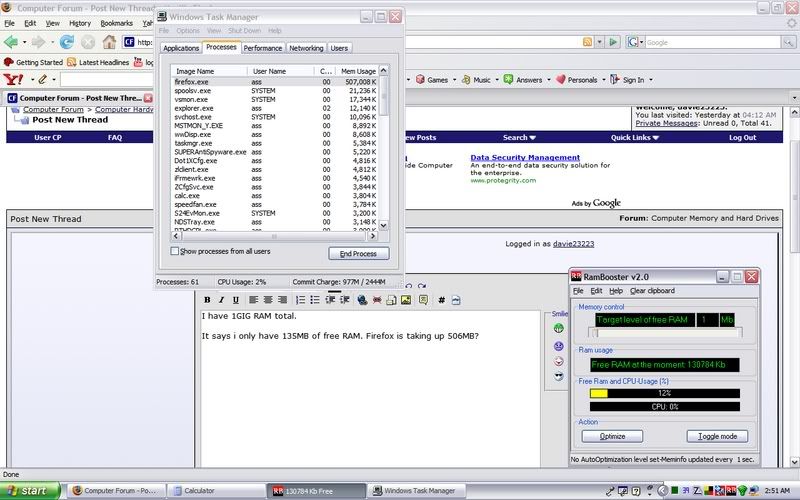
It says i only have 135MB of free RAM. Firefox is taking up 506MB?
It says i only have 135MB of free RAM. Firefox is taking up 506MB?


 Nonetheless Firefox can be a bitch on the memory. Kill the process and start anew, that's what i do.
Yeah this has been a big problem. Mozilla denies that Firefox has memory leaking problems, they prefer to call it "allocator-thrashing".
Kill the process and start anew, that's what i do.
It still needs to be restarted occasionally though,
[-0MEGA-];834454 said:Close out of firefox and start it back up,
Echo... echo... echo...
http://internetducttape.com/2006/12/02/how-to-fix-the-firefox-memory-leak-firefox-hack/
#4 Was what I was talking about, it will move all of the data Firefox has in the RAM to your hard drive when you minimize.


