Will I have my external HDD fixed?

Elidicious

Member
Today I broke down my external HDD.
productimage-picture-lg-hdd-320-gb-2-5-hxd5u32glr-2929_t_w379_h352.jpg


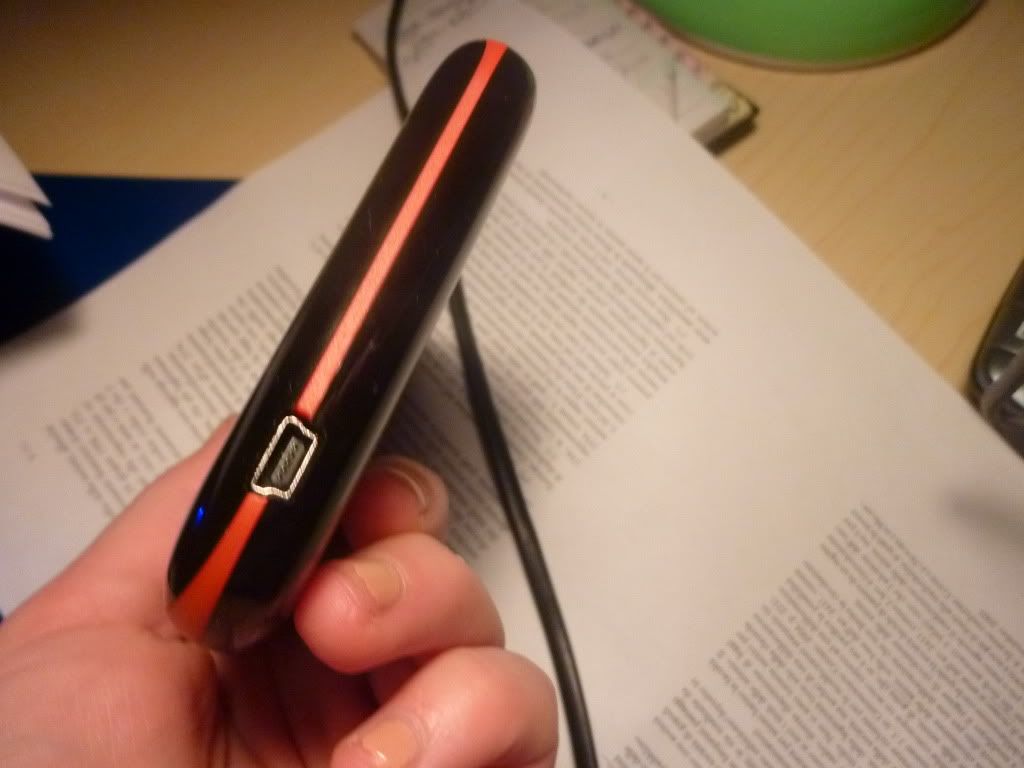
here's the HDD on the side
P1000862.jpg


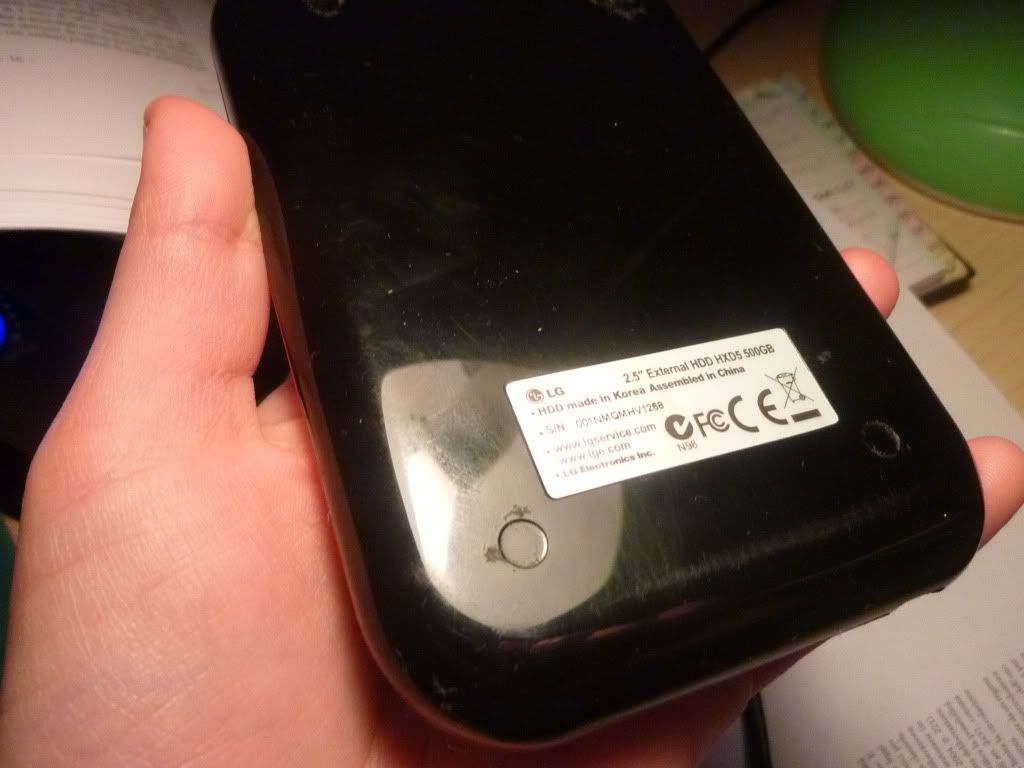
here's the backside
P1000861.jpg

******************************
While it was connected to my PC I suddenly pulled off the usb cord from the PC in a way that it destroyed my usb port on the computer, and the HDD.
When I changed the cord and used another one, the ext. HDD didn't work and started making a noise like clock-ticking.
[I must say that I didn't throw it on the floor or anything like that. ]

What could have possibly happened ?
Will I be able to get it fixed?
 
Sometimes my hard drive makes a clicking noise when it's not getting enough power. Do you have a cable with two USB connectors (one is for data and one for extra power)? Also, certain cables and ports don't always work - one of my external hard drives will not run without aux power when plugged into the front USB ports, and I also have a USB cable that the hard drives won't work with at all (starts making the clicking noise, not enough power to spin up), even though the cable itself works fine.

External hard drives are just about always normal laptop hard drives in an enclosure, though, so as a last resort you may want to just open it and chuck the drive in your computer to recover all data. As long as the disc itself wasn't damaged this should work.
 
Pulling the cord and not the plug will do it. (open the cable and seperate from plug).

Unplugging with out turning off the usb port first will do it. (under load).
 
the usb connector im saying. In the system tray there is a icon. Safely remove hardware'. It could wreck the USB or the hardware. Just a thought.
 
I think what tremmor is saying is that disconnecting the HDD by pulling on the cable itself rather than the plugs (connectors) at the ends of the cable (inserted in the sockets of the HDD or PC) is likely to cause damage. Even if that's not what tremmor is saying, don't do it that way! Pull the plugs out directly away from the device.
 
Back
Top