
You are using an out of date browser. It may not display this or other websites correctly.
You should upgrade or use an alternative browser.
You should upgrade or use an alternative browser.
Laptop Hard drive(Sata) to Desktop Hard Drive(SATA)
- Thread starter newjacksm
- Start date
A laptop HD is a 2.5" drive while a standard desktop model is 3.5"! There are converter cables available or the use of external 2.5" drive cages in order to access a portable's drive when running a desktop. You are still looking at two different types and sizes of drives where those are the options available.
Yeah I know there two different types of sizes and I want to be able to use it as an internal can anyone lead me to where I would be able too? I bought something off of new egg and it doesnt fit into my Laptop HDD its making me mad here is the picture of the ports on the Laptop HDD its a Toshiba 160 Gig laptop
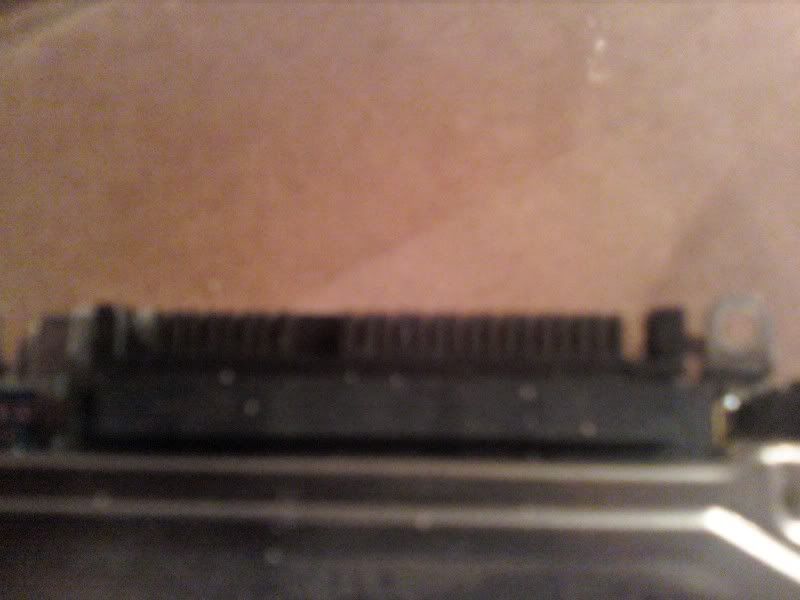
I am pretty sure those are SATA connection ports and they dont fit. And the thing I bought off of newegg doesnt work when it said it works with every Laptop 2.5 hdd
http://www.newegg.com/Product/Produ...&cm_mmc=TEMC-RMA-Approvel-_-Content-_-text-_-
I am pretty sure those are SATA connection ports and they dont fit. And the thing I bought off of newegg doesnt work when it said it works with every Laptop 2.5 hdd
http://www.newegg.com/Product/Produ...&cm_mmc=TEMC-RMA-Approvel-_-Content-_-text-_-

That is a blurry picture but according to the newegg link that is a an ide connection on both sides not a sata. Also sometimes the laptop manufacturers put a special converter on their laptop drives to fit inside. All you have to do is take the converter off to access a standard ide drive.
Nevermind I pulled it out wow thanks simple as that, trickery! haha I pulled it out and it was a sata connection hiding in the back. Now I just have to figure out how to screw it into my computer case... Do you know if best buy sells it? I want to go there today and pick it up, or do I even need this? Probably do.
A store like Circuit CIty or CompUSA will most likely have adapters. The problem you may still end up seeing however is trying to put a 3.5" drive in to replace a 2.5" drive standard. 3.5"s are intended for desktop use.
What make and model is the laptop? The specifications will show what options for a 2.5" HD you can use. You should simply be able to drop in something like a WD Scorpio and call it a day.
What make and model is the laptop? The specifications will show what options for a 2.5" HD you can use. You should simply be able to drop in something like a WD Scorpio and call it a day.
Well the thing is my friend gave me the 2.5 for free and I dont feel like spending money on a new HDD figure its cheaper to get the adapter to make it fit in a 3.5 drive bay and use it for a data drive.
Its a Toshiba drive, dont know the exact specs, the sticker came off.
I went to Microcenter today and they didnt have what I was looking for. pretty mad.
Its a Toshiba drive, dont know the exact specs, the sticker came off.
I went to Microcenter today and they didnt have what I was looking for. pretty mad.
If that was a sata drive you could easily use the mobile rack that will take two 2.5" drives and see them installed internally. http://www.newegg.com/Product/Product.aspx?Item=N82E16817998038
For something this you would simply need an ide to sata converter cable.
For something this you would simply need an ide to sata converter cable.
thats just expensive, there isnt just some flimsy crap I can put into my computer, I have the wires all ready and my computer is capable of running the Sata wires internally and power wires internally. Just need the brackets. Something cheap. If im gonna spend 40 bucks, I might as well spend the extra 20 and get a 3.5 drive with more gigs.
http://www.newegg.com/Product/Product.aspx?Item=N82E16812200176 this work ? some guy said it wouldnt work at micro center.... I just need the bracket dont care for the cable...

mac550
New Member
If that was a sata drive you could easily use the mobile rack that will take two 2.5" drives and see them installed internally. http://www.newegg.com/Product/Product.aspx?Item=N82E16817998038
For something this you would simply need an ide to sata converter cable.
lol what a good idea. shame newegg dont ship to the uk

Last edited:
http://www.newegg.com/Product/Product.aspx?Item=N82E16812200176 this work ? some guy said it wouldnt work at micro center.... I just need the bracket dont care for the cable...
That's what it's for. You simply secure the 2.5" to that and slide it into place then put in the fasteners.
lol what a good idea. shame newegg dont ship to the uk
You may find that one or one by another brand if you shop around the various vendors in the U.K. if you have a use for one. Newegg as far I know doesn't even ship to Canada strictly domestic sales only.
That's what it's for. You simply secure the 2.5" to that and slide it into place then put in the fasteners.
You may find that one or one by another brand if you shop around the various vendors in the U.K. if you have a use for one. Newegg as far I know doesn't even ship to Canada strictly domestic sales only.
Thats what I said to the guy at microcenter and he said it doesnt look like it works.
I then said well right here it says 2.5 hdd to fit 3.5 drive bay
and he continued to say it wouldnt fit or work... wow... trying to make me look stupid!
oh well..
Some of the sales people at retail stores wouldn't know their whatever. They simply get hired off the street and have never actually worked inside a case.
If you shop even further you'll find other adapters besides the one there for seeing a 2.5 installed internally or an external usb type enclosure. There's a large variety of adapters simply due to them being nothing much more then sheet metal with a cable tossed in.
If you see a CompUSA, Staples, Circuit City, Radio Shack, etc. stop in and look over the pc accessories and/or simply ask for one to see they have any in stock.
If you shop even further you'll find other adapters besides the one there for seeing a 2.5 installed internally or an external usb type enclosure. There's a large variety of adapters simply due to them being nothing much more then sheet metal with a cable tossed in.
If you see a CompUSA, Staples, Circuit City, Radio Shack, etc. stop in and look over the pc accessories and/or simply ask for one to see they have any in stock.
laptop SATA to IDE problem
Hello, I was reading this thread trying to figure out my own problem which is similar to the thread starter.
I want to put a laptop 2.5" HDD SATA into a PC purely to retrieve the pics on it as the laptop is buggered.
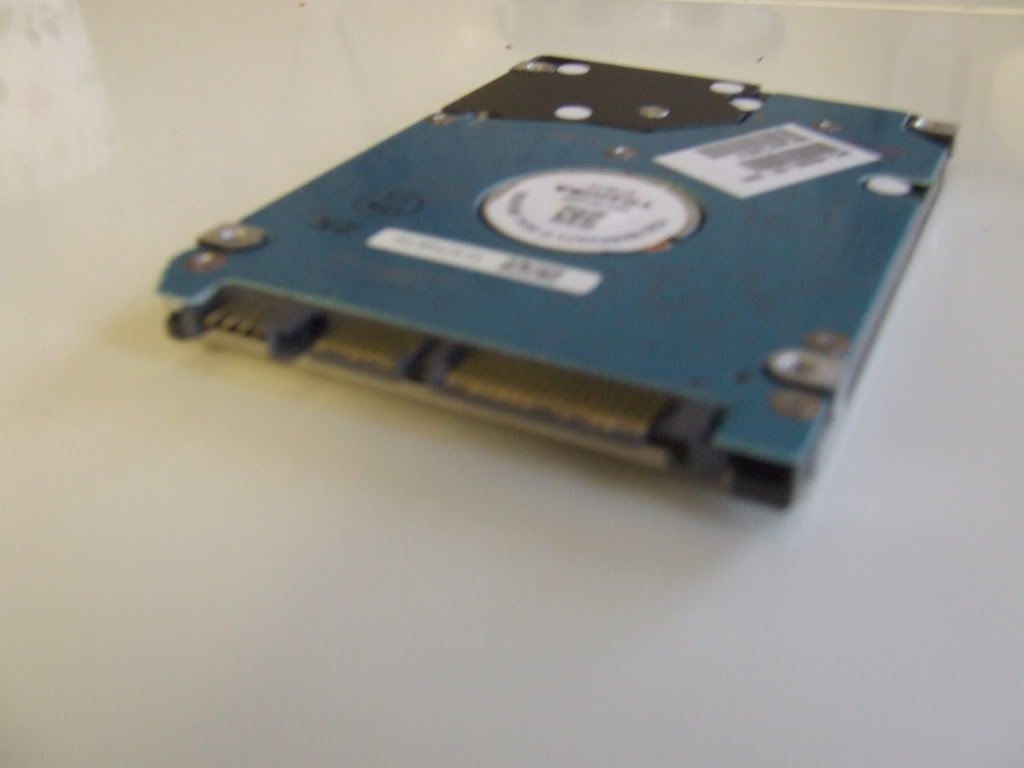
I have the same 2.5" hard drive but I'm a bit unsure of pulling off this "adaptor" which is apparently attached to the SATA connector on the hard drive.
I've put a picture of the adaptor on the hard drive and I'm wondering is there anything I can attach to this to convert it to IDE or can you really just pull it off the hard drive to uncover a SATA connector. It really doesn't look (or feel) like it wants to come off?
Hello, I was reading this thread trying to figure out my own problem which is similar to the thread starter.
I want to put a laptop 2.5" HDD SATA into a PC purely to retrieve the pics on it as the laptop is buggered.
I have the same 2.5" hard drive but I'm a bit unsure of pulling off this "adaptor" which is apparently attached to the SATA connector on the hard drive.
I've put a picture of the adaptor on the hard drive and I'm wondering is there anything I can attach to this to convert it to IDE or can you really just pull it off the hard drive to uncover a SATA connector. It really doesn't look (or feel) like it wants to come off?


If you wana just temporarily connect it to transfer your data over, get one of these:
http://www.newegg.com/Product/Product.aspx?Item=N82E16812232002
http://www.newegg.com/Product/Product.aspx?Item=N82E16812232002