
You are using an out of date browser. It may not display this or other websites correctly.
You should upgrade or use an alternative browser.
You should upgrade or use an alternative browser.
Added ram, now no screen?
- Thread starter trev3813
- Start date

Do the simple things like making sure that it is connected, testing the monitor on another computer, and that sort of thing first.
Does the computer beep at all when you power it on? If it does more than 1 quick beep then it is an error code that will tell you what is wrong.
If you have a spare video card or can take one temporarily from another computer use it to test if it works.
Does the computer beep at all when you power it on? If it does more than 1 quick beep then it is an error code that will tell you what is wrong.
If you have a spare video card or can take one temporarily from another computer use it to test if it works.
You may have installed the single stick in the wrong slot like #1 instead of #0 or B instead of A depending on how the slots are identified and how many. Most systems require one specific dimm slot be populated if only one dimm is installed.
Is that the HP model in your sig or a different system altogether? The support site generally provides an online manual and likely quick setup guide with photos that will show just how memory should be installed for a particular model.
Is that the HP model in your sig or a different system altogether? The support site generally provides an online manual and likely quick setup guide with photos that will show just how memory should be installed for a particular model.

trev3813
New Member
Screen works perfect, had a older win 98 working on it earlier, When the 1 stick of ram is on the bottom slot, no beeps. if i switch it, (after i power down and unplug) and switch to the top slot, it beeps every say about 5 seconds. I do not have another video card, this one has on board too. Thanks for the quick reply, i'd love to get this computer going to i can use it 
trev3813
New Member
You may have installed the single stick in the wrong slot like #1 instead of #0 or B instead of A depending on how the slots are identified and how many. Most systems require one specific dimm slot be populated if only one dimm is installed.
Is that the HP model in your sig or a different system altogether? The support site generally provides an online manual and likely quick setup guide with photos that will show just how memory should be installed for a particular model.
Umm, im kinda a computer noob, i know alot abotu computers in general, but i don't know about 1 0 or A B. And yes, the computer in my sig.
Great! The manuals for that model are seen at http://h10025.www1.hp.com/ewfrf/wc/manualCategory?lc=en&dlc=en&cc=uk&product=1152514&os=228&lang=en&
The upgrading and servicing guide shows that if a blank screen is seen the memory is either installed in the wrong slot(as you heard with the beeps) or the wrong type of DDR memory. You likely have the wrong type not sounding an alarm like you heard with the other slots.
Some of the older systems ran single sided dimms not seeing IC chips on both sides. If you have a dual sided seeing chips on both sides that is the likely problem. Note if RIMM not DDR memory is the type all slots have to see a module installed for that type of memory. Since you have DDR memory it's likely the wrong type or speed not supported.
The upgrading and servicing guide shows that if a blank screen is seen the memory is either installed in the wrong slot(as you heard with the beeps) or the wrong type of DDR memory. You likely have the wrong type not sounding an alarm like you heard with the other slots.
Some of the older systems ran single sided dimms not seeing IC chips on both sides. If you have a dual sided seeing chips on both sides that is the likely problem. Note if RIMM not DDR memory is the type all slots have to see a module installed for that type of memory. Since you have DDR memory it's likely the wrong type or speed not supported.
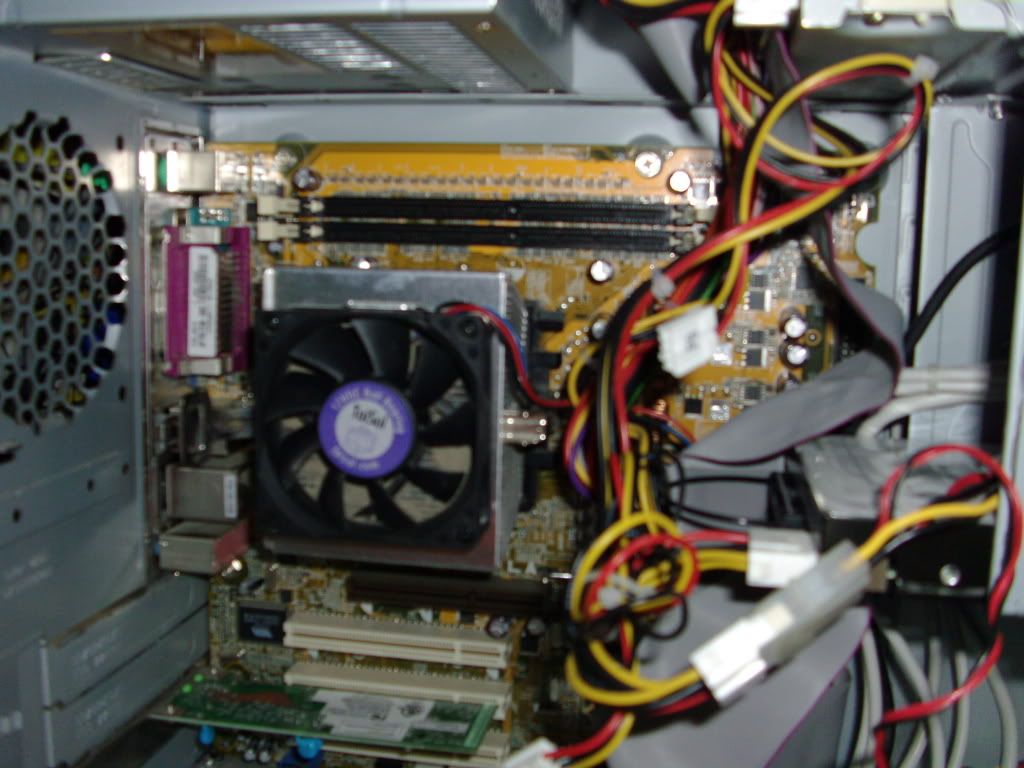
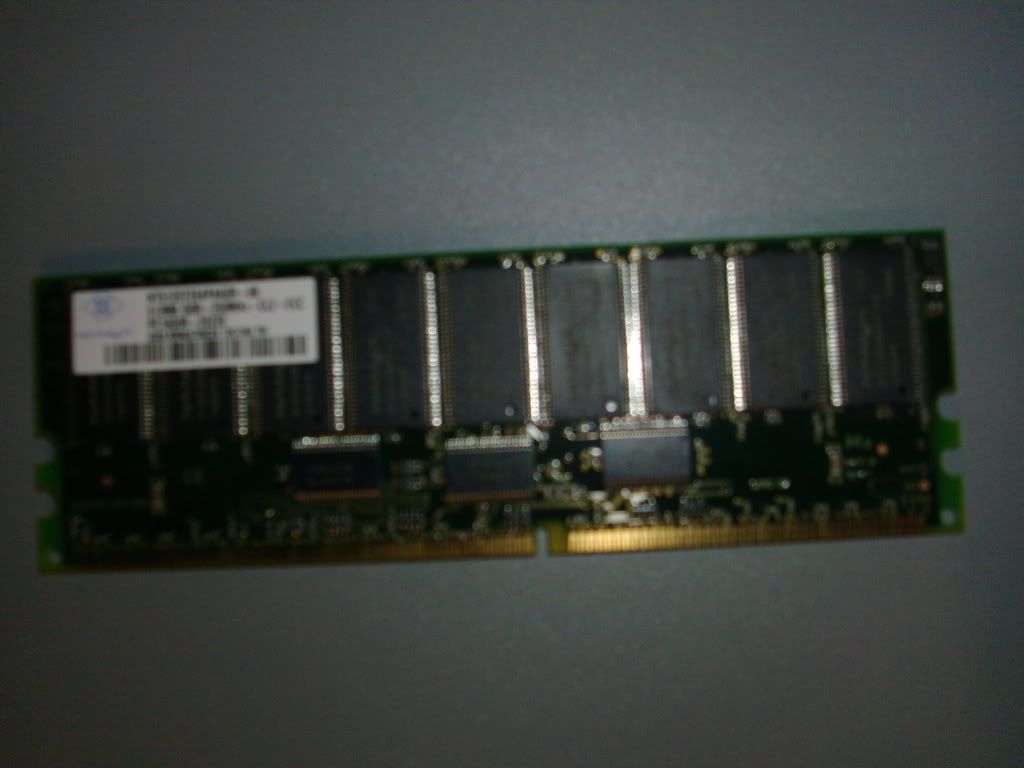
The information on the dimm is blurred out while looking over the specifications to see what DDR memory is compatible and supported is the first step. But with the A + B dimm slots you can see where the A + B or 0 + 1 comes in with the A slot being the primary since only two slots are on that model board. Look for the marking on the board next to the slot.
The specifications show 2gb max of PC3200 with both slots populated when HP shipped those seeing two 256mb dimms. Apparently you will need a second dimm since both slots just like with RIMM memory have to be populated from what I gather at http://h10025.www1.hp.com/ewfrf/wc/...n&dlc=en&cc=uk&lang=en&os=228&product=1152514
There wasn't any immediate information seen on a requirement for single sided dimms. But that was seen at times on various older prebuilds. Having both slots filled seems to be the requirement. But what is the memory you have there? If DDR266 or 333 being PC2100 or PC2600 it won't work.
The specifications show 2gb max of PC3200 with both slots populated when HP shipped those seeing two 256mb dimms. Apparently you will need a second dimm since both slots just like with RIMM memory have to be populated from what I gather at http://h10025.www1.hp.com/ewfrf/wc/...n&dlc=en&cc=uk&lang=en&os=228&product=1152514
There wasn't any immediate information seen on a requirement for single sided dimms. But that was seen at times on various older prebuilds. Having both slots filled seems to be the requirement. But what is the memory you have there? If DDR266 or 333 being PC2100 or PC2600 it won't work.
trev3813
New Member
Would this work?
http://www.newegg.com/Product/Product.aspx?Item=N82E16820141413
http://www.newegg.com/Product/Product.aspx?Item=N82E16820141413
trev3813
New Member
will 2 of these work?
http://www.newegg.com/Product/Product.aspx?Item=N82E16820141302
http://www.newegg.com/Product/Product.aspx?Item=N82E16820141302
The specifications show DDR400 PC3200 memory not 266/333/400 support for the slower memory speed seen with PC2100 or the PC2700 memory there. It requires PC3200. This is why the first dimm you used probably a slower speed failed to work for you.
You may also want to consider increasing from 2x256 to at least a pair of 512s if you intend to game at all once it is up and running. With the prices now low on DDR memory you could pick up a 2gb kit since that model is maxed at 2gb for an overall boost for a few bucks more. But stay with the PC3200 speed.
You may also want to consider increasing from 2x256 to at least a pair of 512s if you intend to game at all once it is up and running. With the prices now low on DDR memory you could pick up a 2gb kit since that model is maxed at 2gb for an overall boost for a few bucks more. But stay with the PC3200 speed.

will 2 of these work?
http://www.newegg.com/Product/Product.aspx?Item=N82E16820141302
This is your motherboard and its spec. It suports DDR 333/PC 2700 and DDR 400/PC 3200 up to 2gbs.
Memory type PC 2700 or PC 3200 DDR
Maximum Memory 2.0 GB
http://h10025.www1.hp.com/ewfrf/wc/document?docname=c00257657&lc=en&dlc=&cc=us&product=1152514&lang=
Are you using the onboard video or a separate AGP card? The onboard vpu chip may have simply gone bad if you are not seeing anything at all. Your option would now be to try installing a separate card even a loaner out of another older case in order to see if the system suddenly comes to life. A failed chip would readily explain the constant sleep mode since no signal is being sent out to the monitor.