Ever wanted to easily test out Ubuntu?

gamerman4

Active Member
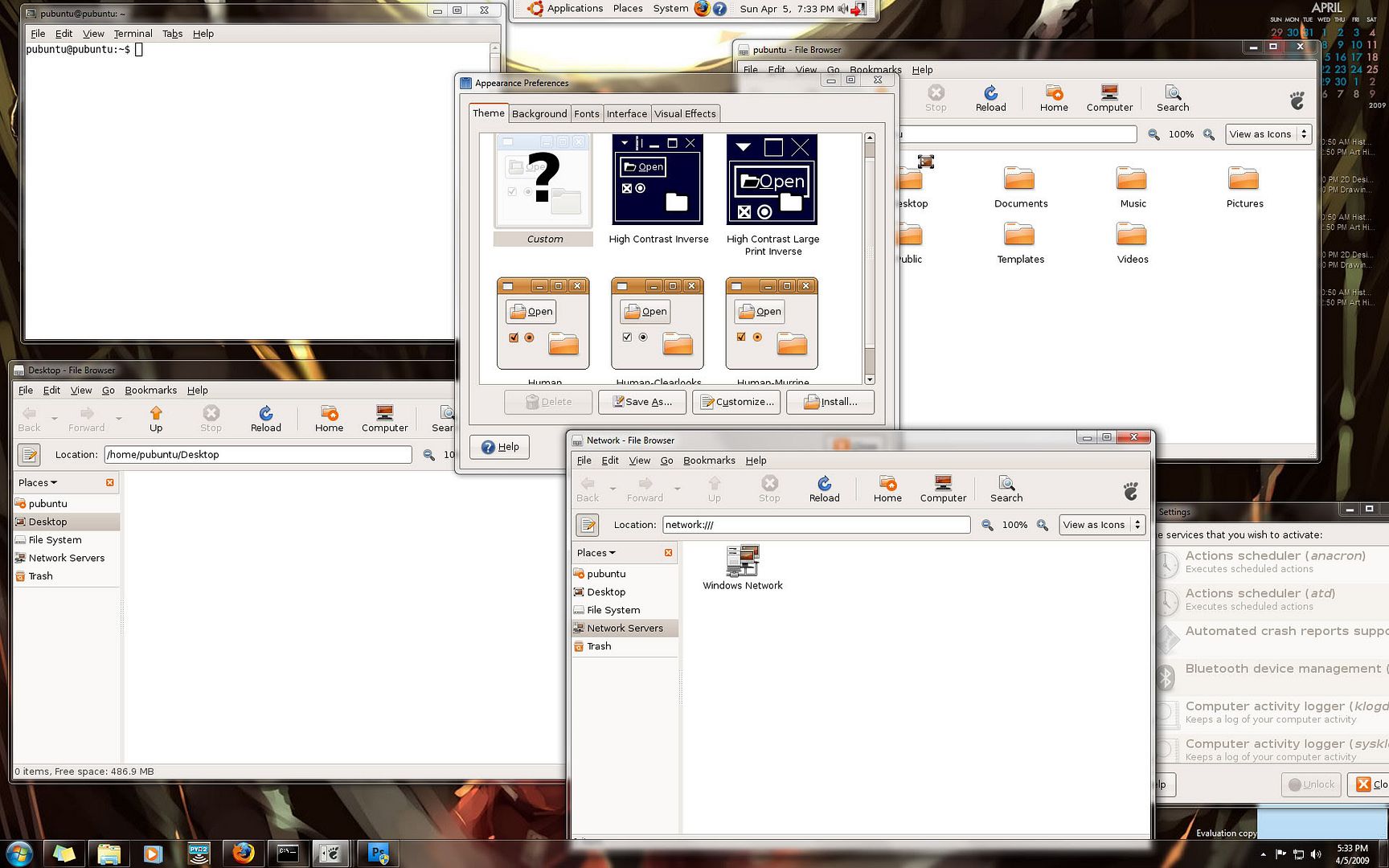
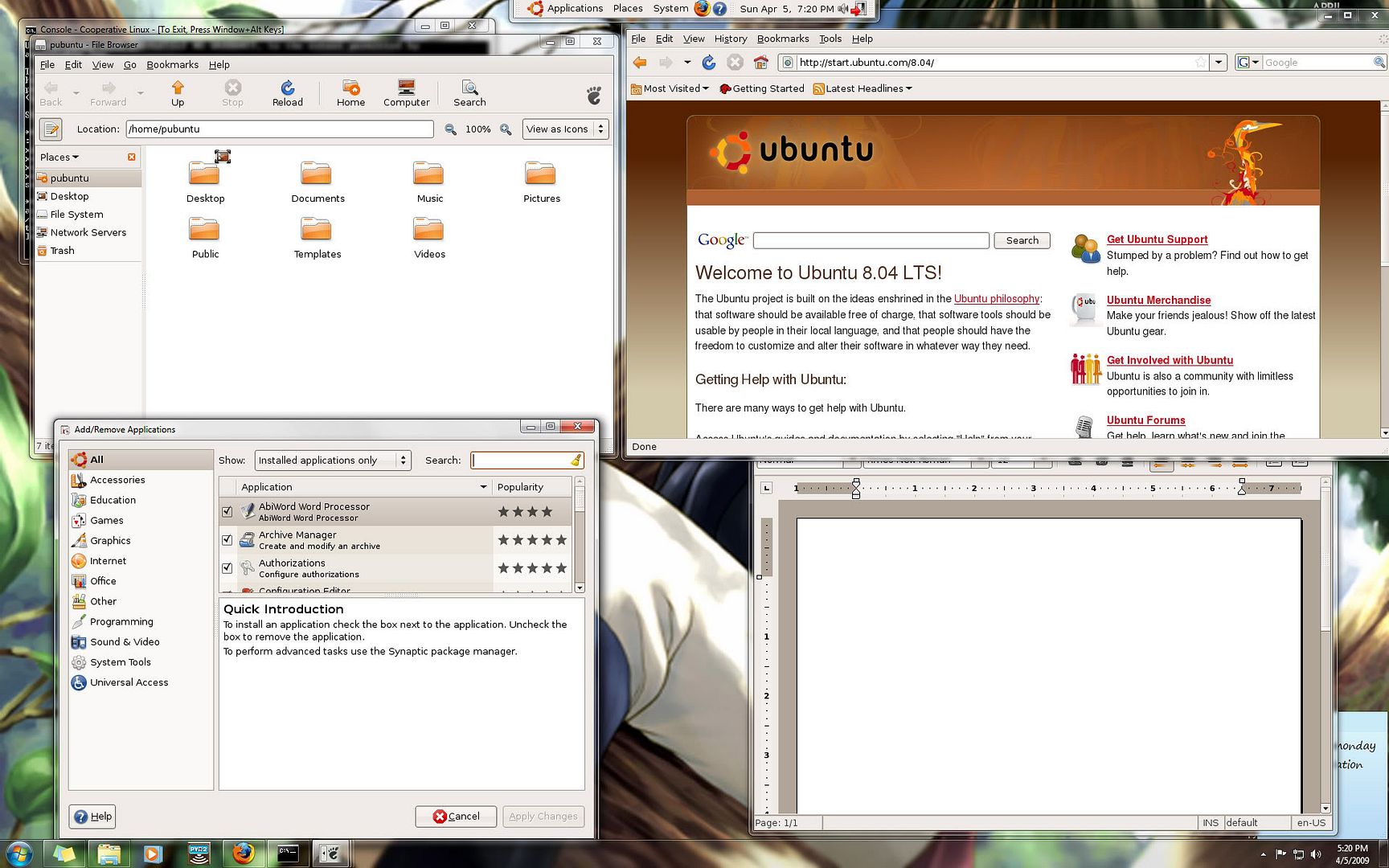
Portable Ubuntu runs the entire OS as an application in Windows. It can access your files and do pretty much whatever Ubuntu can do normally. Any changes you make are persistent even after closing. I'm downloading it right now, it looks sweet. This isn't a live OS, it runs as a Windows app, more like a portable virtual machine, it runs inside of its own image file. Also, default admin pass. is 123456

http://portableubuntu.sourceforge.net/index.php?section=download


It runs inside of Windows and not inside of a VM...
pubuntu-1.jpg


pubuntu2.jpg
 
Last edited:
Just an FYI you can also install Unbuntu to a thumb driver yourself with the Ubuntu Live CD. No reason to download a huge file if you already have a Live CD. Just boot up using the Live CD and while you are booted into Ubuntu, go to System > Administration > Create a USB startup disk. 2 Minutes later you have Ubuntu installed on a thumb drive. It's a little missleading that Ubuntu calls it a start up disc since it's a full install that works just as if it was installed on a hard drive.
 
Last edited:
hmm, i dunno what does this even mean:

"Portable Ubuntu for Windows is a useful tool when you need to move yourself to other machine that have Windows as operating system."

i personally use sun's virtualbox. you can install any os to a virtual drive and test to your heart's content. files and settings are changed too, and you don't have to restart your computer to run the host os like dual booting, or running off live media.
 
It is basically a portable VM of Ubuntu without having to deal with any VM software. The onyl difference is that is runs inside of the Windows OS, say you open firefox up inside the Portable Ubuntu, it will be in a new window rather than constrained inside the VM window.
 
Last edited:
I have been interested in seeing Ubuntu in action but have never actually installed it. This app...does it truly represent the look and feel of Ubuntu? :confused:
 
You can boot almost any O/S, including Ubuntu from the CD or DVD without installing it and run it that way.
 
such as...?

linux and windows use different file systems, a symbiotic relationship wouldn't give you the best experience, imho.


Of course they are/use different file systems. That alone can come in handy without resorting to separate utilities to deal with such in Windows.

Some terminal functions are a pain or nearly impossible to setup within Windows. Try getting a remote X-terminal/windows session going within Windows for one. There are also some excellent free tools in Linux that you can't get in Windows. Just look around.

Using a concurrent install like this could eliminate the need for two computers for some people. Or it could eliminate dual-/tri-booting. I do concede that this type of setup will not be for everybody.
 
Back
Top