adding 9800 gtx and psu

Find the specs of the card and measure your case to see if you have enough room.
But i'm pretty certain they will fit. if the case is a standard case.
 
i dont understand most of the specs so its hard for me. specs as in what hookups it has and so on? also i found that my motherboard is an amd 780g with integrated graphics.
 
i dont understand most of the specs so its hard for me. specs as in what hookups it has and so on? also i found that my motherboard is an amd 780g with integrated graphics.

He is talking about the dimensions of the card, length x width x height, then find the dimensions of your case and estimate if it will fit.
 
ok i get it now. thanks for your help. you guys think a 9800 gtx will play games like far cry, joint ops, age of empires well? i would really like to play crysis.
 
A 9800GTX probably wouldn't max it out but it would be playable (~35 fps) on 2x-4xAA, all high settings, again primarily depending on the resolution that you want to play at. And how much are you paying for that 750W? Depending on the rest of your system, that's most likely unnecessary. A good 550W should be fine.
 
just be aware that a 9800gtx is somewhere around 10 inches long, so with a prebuilt manufacturer you might run into problems(power plugs in the way, along with other things like hdd cages)
 
ill have to pop my comp open and take a look. id just like to be able to play crysis at all on atleast medium graphics. and if i can find a good 550 watt that fits ill go that route.
 
i looked them up individually both are about 100 bucks. thats well within my price range. now i saw a 9800 gtx made by sparkle that instead of bein 512mb it was 1 gig. whats the difference?
 
ok thanks ill take a look at both. on another note i found the dimensions of the card. its 10.5x4.8x2.3 inches. i have roughly an open space of 11x7x4.5 inches.
 
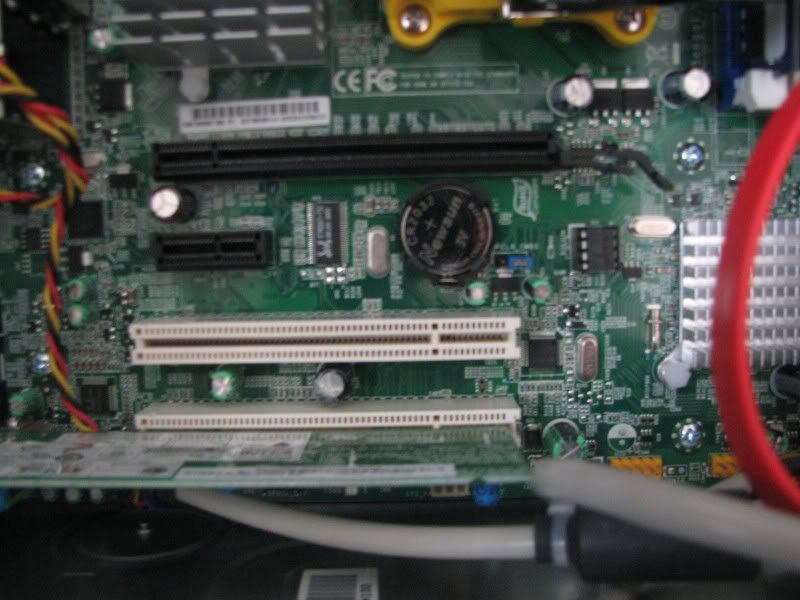
also i have to pci express slots right next to each other. but one has a dial up modem card in it i believe. the specs on sparkles site say that the card uses one pci express but occupies both slots.
 
heres a few pics i took now that im on my desktop

the modem card taking up one slot:
IMG_0581.jpg


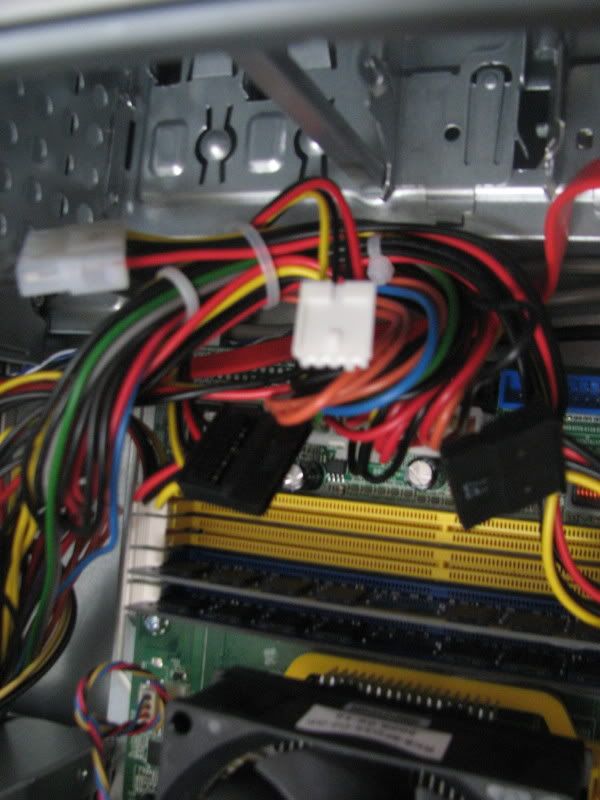
why all these unused connectors? also why are two ram slots one color and the other two another?
IMG_0584.jpg


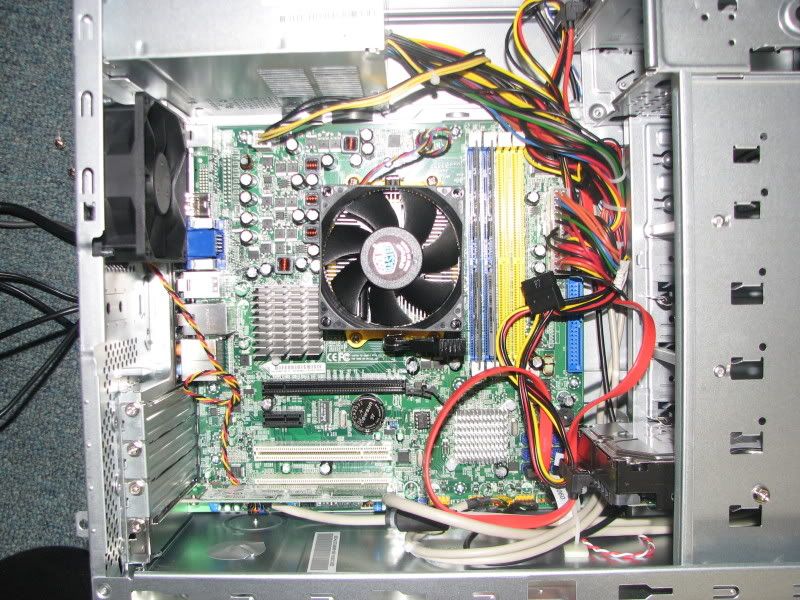
also i can move the hard drive from the bay its located in this pic to two bays above it right? any bay will work? that will give me more room.
IMG_0579.jpg
 
See that black slot there? That is your pci-express slot where the card would go, and then since its a double slot cooler card, it would also cover(but not use) the smaller black slot(which is a pci-express x1 slot). If you dont plan on using the modem, i would recommend taking it out as it would provide more airflow to the graphics card;)
 
why all these unused connectors?

The unused connectors are for future upgrades, adding components.


also why are two ram slots one color and the other two another?

The RAM slots are different colors because your board runs the RAM in Dual
Channel. Having two sticks filling the two Blue slots is allowing for Dual Channel
mode. If you had only one stick in one of the Blue slots, it would run Single Channel.


also i can move the hard drive from the bay its located in this pic to two bays above it
right? any bay will work? that will give me more room.

You can move the hard drive to whichever bay you want, it will not matter.
Answers in Red
 
Back
Top