metro 2033 resolution

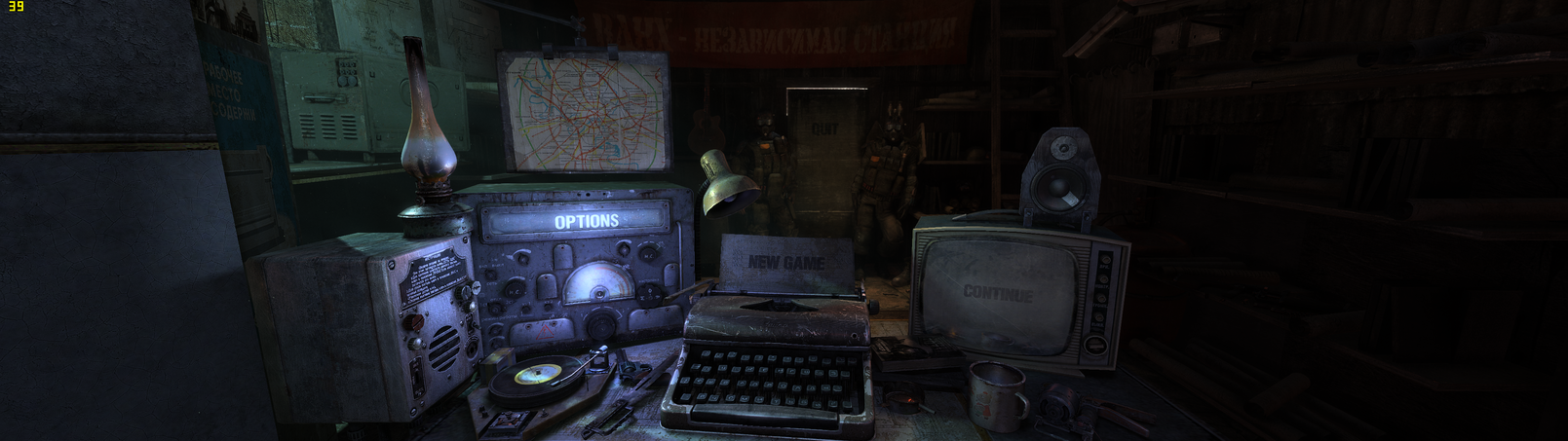
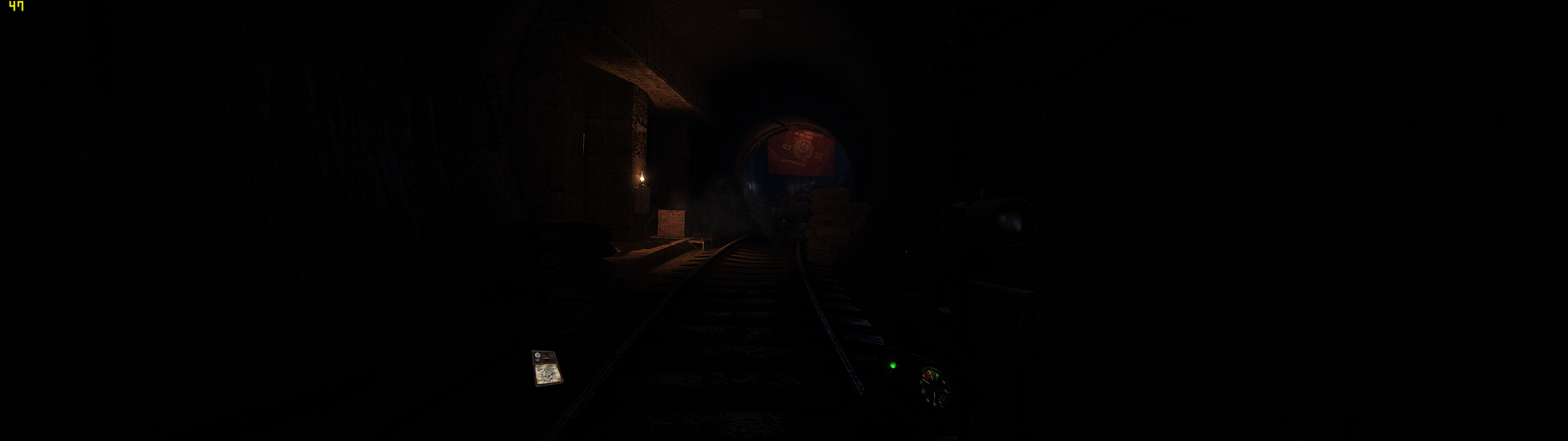
I am running two 23" AOC LED monitors right now at 3840x1080 with two 6950's in crossfire. When I play the games using both monitors, it looks fine and plays fine. But when I try to run just one monitor at 1920x1080 and shut the other off.... it looks squished on one monitor.

No matter what I have tried doing, it wont look right on just one monitor at 1920x1080. Any ideas?


I have another monitor to have 3 at 5760x1080 but I am waiting on the active mini display port to dvi connector from newegg.

I don't like playing on two screens because the bezel is in the center. that is why I want to play on one screen for a few days.

No other game does this when playing on one screen.
 
It might be something psychological, since metro 2033 looks normal on my Monitor
If you can post a screenshot it would be good. :D
Use Fraps for that.
 
since its the width that's bothering you, try like 1600x1080 or something more like that, then it should look right and will still be perfectly clear.
 
It might be something psychological, since metro 2033 looks normal on my Monitor
If you can post a screenshot it would be good. :D
Use Fraps for that.

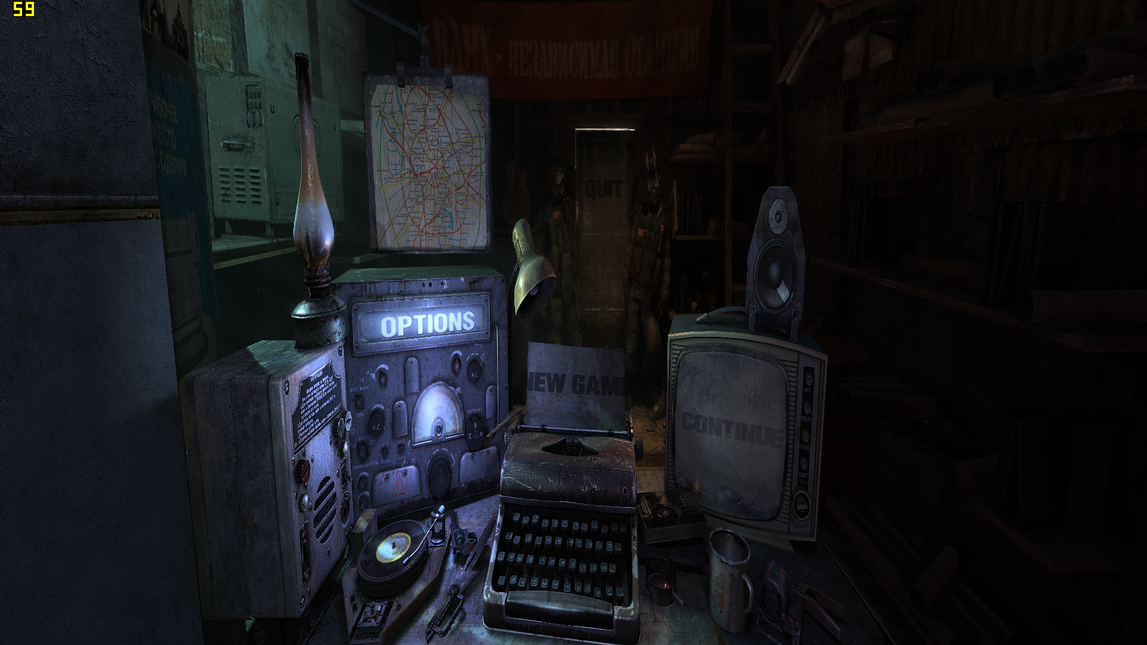
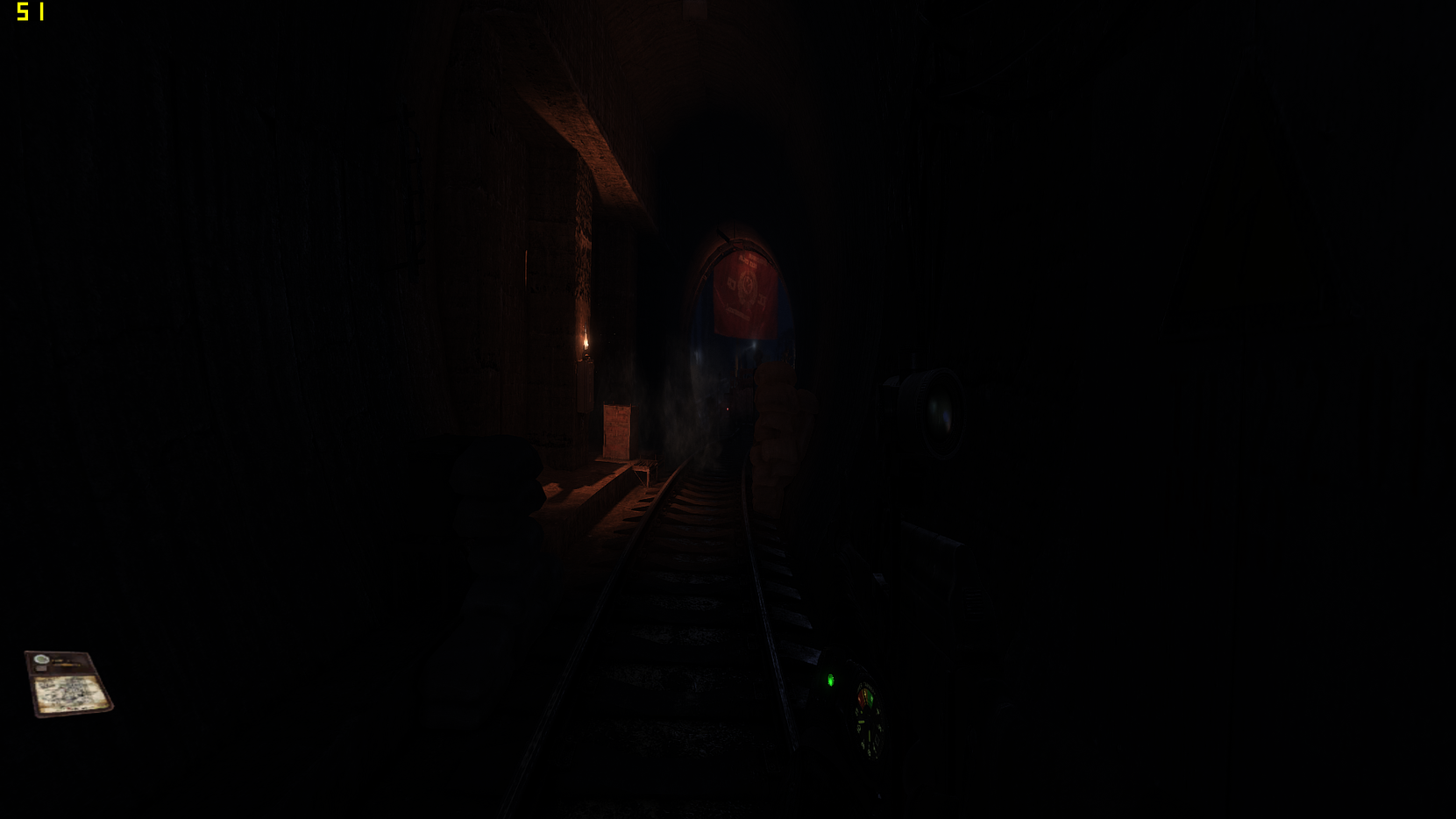
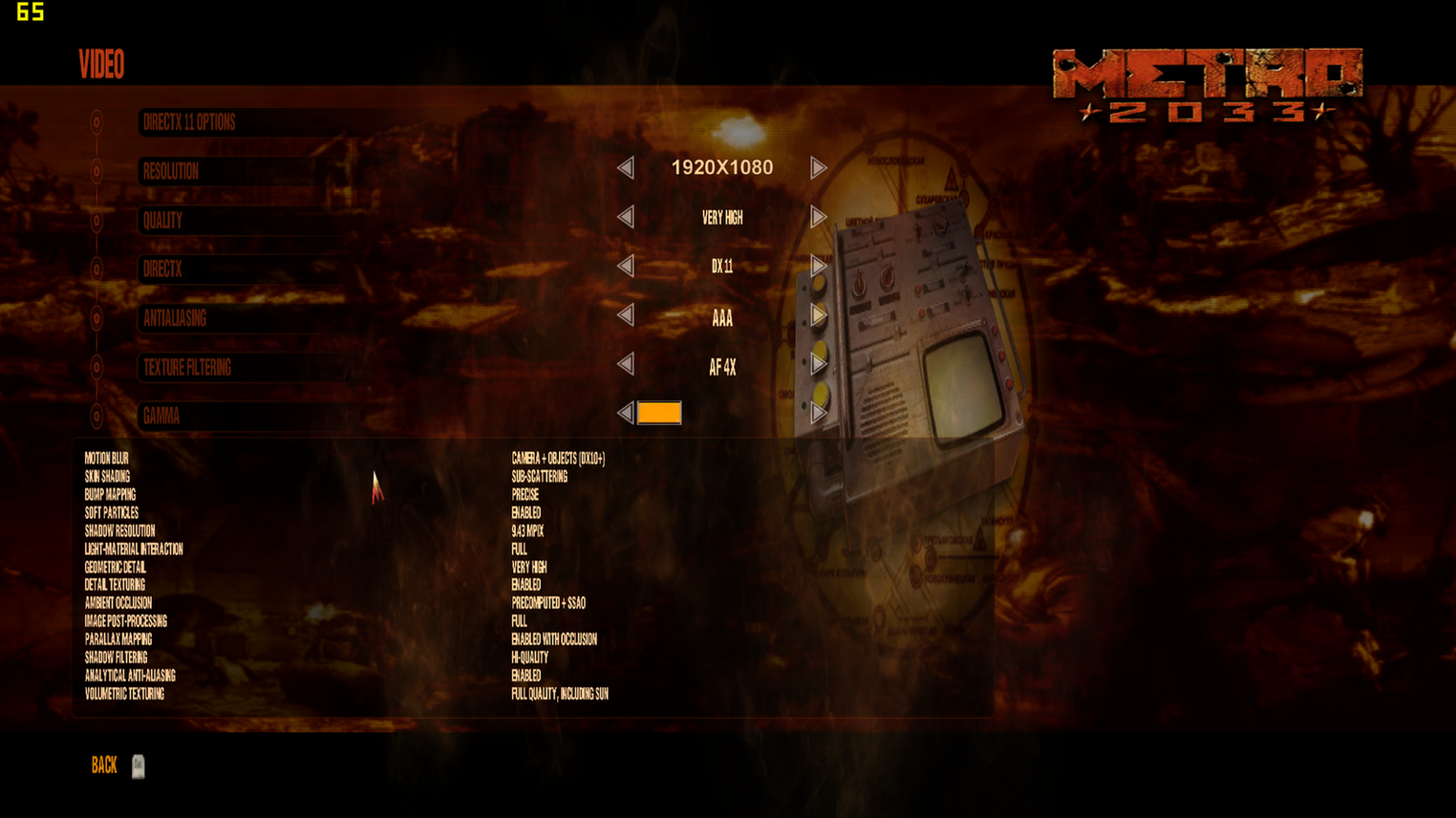
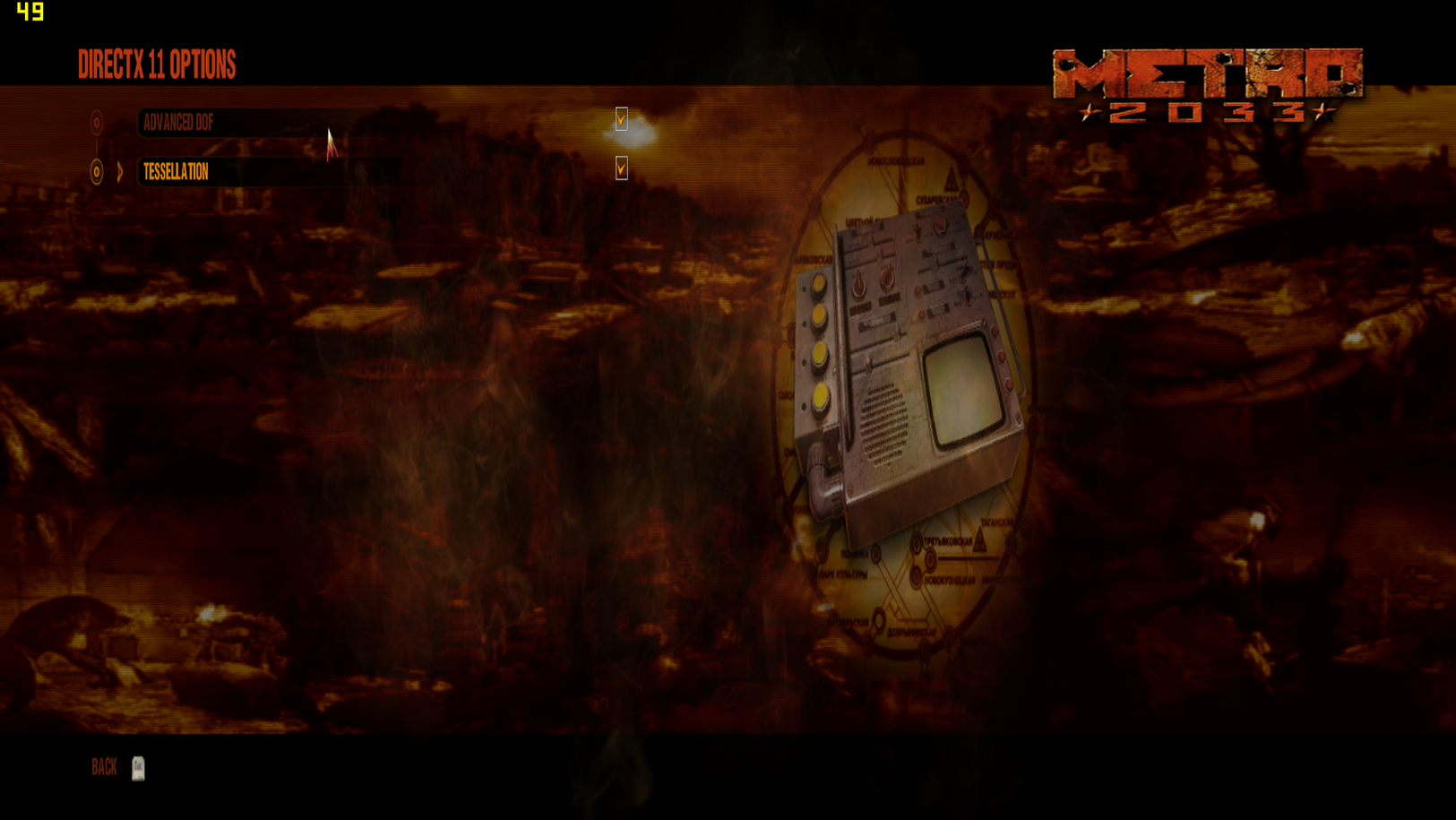
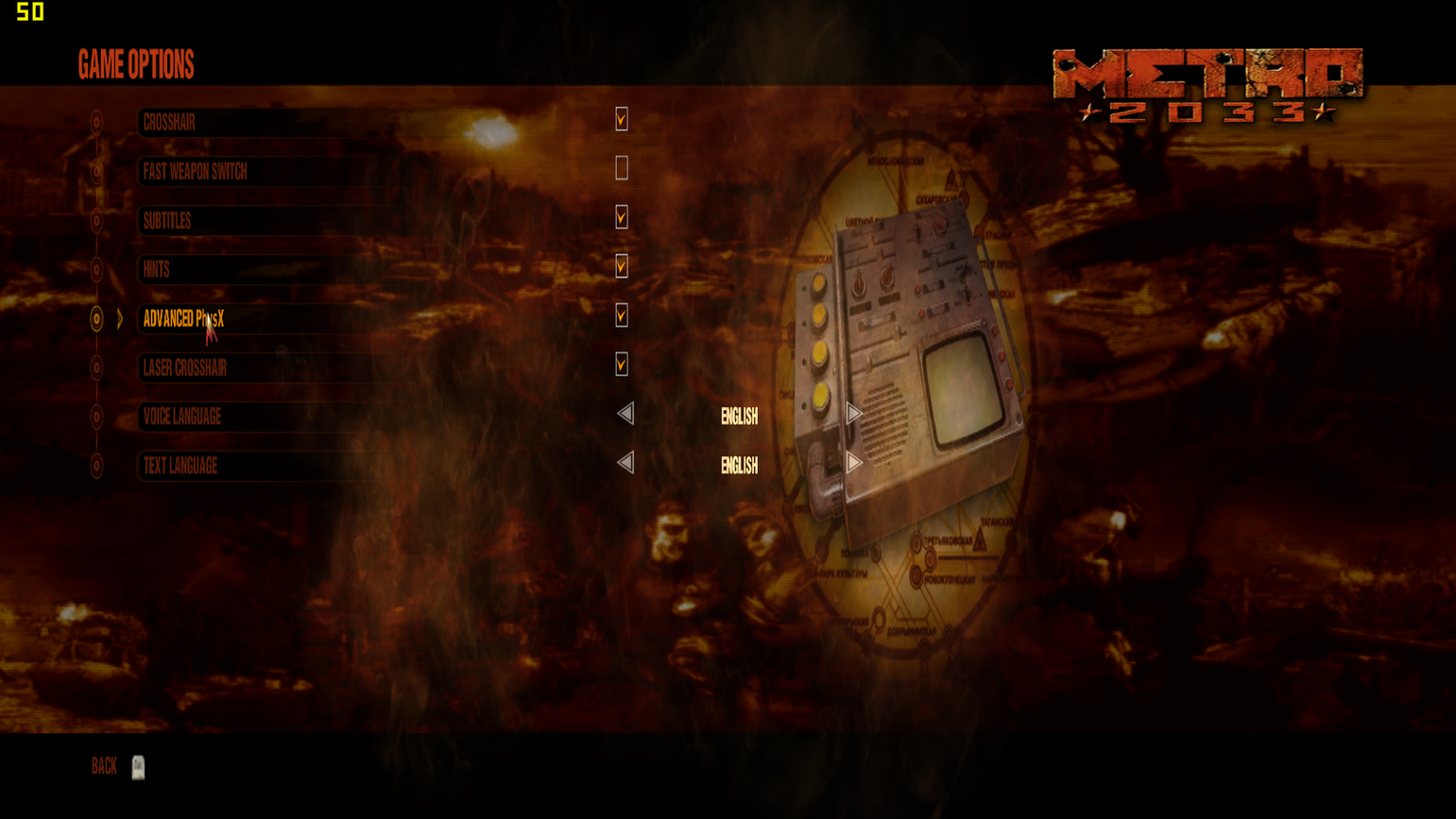
Check out the difference:

Metro20332011-08-2819-56-43-80.png


Metro20332011-08-2819-57-00-51.png


Metro20332011-08-2819-52-56-04.png


Metro20332011-08-2819-57-09-64.png
 
Ok its definitely weird.
I tried it out. Mine looks fine.
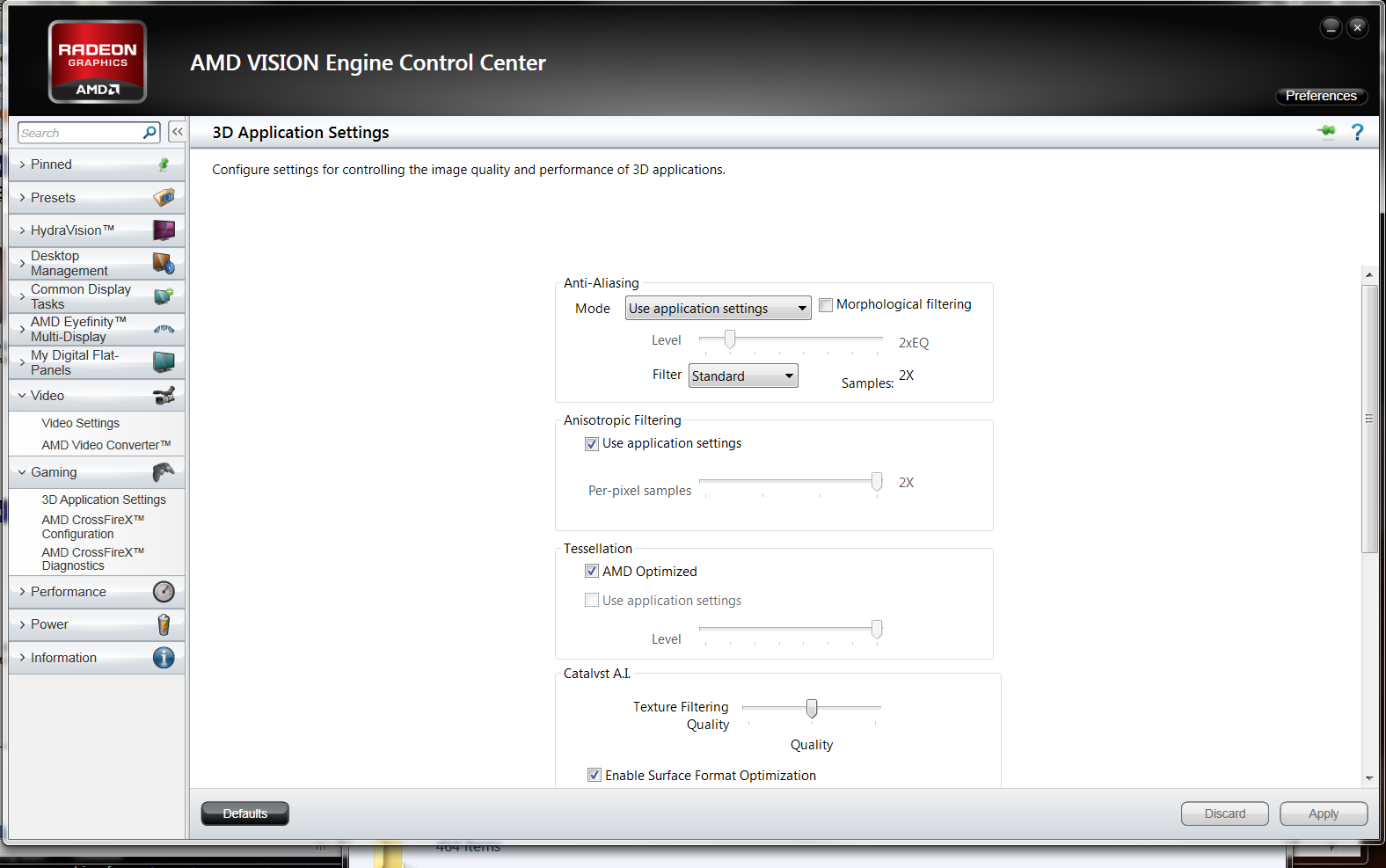
Can you please post a screenshot of your video settings and also a screenshot of your ATI Control Panel.

When the other monitor is disabled and the resolution tab in the ATI CP
 
Last edited:
i'd say just start scrolling threw all the resolutions untill something looks right, then find the ratio and get the highest res on that ratio, you may also want to check you screen's settings on its settings.
 
did you see this, seems like the fastest and easiest solution

i'd say just start scrolling threw all the resolutions untill something looks right, then find the ratio and get the highest res on that ratio, you may also want to check you screen's settings on its settings.
 
did you see this, seems like the fastest and easiest solution

Yes, I tried that. Took awhile lol, but I couldn't get any to work. Ill just wait till I get my adapter to run my third monitor in a few days. Then I will have my triple eyefinity up and everything will work great!
 
except you'll have to deal with 2 big black lines seperating the screens

I don't mind it at all. the only time I mind it is with only two screens. Then the center of your field of view has a line through it. That is where your character is. Three screens eliminates that issue.

I thought having the bezel would bother me but it doesn't.
 
Did you try resetting the resolution in game? So set it to something ridiculous like 640x480 then set it back up to 1920x1080 see if this stops the squishing effect on a single monitor. I know Farcry 2 did this and resetting the resolution fixed the problem for me.
 
Did you try resetting the resolution in game? So set it to something ridiculous like 640x480 then set it back up to 1920x1080 see if this stops the squishing effect on a single monitor. I know Farcry 2 did this and resetting the resolution fixed the problem for me.

Well, if he went through each different resolution, I imagine, he ended up doing that.

And johnny...I'm guessing you've never played a game with multiple monitors. For games that are designed to run like that, they adjust the image so that you are seeing everything, though the image is split up onto 3 different screens. You can't really do that with 2 though, cause your character would end up on both screens.
 
tronsco, thought you had seen enough of my posts to know i can barely play games on this p.o.s., can't even get high enough fps on reses for multi-monitors.

also i have had issues in games before where just deleting it and re-installing fixed it.
 
Back
Top