G80FTW
Active Member
So, getting bored with the low quality graphics of even todays games  (waiting for Crysis 3!) I decided to play with some of the visual settings in the nvidia display driver.
I actually did this to try and make Madden 2004 look better. I havent played this game since, well 2003 , and it came bundled with my FX5200 I bought back then but I never really played it.
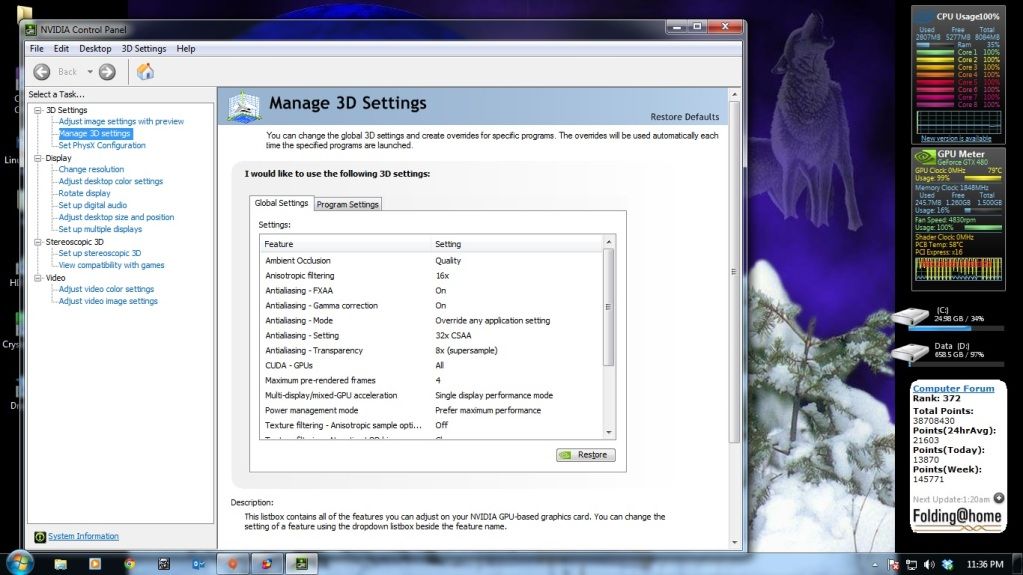
So, here are the settings Im using:

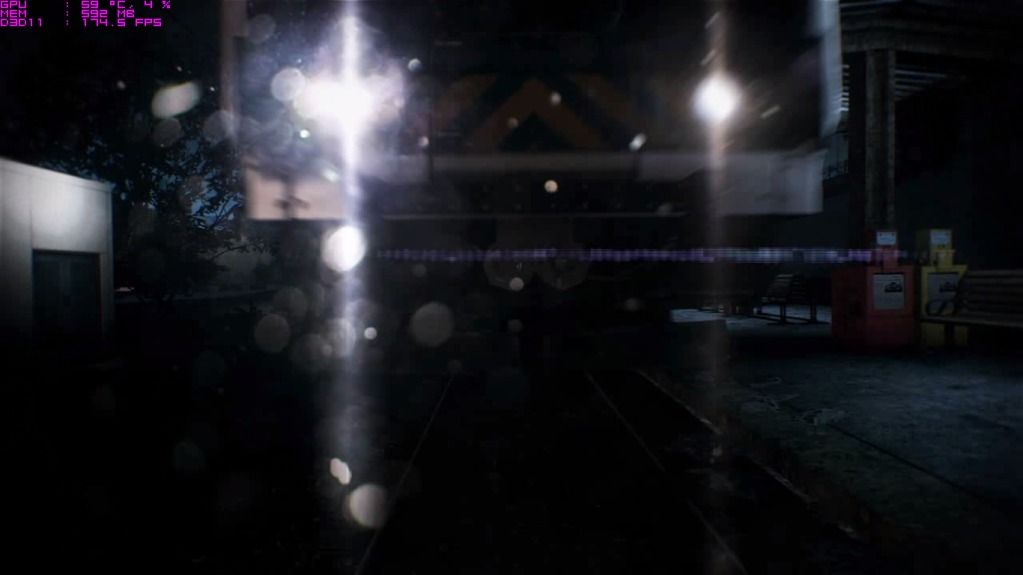
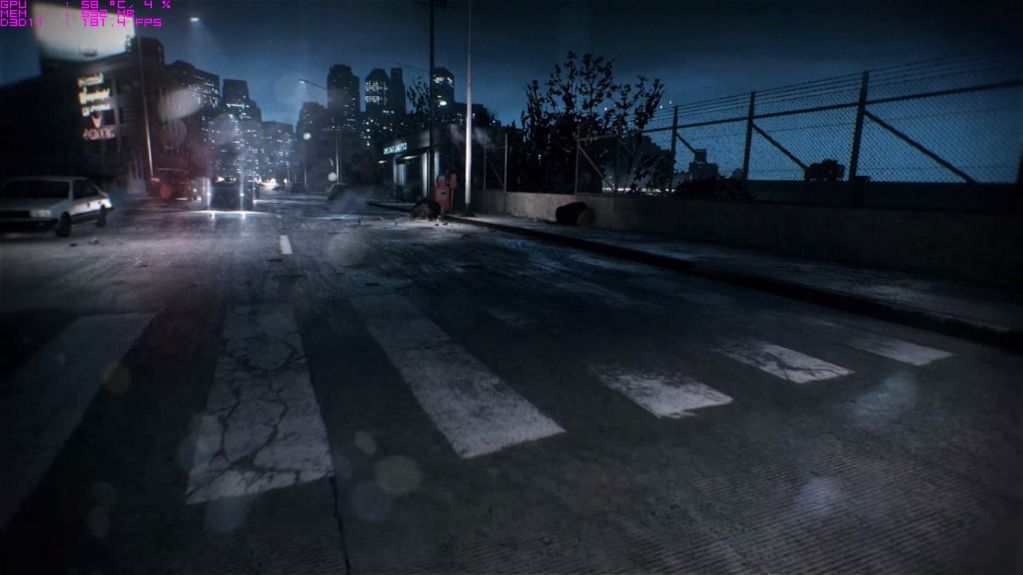
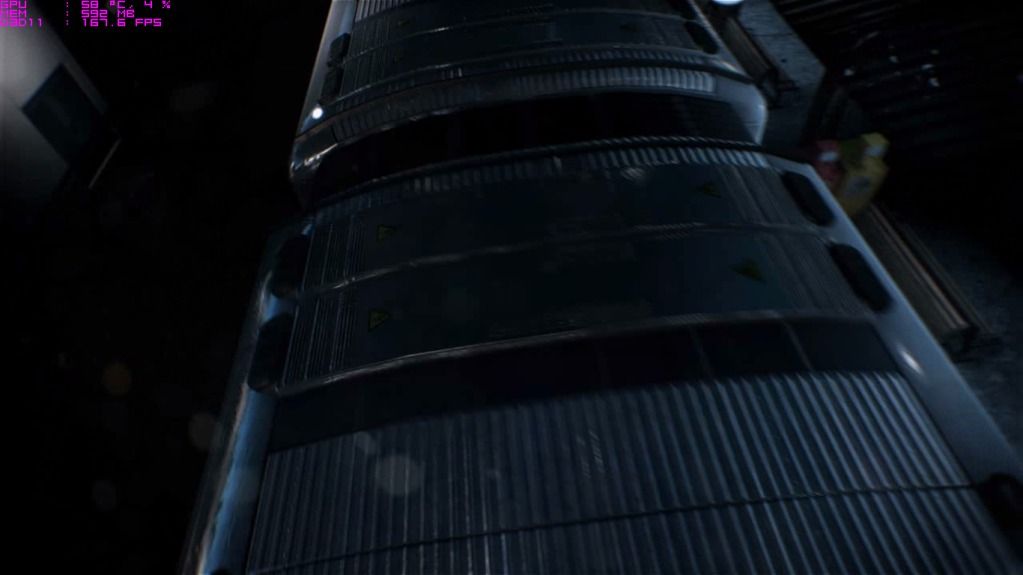
And here are some screenshots of Madden and STALKER Clear Sky:


Ill probably do Crysis 1 later to see how it looks. Or run the forest cry3 demo.
But anyway, Madden was running at 1600x1024 in game (800x600 I believe in the main menu)
And stalker was at 1920x1080. Both games had vsync enabled so wont go above 60fps and I noticed no drop in performance in either game.
Also, does anyone know is the settings I am using will give me the highest possible quality? They appear to. I dont know much about all the different types of AA though.
(waiting for Crysis 3!) I decided to play with some of the visual settings in the nvidia display driver.I actually did this to try and make Madden 2004 look better. I havent played this game since, well 2003
, and it came bundled with my FX5200 I bought back then but I never really played it.So, here are the settings Im using:

And here are some screenshots of Madden and STALKER Clear Sky:


Ill probably do Crysis 1 later to see how it looks. Or run the forest cry3 demo.
But anyway, Madden was running at 1600x1024 in game (800x600 I believe in the main menu)
And stalker was at 1920x1080. Both games had vsync enabled so wont go above 60fps and I noticed no drop in performance in either game.
Also, does anyone know is the settings I am using will give me the highest possible quality? They appear to. I dont know much about all the different types of AA though.