Custom computer splash screen doesn't show up

Beachbum111111

New Member
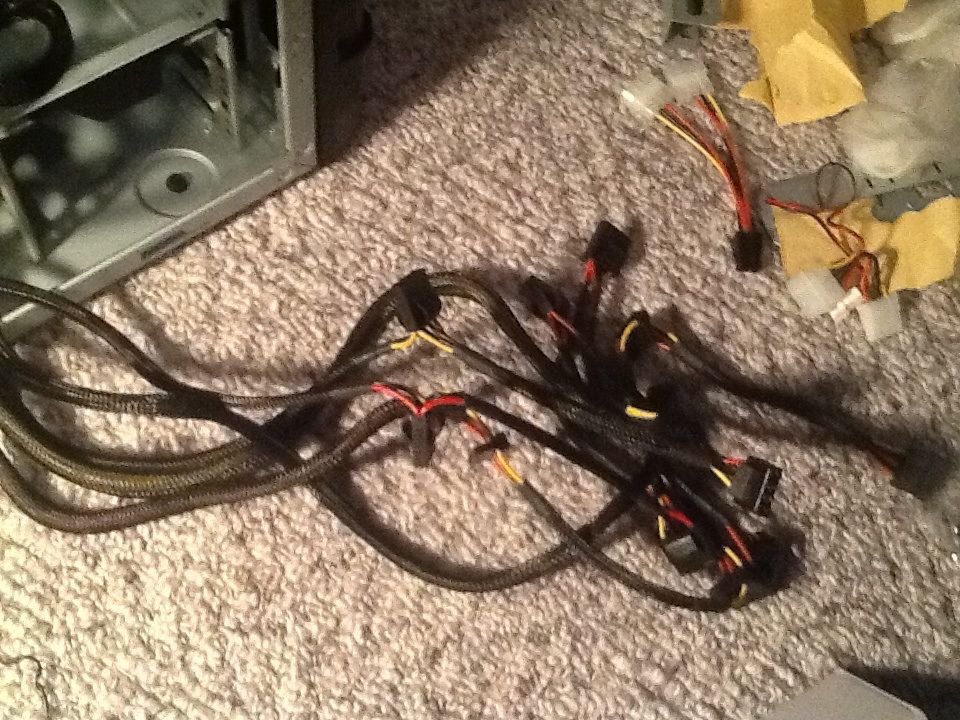
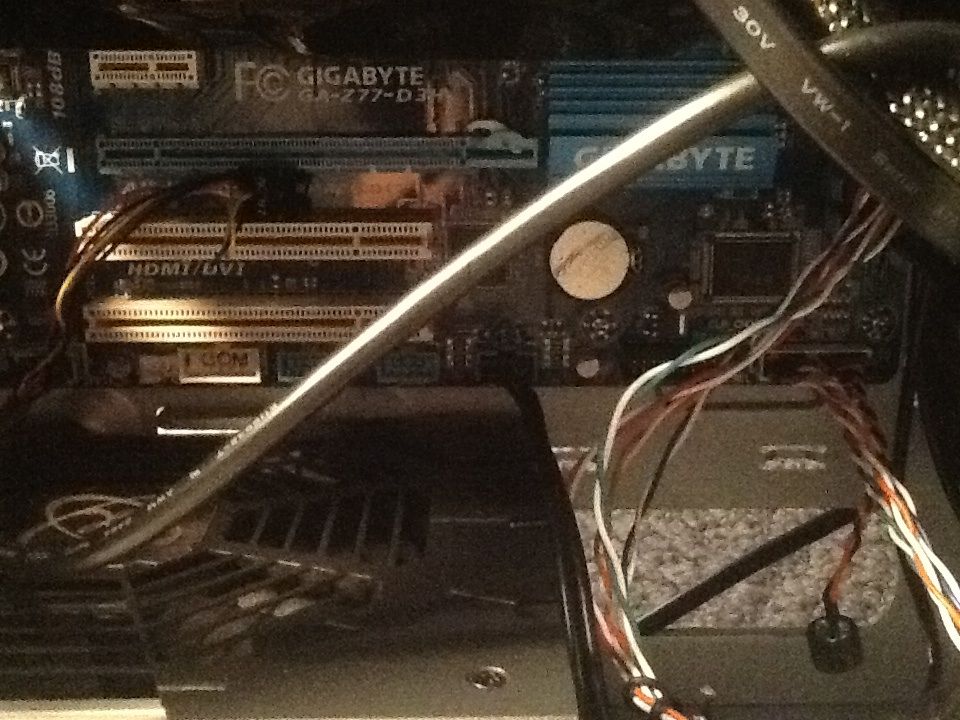
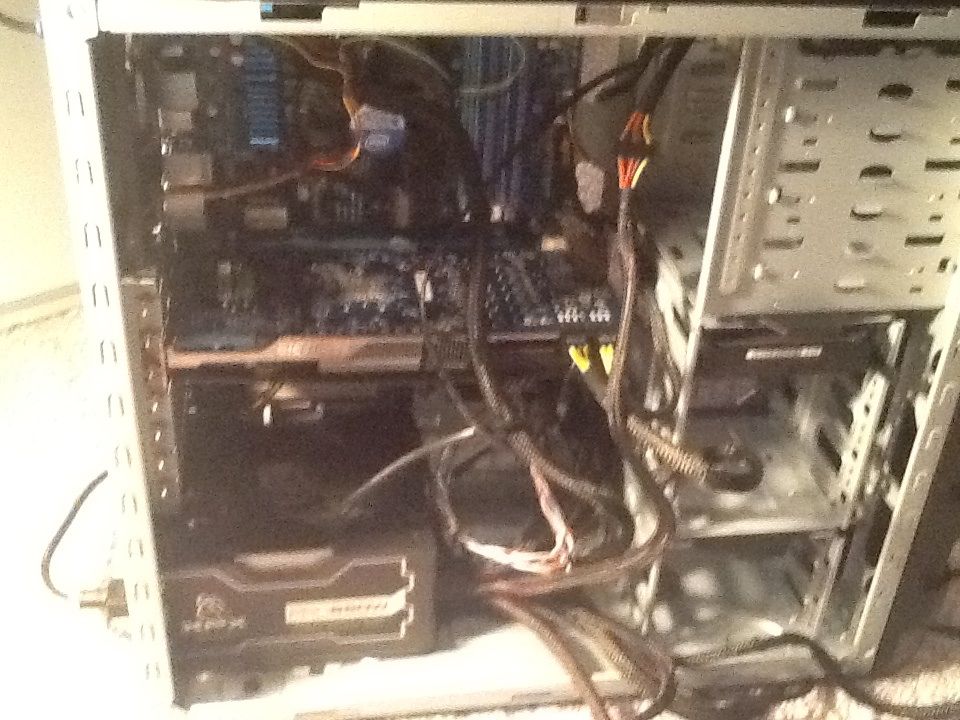
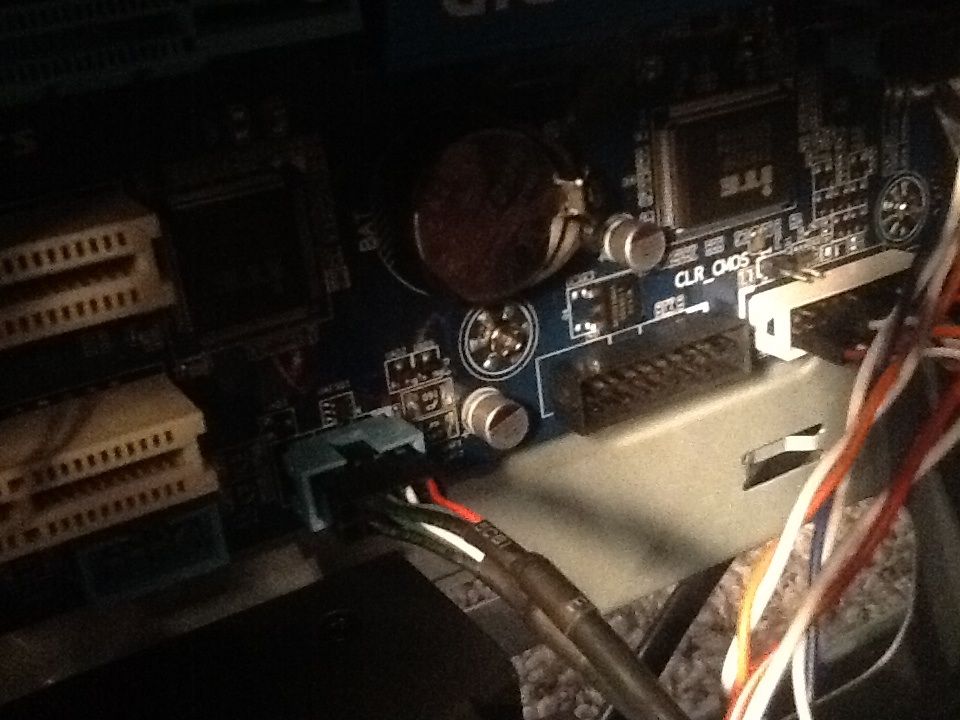
Hello. I recently tried building a custom computer (see my first thread on the parts) and I have a bit of a problem. I have all the cables I need hooked up (I'm pretty sure at least). When I start the computer up the fans turn on, including the CPU fan. But no splash screen appeared. Nothing is wrong with the monitor so I know it's the computer. I dont know if i have everything i need hooked up so here are pics of the computer
image_zpsde59be81.jpg


image_zpse074e361.jpg


image_zps6284abfb.jpg


image_zps16d9cb66.jpg


image_zps88e8db99.jpg


image_zpsba0b584b.jpg


image_zps2178d708.jpg
 

Attachments

  • image.jpg
    image.jpg
    95.7 KB · Views: 74
Last edited:
Try resetting the cmos first. Can you confirm the psu is good? Make sure the 4/8 pin cpu connection is in tight.
 
Unplug power from power supply, remove the cmos battery from the motherboard, press the power button on the case for 10 seconds, then wait 5 minutes. Then reinsert battery, reconnect power and try booting up.

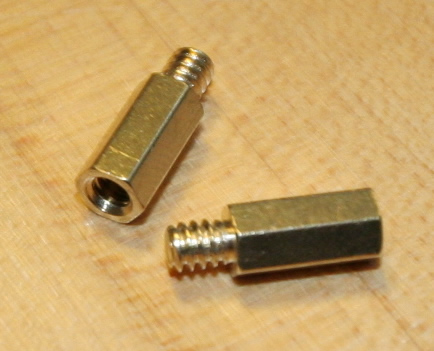
Did you install the brass standoffs between the case and motherboard?
 
Unplug power from power supply, remove the cmos battery from the motherboard, press the power button on the case for 10 seconds, then wait 5 minutes. Then reinsert battery, reconnect power and try booting up.

Did you install the brass standoffs between the case and motherboard?

I can't see any battery in my motherboard. I never put one in. Or did it come installed on the motherboard?
 
It comes installed in your motherboard. In the 3rd picture, it is the silver round item right below the blue gigabyte heatsink. In the first picture it is right above the screw.

And once again, did you install the copper/brass standoffs in the case before installing the motherboard? You should have 9 of them in there, or at a bare minimum 4 of them. Do not install them where there is not a hole to match them.

Note, below is a picture of a standoff.
IMG_6805.jpg
 
It comes pre installed, on the fourth picture in the original post you can see it underneath the Gigabyte logo. It's silver and circular, like a watch battery.

Could we see some pics of where you have the standoffs in?
 
Alright when I completely remove the dedicated GPU it makes a sound and the screen shows up. So I installed windows 7, installed my motherboard stuff and GPU stuff, disabled my onboard graphics in the bios. But when I plug in my GPU and try to start my computer it won't show a screen. Please help
 
Back
Top