Reformatting Error

TucanSpam

banned
I was trying to reformat last night on my other hard drive and this came up
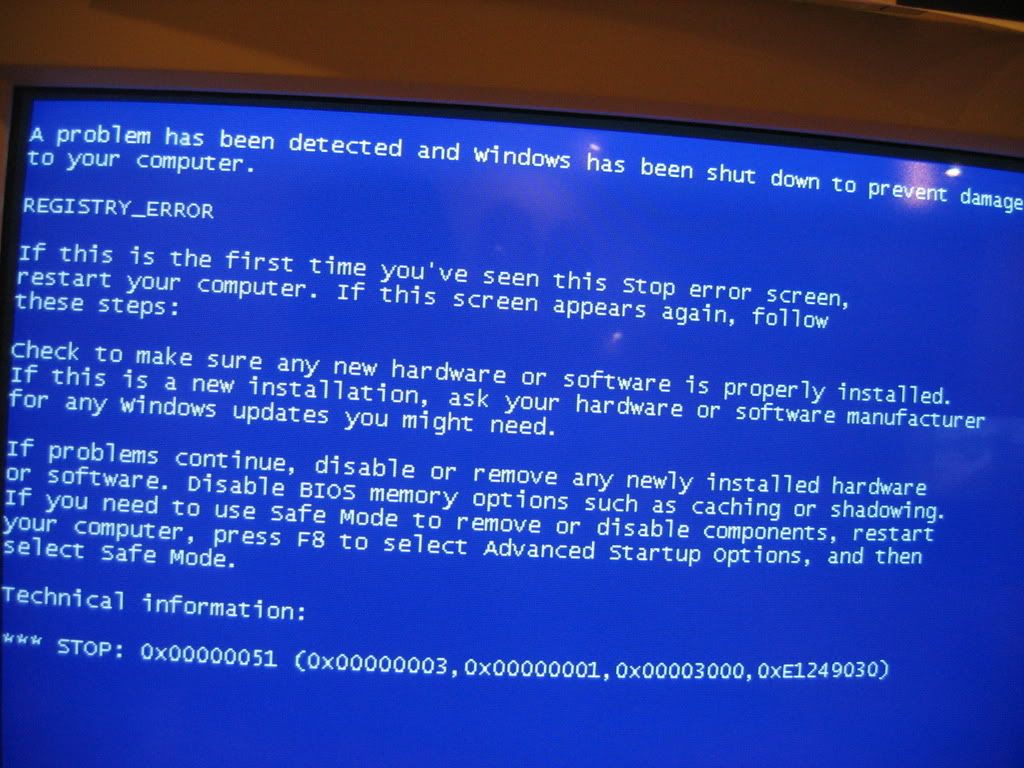
IMG_3752.jpg


I only put in the power supply wire and that other wire (I dont know what it's called:o ) And I unhooked my hard drive that i was already on...i dont really get what got messed up but i badley need to reformat...i have some pictures
IMG_3748.jpg

IMG_3747.jpg

IMG_3746.jpg


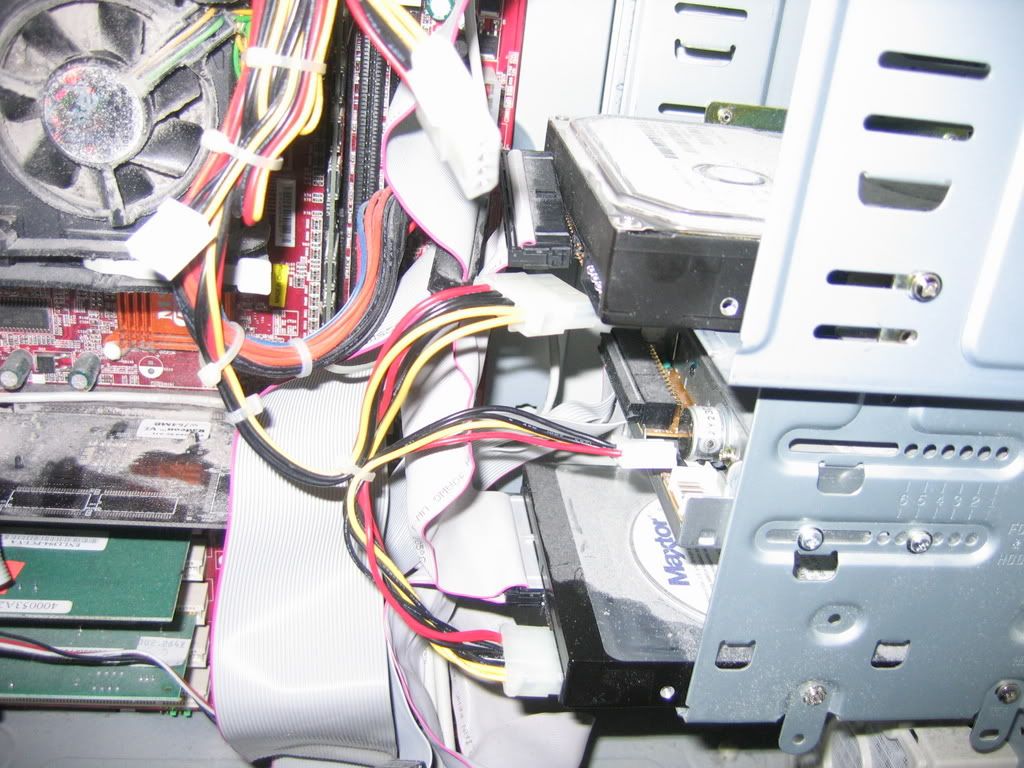
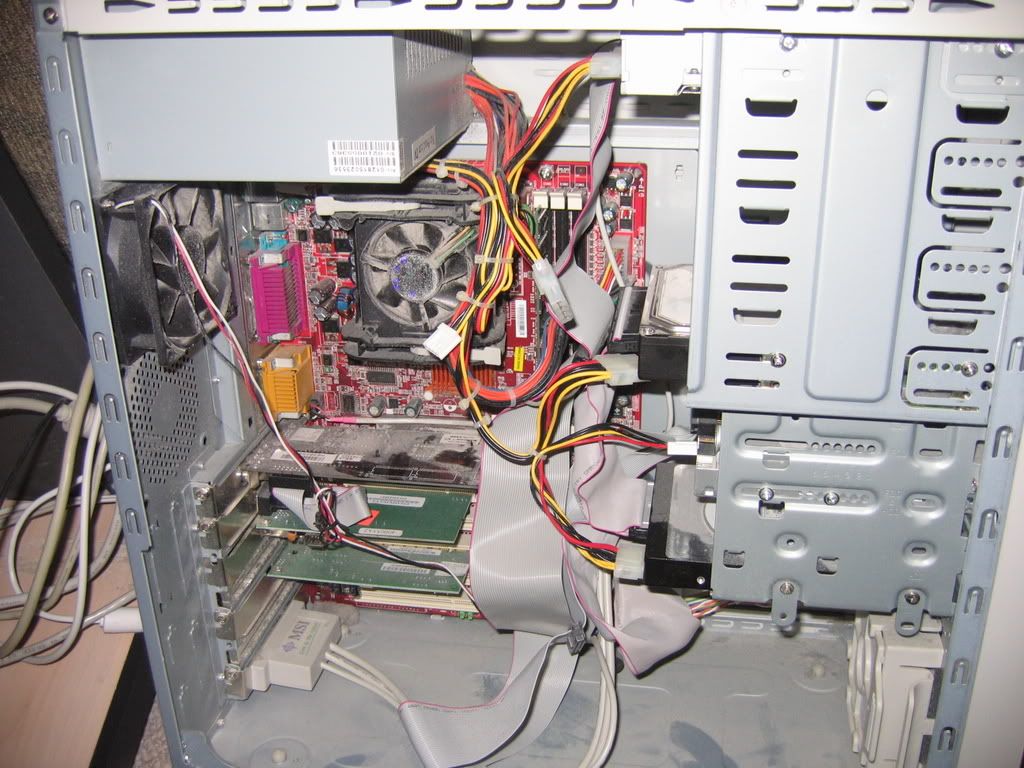
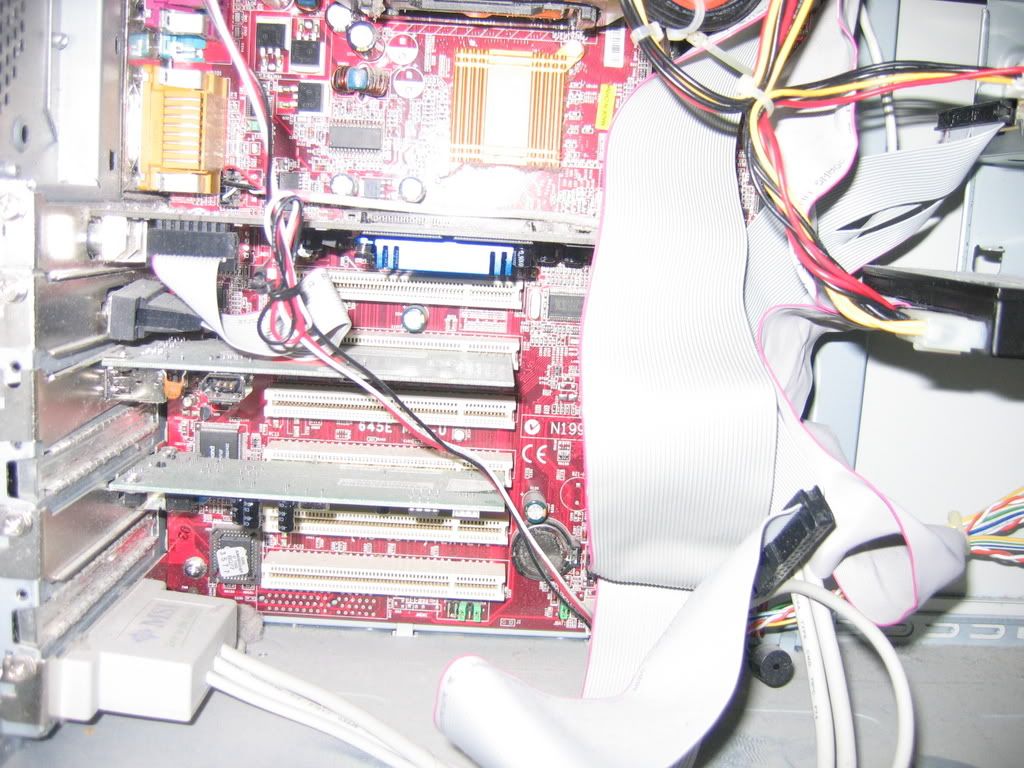
As you can see i unhooked the top hard drive and hooked up the bottom one... does anyone see something that might be loose? Yes is it really dusty...i cleaned it out the other day so it looks more cleaner right now
 
With Windows up and running on the primary drive you wouldn't need to unplug anything. With XP anyways you would simply go into the Disk Management and right click on the second drive shown. The drop down menu has the format option there. If you plugged the drive in with the end connector while the jumper was still set to slave that would see a problem right off.

With the error seen there it looks as if Windows had been installed on the second drive at one time. With that being the only drive plugged in boot the system with the XP installation disk in the cd drive. Make sure you set that as the first and only boot device and proceed through the starting screens until you see the prompt for "press R for recover console or install Window now press enter".

While not installing Windows at this time the installer will detect and list the drive and the one or more partitions on it. Once there press the "L" key for deletion of the existing partition. On the next screen press the "D" key and you will then be prompted to confirm the deletion. Once that is done shutdown and reconnect the primary. Upon that you now reset the boot order back the way it had been and use the Disk Management tool under "Administrative Tools>Computer Management" seen in the control panel and right click on the drive with "unallocated" and the amount of drive space available to choose the format option. Your new NTFS partition will then be created.
 
With Windows up and running on the primary drive you wouldn't need to unplug anything. With XP anyways you would simply go into the Disk Management and right click on the second drive shown. The drop down menu has the format option there. If you plugged the drive in with the end connector while the jumper was still set to slave that would see a problem right off.

I tryed this, right clicked my hard drive that i want'ed to reformat, and it was reformating. When it was done I turned off my computer, went into the BIOS and changed which hard drive will start up first, and when i restarted it said that NTLDR file is missing, press CTRL+ALT+DEL to restart...and if you restart the same error pops up.
 
That sould be an error being seen with the mbr there. You may want try the "Fixmbr" or "Fixboot" commands at the recovery console. With the wipe of the drive and fresh partition just formatted XP hasn't had a chance to redetect the second drive there. Unplug that and boot up with the primary to see if Windows loads normally first. If everything goes alright shutdown to boot with the XP disk and try the repair option after replugging the second drive and seeing if Windows will load up. If not recovery console time.

Upon removing RC1 and repartitioning here in preparation to throw XP Pro on the second drive after first running Mandriva and Zenwalk for a time the XP Home primary had to install the second drive after the mbr repair. The repair install method for the primary is another thought if the mbr was damaged somehow. First make sure the jumpers for the drives are set correctly; usually master for primary - slave for secondary or cable select for second ide drive. If the system is trying to load from the second there then the missing file error can appear.

For a repair install if needed first unplug the second drive and go to http://www.michaelstevenstech.com/XPrepairinstall.htm and read through the detailed article seen there. The first thing however is to see if the host drive will load Windows as a stand alone drive. If you still see the same error something happened there. The fixmbr and fixboot commands should be tried first before going with the repair install option.
 
Back
Top