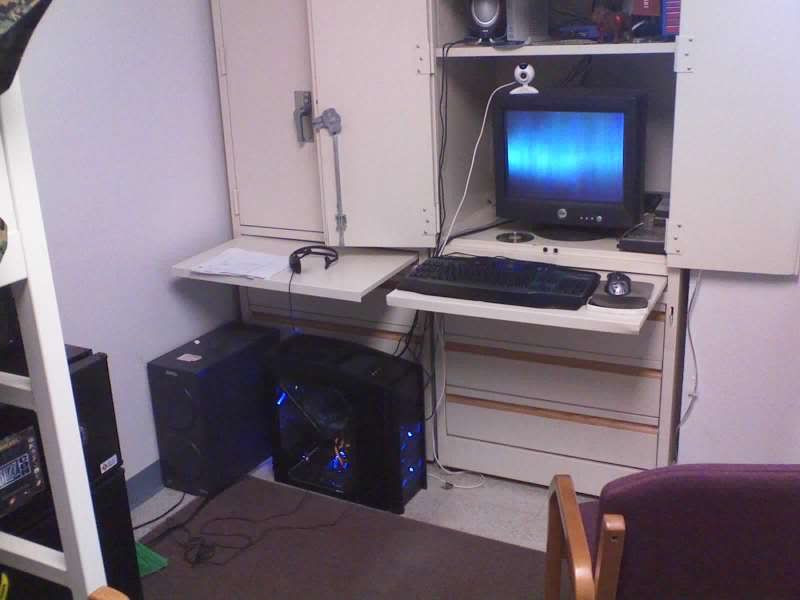
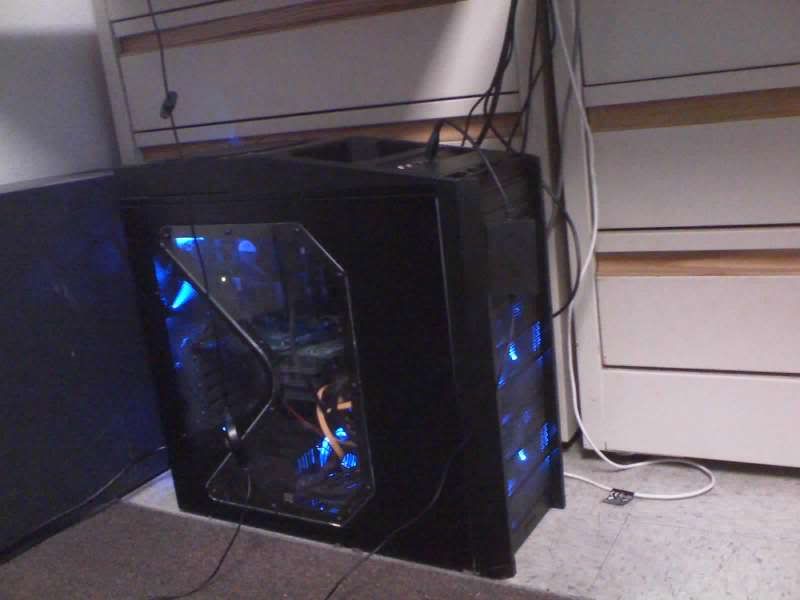
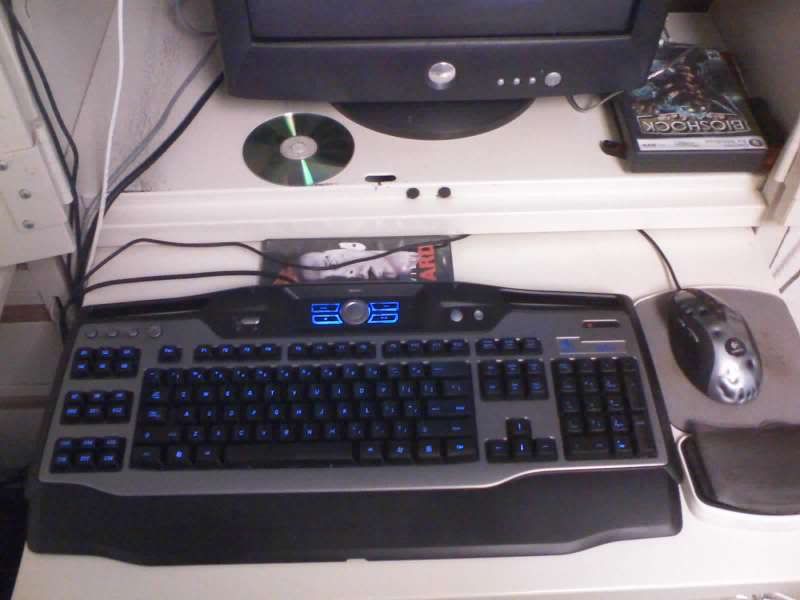
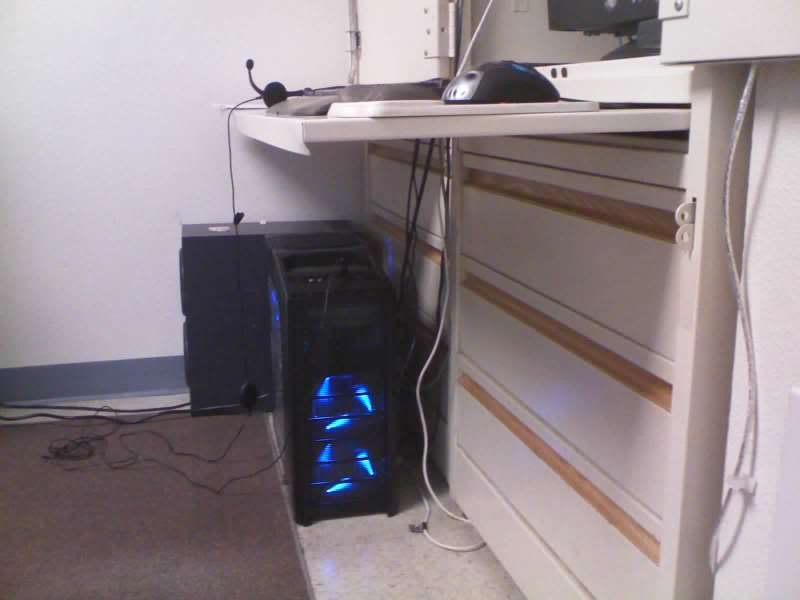
New build pictures ( quality not so great due to camera phone ) Thanks again oscaryu1

i dont get my monitor till monday so still using my old CRT :(


Jan05_0001.jpg


Jan05_0002.jpg


Jan05_0003.jpg


Jan05_0004.jpg
 
:D .... just cant wait till i get my 22 inch monitor on monday.... then the pc will be complete :D. do uknow how the EVGA step up program works since my GPU is evga... i already registed and have like 85 days to use it.. do i just pay the difference on the 2 cards or something
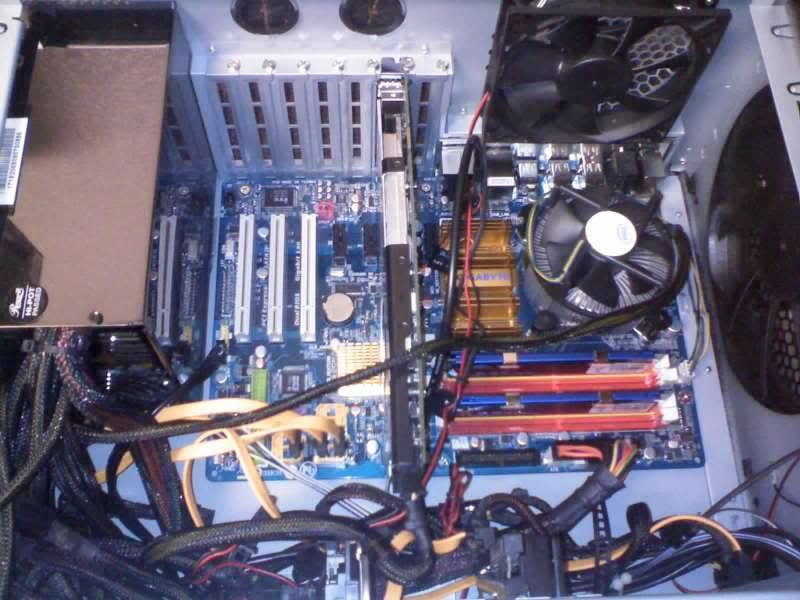
 
Can you take the side panel off and post a pic of the interior? Was it difficult to build with the 900, in your opinion?
 
ya ill open it up and take a pic of the interior..

aslo building with the 900 was extremely easy. in the past i dealt with alot worse. this by far was one of my easier builds and alot of fun. just the pwersupply has so many cables to it it was hard to find place to store em all since i have a case fan right in a area i wanted to store em ....
 
Last edited:
How does that hard drive combo work cause im looking into getting a similar setup.


i like it.. im using the raptor for all my applications/games and OS. the other drive is for pictures/videos and backup for anything i dont want to lose.

also my build is open for upgrading in the future which is nice also
 
ya .. that PSU came with so many ... was a pain trying to find a place for the ones i didnt use so it wouldnt disrupt airflow from the bottom case fan. but it all worked out. but look at the bright side all these extra wires i can easily add more hard drives and such without having to get a new PSU :D
 
i like it.. im using the raptor for all my applications/games and OS. the other drive is for pictures/videos and backup for anything i dont want to lose.

also my build is open for upgrading in the future which is nice also

Something I've wondered about this setup: how does it work if you have Windows on the primary HD (10k rpm) but want to put the "Documents and Settings" folder on the secondary drive? Can you move it manually, or do programs expect it to be on the same drive as Windows?
 
i really dont know... im pretty sure where every u put it that windows should be able to find it.. but honestly i wouldnt take the chance.. but i dont know very much bout that sorta thing so dont go by what i say :)
 
i really dont know... im pretty sure where every u put it that windows should be able to find it.. but honestly i wouldnt take the chance.. but i dont know very much bout that sorta thing so dont go by what i say :)

But aren't you dealing with this issue? You have Windows on the fast HD, right? But don't you use Documents and Settings for music, videos, etc.? Or do you put them elsewhere?
 
nah i just put the files on the other hard drive seperately ... just made a folder for music and pictures there.. i havent moved anything from hard drive 1 to hard drive 2
 
nah i just put the files on the other hard drive seperately ... just made a folder for music and pictures there.. i havent moved anything from hard drive 1 to hard drive 2

Well I suppose that's an easy way to handle it! I was thinking of my iTunes library mainly, but that can be moved easily to a different folder.
 
Back
Top