
You are using an out of date browser. It may not display this or other websites correctly.
You should upgrade or use an alternative browser.
You should upgrade or use an alternative browser.
69.2GB free of 298GB???
- Thread starter Comp_Newb
- Start date
- Status
- Not open for further replies.

TrainTrackHack
VIP Member
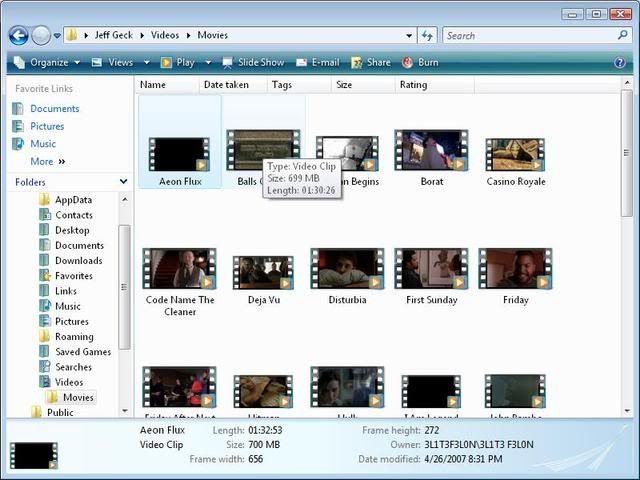
20 full-length decent-quality movies coupled with 400+ pictures can easily eat up that much disk space, if that's what you're wondering...
Control panel - system - advanced - press settings under performance - press advanced tab - under virtual memory, press change - press custom size and lower it.. but only lower it if it is VERY high. maybe thats your problem maybe not. you should atleast check, and hi everybody im new to this forum
danajanesis
New Member
the average size of 1 movie is 1gb and what is the size of your hdd? it could eat a lot of space.. when you want to check how big it occupy then go to my computer then click the partition where you put those files and click properties.. I suggest that you defrag your os too.. thats all.. good day!

Tuffie
Active Member
The average size of my movies are 800mb
That's if they have been properly ripped, and turned into .AVI's or something. if it's the video_ts, and the audio_ts, then each video could be anything up to 8gb.

Bob Jeffery
New Member
Control panel - system - advanced - press settings under performance - press advanced tab - under virtual memory, press change - press custom size and lower it.. but only lower it if it is VERY high. maybe thats your problem maybe not. you should atleast check, and hi everybody im new to this forum
no its just all of his files..

apj101
VIP Member
800mb * 20 = 15.6gb
pics (asume 4mb each, no compression) = 1.6gb
OS ~ 1.5gb
total = 18.7GB
something is wrong somewhere mate, if the data your given is true then you missing quite a but of space. Suggest you run something like http://windirstat.info/ to visualise what is taking space on your drive.
what movies are they?
pics (asume 4mb each, no compression) = 1.6gb
OS ~ 1.5gb
total = 18.7GB
something is wrong somewhere mate, if the data your given is true then you missing quite a but of space. Suggest you run something like http://windirstat.info/ to visualise what is taking space on your drive.
what movies are they?

jdbennet
New Member
OS ~ 1.5gb
not if its vista... vista its more like 15gb
chibicitiberiu
New Member
get TuneUp utilities. It has included many features to free up disk space(temp files, system restore points etc), make your pc faster (defragging partitions, clean registry errors etc). It also has an application which scans your HDD and sees largest files, what kind of files use the most disk space (video, audio, documents etc), and folders. It is very usefully to see what is the problem here.

Comp_Newb
New Member
800mb * 20 = 15.6gb
pics (asume 4mb each, no compression) = 1.6gb
OS ~ 1.5gb
total = 18.7GB
something is wrong somewhere mate, if the data your given is true then you missing quite a but of space. Suggest you run something like http://windirstat.info/ to visualise what is taking space on your drive.
what movies are they?
I figured something was wrong somewhere as well!
Can i get TuneUp free? is any of these that program?
http://www.download.com/3120-20_4.html?tg=dl-20&qt=TuneUp&tag=srch
apj101
VIP Member
didnt see the signot if its vista... vista its more like 15gb
hmm for free eh....by the same method you got all those films no doubtI figured something was wrong somewhere as well!
Can i get TuneUp free? is any of these that program?
http://www.download.com/3120-20_4.html?tg=dl-20&qt=TuneUp&tag=srch
chibicitiberiu
New Member
TuneUp utilities is not free, but you can use the trial version. It is limited to 30 days, but it will allow you to use the application same as it would be full, no limitations or such things, just 30-days-limit.
Comp_Newb
New Member
Ahh!!! you crack me up! LOLdidnt see the sig
hmm for free eh....by the same method you got all those films no doubt
I'm on a limited budjet! I just graduated and dont have a job yet.
Why do they have a trial that has all the capabilities of the full version? In this case someone could download the trial version once every couple months and clean up their computerTuneUp utilities is not free, but you can use the trial version. It is limited to 30 days, but it will allow you to use the application same as it would be full, no limitations or such things, just 30-days-limit.

chibicitiberiu
New Member
Yep, but it's not the first program i have seen to work like this. Somehow, if you reinstall it when there are like 2 days left, there will still remain 2 days left, it won't reset unless you reinstall your OS.
- Status
- Not open for further replies.