All fonts are bolded in Windows 7

Darren

Moderator
Staff member
I just installed Age of Empires 1. It modified my font files and now whenever I'm in Firefox my fonts are bolded. I've had this problem before and I remember I fixed it by going into my system, finding where there are backups of my fonts, then reinstalling those over the fonts listed in the "fonts" folder.

I am in Windows 7.

Where is the backup of these fonts?
 
I would search for files on your hard drive that are the date you installed Ages of Empires. Possibly the files are in the My Documents folder.
 
I'm talking about the fact that there are backups of all your fonts that got installed with Windows located in another location other than the Fonts folder.

Last time I fixed this problem I didn't realize what had caused the problem but I was able to fix it by doing what I'm trying to do now. I just don't remember where those fonts are.
 
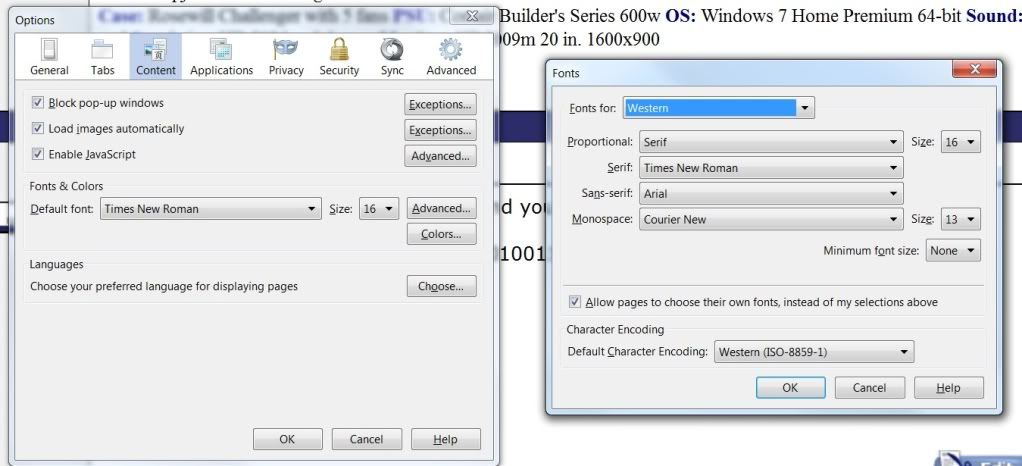
In FF click on Tools - Options - Content and you will find it.

Fonts.jpg
 
Last edited:
It's not just a Firefox thing. Steam also has it's font italicized and IE has issues as well.
 
Back
Top