
You are using an out of date browser. It may not display this or other websites correctly.
You should upgrade or use an alternative browser.
You should upgrade or use an alternative browser.
Assistance: RAM Installation/Compatibility
- Thread starter Cpetrie
- Start date


shupola
Active Member
you need to know what kind of ram you got, speed, ddr or sdram, etc., as well as what your motherboard will support. please provide this info if you have it.
if you installed the correct ram, you should not have to go to "install new hardware". the computer should read it and run it automatically.
also what operating system do you have?
if you installed the correct ram, you should not have to go to "install new hardware". the computer should read it and run it automatically.
also what operating system do you have?
shupola
Active Member
Cpetrie said:My Operating System is: Windows XP Home Edition
More General Information:
Intel Celeron CPU 2.40GHz
2.39GHz, 256MB of RAM
If there is something else you need, you will probably have to assist me in locating the information. I only know computer basics
did you use the system scanner on the link stranglehold gave you. this will tell you what kind of ram you need. post the results.

Hairy_Lee
VIP Member
my guess is that the current ram is ddr 400 and the set introduced to the system was 333 and is currently being overclocked.
you are managing to get into windows but when a major process begins, such as adding hardware the errors in the ram are too much for the system to cope with and cause it to crash.
what i would do is take out the extra ram you put in (if you haven't already) and get a program such as cpuz. in there you will be able to identify what speed ram you have and the make and model if you're luck. this way you will be able to purchase the exact same memory module to go with your current ram.
you might want to check the dell website as i've read that dells are very particular to the ram that you put into them. in fact im sure they can supply you with the exact ram you're after; it will however be more expensive
you are managing to get into windows but when a major process begins, such as adding hardware the errors in the ram are too much for the system to cope with and cause it to crash.
what i would do is take out the extra ram you put in (if you haven't already) and get a program such as cpuz. in there you will be able to identify what speed ram you have and the make and model if you're luck. this way you will be able to purchase the exact same memory module to go with your current ram.
you might want to check the dell website as i've read that dells are very particular to the ram that you put into them. in fact im sure they can supply you with the exact ram you're after; it will however be more expensive
shupola
Active Member
shupola
Active Member
shupola
Active Member
Ok, I have the RAM out, it says:
PC133U-333-542 0112
HYM76V16635HGT8-HD AA
128MB Sync 133MHz CL3
PC133 SDRAM
Is this compatible with my computer?
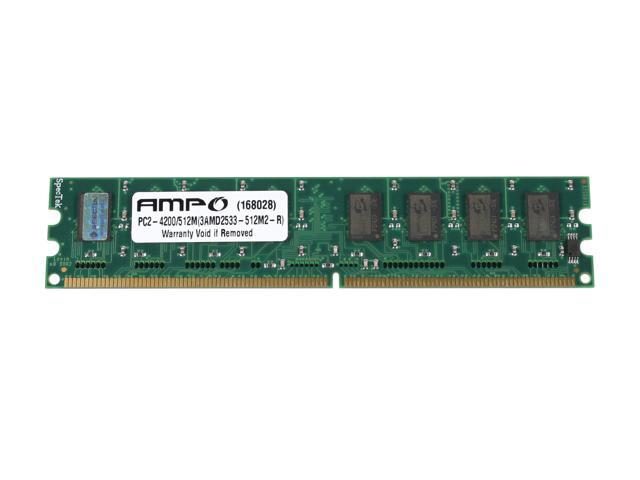
no. i dont think. im pretty sure you have ddr sdram. and if i am not mistaken, that ram is 168pin, but you need 184pin ram. also the speed is different.
did u have to force it into the slot?
and just to clarify, you are talking about the ram you were given, right??
SDRAM has 2 notches- DDR SDRAM has 1


super_xero
New Member
is it me i cant find any ddr sram pc 2100 why dont they have this stuff for people with older pc for a cheep price ive seen them around but for the same price as 3200 modules what is teh world coming to
super_xero said:is it me i cant find any ddr sram pc 2100 why dont they have this stuff for people with older pc for a cheep price ive seen them around but for the same price as 3200 modules what is teh world coming to
No PC2100????? http://www.tigerdirect.com/applications/category/category_slc.asp?CatId=548&