staplerz
Member
I hate windows...
errr
For the last week i have been trying to get windows on my computer.
Every time i try i get the "Stop 0x0000007B" error. http://support.microsoft.com/kb/324103
I went on microsofts website and here are the reasons for that error:
#1. there is no possible way i have a virus unless newegg put one on my hardware which is highly doutpfull.
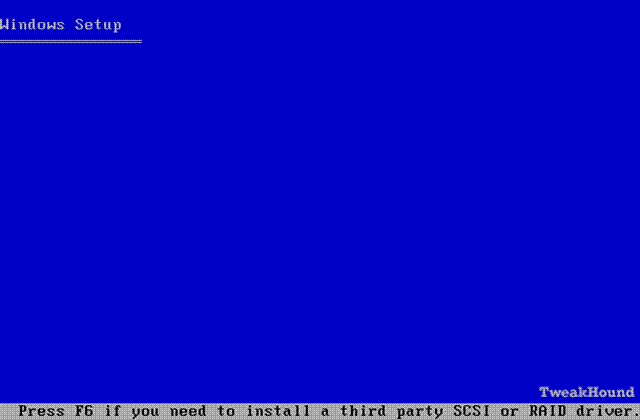
#2. i have posted a few treads about this one and everyone was telling me to dl the drives or the mobo cd or off the mobo website. I downloaded every possible driver off Gigabytes website and off the CD. For the last 4 hours I have been updating a different driver on each on the 5 floppy's i have and try each floppy out using the F6 key during the windows install process. None of them worked. On ever one i still got that stupid Stop Error.
#3. I'm not really sure about this one. But keep reading on what i did below...
Yesterday i decided to try and put my HD in my other pc to see if the Stop Error was because of my HD or other hardware...I put it in and reformatted it using windows to NTFS. I then proceeded to install windows. Everything worked like a charm...It got no errors and installed with out any trouble. I dont get it..Why is my new pc being gay. lol here is my sett up. see if you can find any conflicts:
Everything is in my case (duh) and my PSU is connected properly. I then have my SATA HD connected to the intel ICH8 on my Gigabyte GA-965P-S3. My cd drive is connected to the right ide and my floppy is connected to the floppy ide. My vid card is in my pciEx16.
I have updated my BIOS and reformatted my HD to NTFS. and those are the only things i have changed...
Can some one please help me because im just about to through my comp out my window.
errr
For the last week i have been trying to get windows on my computer.
Every time i try i get the "Stop 0x0000007B" error. http://support.microsoft.com/kb/324103
I went on microsofts website and here are the reasons for that error:
- Boot-Sector Virus
- Device Driver Issues
- Hardware Issues
#1. there is no possible way i have a virus unless newegg put one on my hardware which is highly doutpfull.
#2. i have posted a few treads about this one and everyone was telling me to dl the drives or the mobo cd or off the mobo website. I downloaded every possible driver off Gigabytes website and off the CD. For the last 4 hours I have been updating a different driver on each on the 5 floppy's i have and try each floppy out using the F6 key during the windows install process. None of them worked. On ever one i still got that stupid Stop Error.
#3. I'm not really sure about this one. But keep reading on what i did below...
Yesterday i decided to try and put my HD in my other pc to see if the Stop Error was because of my HD or other hardware...I put it in and reformatted it using windows to NTFS. I then proceeded to install windows. Everything worked like a charm...It got no errors and installed with out any trouble. I dont get it..Why is my new pc being gay. lol here is my sett up. see if you can find any conflicts:
Everything is in my case (duh) and my PSU is connected properly. I then have my SATA HD connected to the intel ICH8 on my Gigabyte GA-965P-S3. My cd drive is connected to the right ide and my floppy is connected to the floppy ide. My vid card is in my pciEx16.
I have updated my BIOS and reformatted my HD to NTFS. and those are the only things i have changed...
Can some one please help me because im just about to through my comp out my window.
Last edited: