
desktop display question

Boomer

New Member
ok, whenever i try changing any settings under the display tap in display properties, my computer basically freezes for 5 mins because the computer has to process EVERY picture so it can be displayed in that little window. its annoying to have to go through this every time i want to change my background. is there any way to have it not display all my pictures. i want it back to the way it was originally when it had like several preset pics on it.

any ideas???


every pic on my computer is in that little background window. and i have thousands of pics
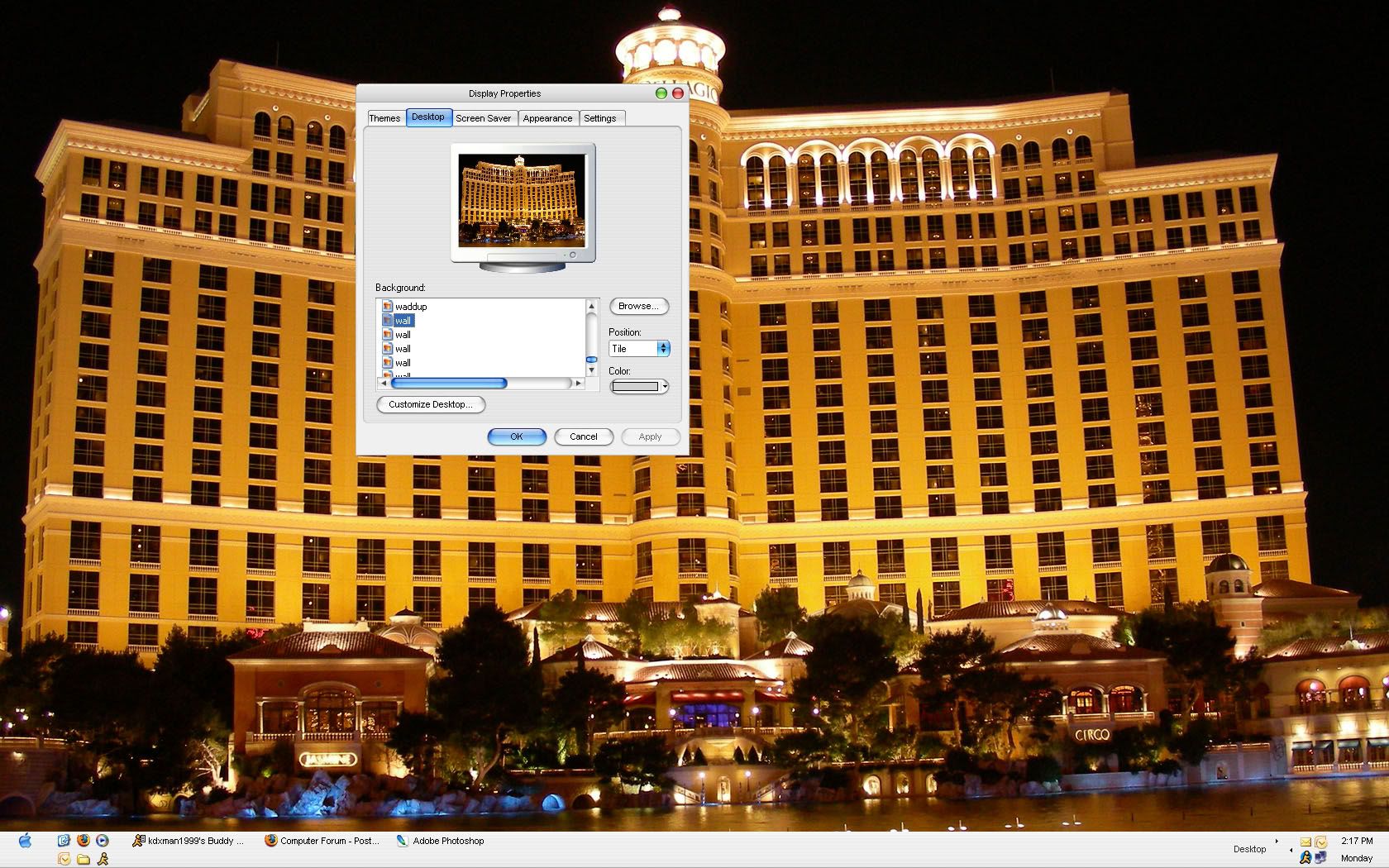
Untitled-1-1.jpg
 
Did you have an active desktop set by some program? Generally the selection of an image like bmp, jpg, or other will see a solid background. Visiting a certain and setting the desktop active for online connection or using a download for this would be the likely thing to try.
 
You will have to backtrack a little to know how the original background was set with the random pics displayed. It sounds like you used a program(small) of some type or set the desktop active to see this. By simply right clicking on the desktop and going to the desktop tab look in the 'web" tab to see if something is active. If you downloaded this from a site to set as the default it may logged onto that site with the active mode set. You will want to disable that to see the one default remain displayed at all times.
 
click browse button and choose another folder.

In the desktop properties you would pick another background like one of the default bit map files(bmp) that come along with Windows and click the apply button. After you would try changing that back to the one currenly set to see if the randomization stops.
 
Back
Top