
You are using an out of date browser. It may not display this or other websites correctly.
You should upgrade or use an alternative browser.
You should upgrade or use an alternative browser.
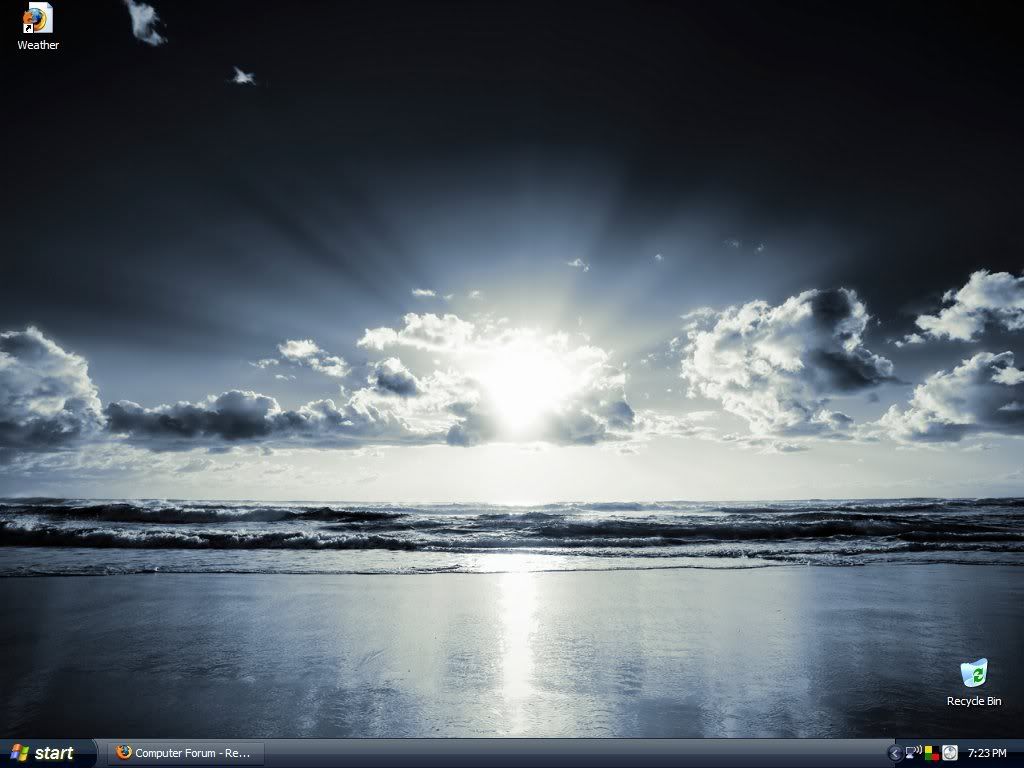
desktop wallpaper???
- Thread starter Vizy
- Start date


Vizy
New Member
i don't understand, is this the wallpaper you want ?
your wallpaper is somewhere on your pc.
if you go to "DESKTOP" tab in Display properties.
it will list all the wallpapers you recently used
from there you'll see the filename and you can search for it
its not there because i got the image straight from online, i right clicked and set to desktop image.
And if it's not listed there(sometimes, it's not listed for me), then use Search and in the filename, type "*.jpg" without the quotes.
It will list many files. Switch to "Thumbnail" view and find the location of the file.
what if i didn't save the image on my hardrive? i right clicked and set to desktop image online.
alexandergre
New Member
go and check your internet browser history. It is saved in you history.

patrickv
Active Member
i
what if i didn't save the image on my hardrive? i right clicked and set to desktop image online.
i think it saves it on your hard drive even if you just applied the wallpaper from online, it has to be somewhere, did you do the search like Adarsh mentioned ?
Vizy
New Member
go and check your internet browser history. It is saved in you history.
ooops firefox autimatically clears everything...and i run windows washer evryday bfore i shut off comp..
alexandergre
New Member
ooops firefox autimatically clears everything...and i run windows washer evryday bfore i shut off comp..
this was a good lesson for you to activate that service... why would you cancel it??? OMG it doesnt take hundreds of GB on your HDD or 100MB ram.
and windows washer doesnt do very much...
if you want a good clean and fast computer
install xp
then a antivirus/antispyware
after several months remove the unnecessary programs/do a disk cleanup
and a check disk
then install a registry cleaner(registry mechanic is a good one)
clean your registry, and remove that program from your computer
done.
do this every 3 month or so
you dont need those extra softwares. they dont do much!

cohen
New Member
this was a good lesson for you to activate that service... why would you cancel it??? OMG it doesnt take hundreds of GB on your HDD or 100MB ram.
and windows washer doesnt do very much...
if you want a good clean and fast computer
install xp
then a antivirus/antispyware
after several months remove the unnecessary programs/do a disk cleanup
and a check disk
then install a registry cleaner(registry mechanic is a good one)
clean your registry, and remove that program from your computer
done.
do this every 3 month or so
you dont need those extra softwares. they dont do much!
people do it everyday to keep there PC clean and not get tracking cookies and other nasties.

GameMaster
New Member
It's in the Temp files. Unfortunately for you I'm too lazy to tell you how to get there ( find on Google ) I can only promise it's a hidden folder in a hidden folder  and Firefox and washer shouldn't be able to delete it.
and Firefox and washer shouldn't be able to delete it.unnameduser
New Member
And if it's not listed there(sometimes, it's not listed for me), then use Search and in the filename, type "*.jpg" without the quotes.
It will list many files. Switch to "Thumbnail" view and find the location of the file.
good suggestion - although I think that the wallpapers are saved as a bitmap so OP you might want to try *.bmp also.
best of luck
