Duplicating Hardrive

mtb211

Active Member
Hi everyone, Dell has sent us to replacement hardrives for our dell xfr tough books because the hardrives are known to have hardware failures in the past. (we have two of these notebooks)

Since they are my work computers I'm a bit nervous on how to duplicate the current drive and move it to the new hardrive. The hardrives are 250 GB sata drives , is the best way just to create an image file? copy it to a removable hardrive, insert the new drive and copy the Iso to it? Would something like imgburn be okay for this?

Anyone have any good ideas? I just feel my way is faulty because the new hardrive will not have windows on it, so I wont be able to install the image, maybe norton ghost?
 
Ghost would work. The drives are Seagate yes? You can use disc wizard to duplicate the drive. If it's some other brand they will likely have a tool that will do the same.
 
Ghost would work. The drives are Seagate yes? You can use disc wizard to duplicate the drive. If it's some other brand they will likely have a tool that will do the same.

+1

Just visit the website for the drive manufacturer and they will undoubtedly have a tool for you to clone your drive.
 
Nope, it doesn't matter. However, whatever brand your new drive is, thats the manufacturers program you use. So if you have a seagate drive and your duplicating it to a Western Digital drive, you'll want to use WD's program.
 
What are the model numbers of the drive? As far as I know foxconn don't even make hard drives.
 
Yeah, I thought Foxconn only made the connectors for Dell. Their consumer drives seem to be WD branded now, the enterprise stuff (ie SCSI) still have Dell branding, I'm not sure who they contract out to build them though.
 
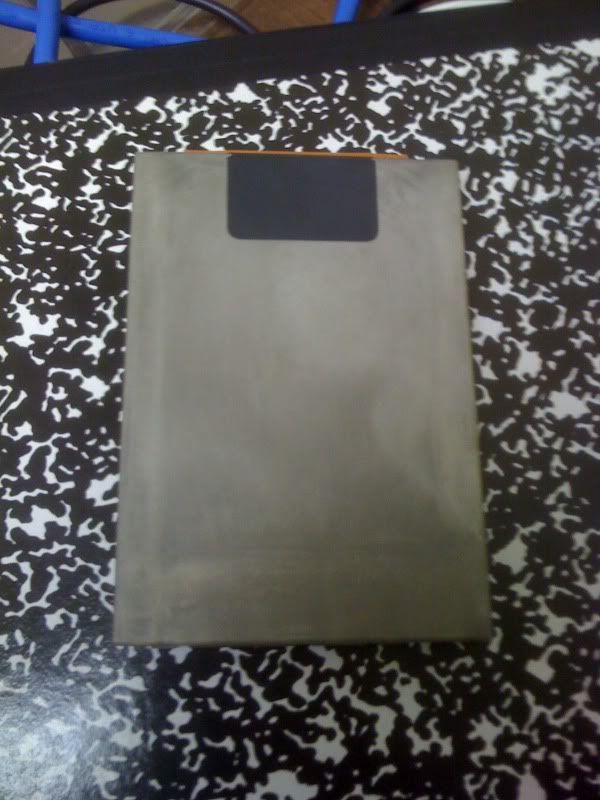
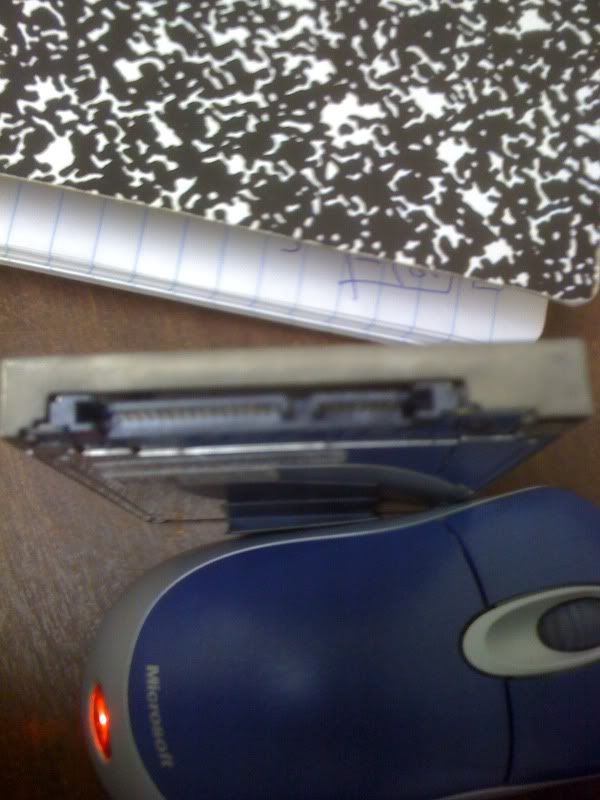
i cant find a model number anywhere on the drive :( just says made in mexico and then under that says
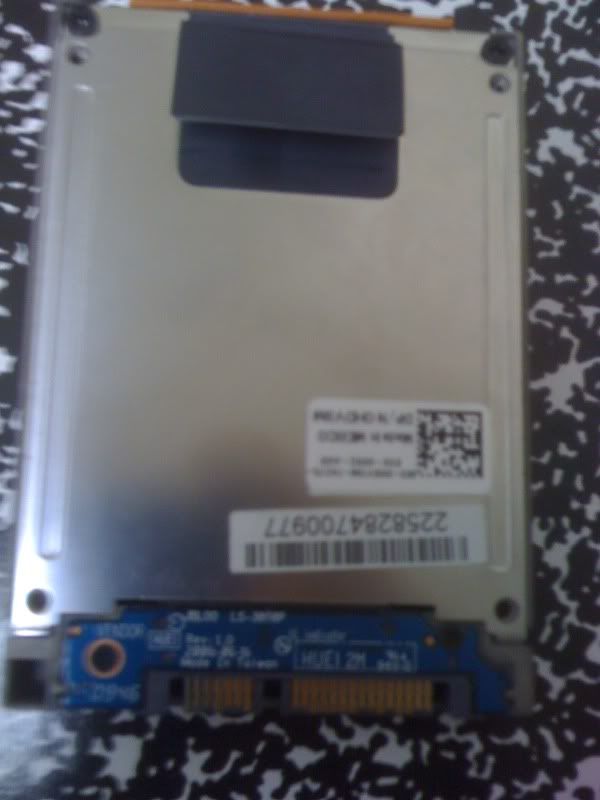
dp /n ohdv3m I googled that and got nothing

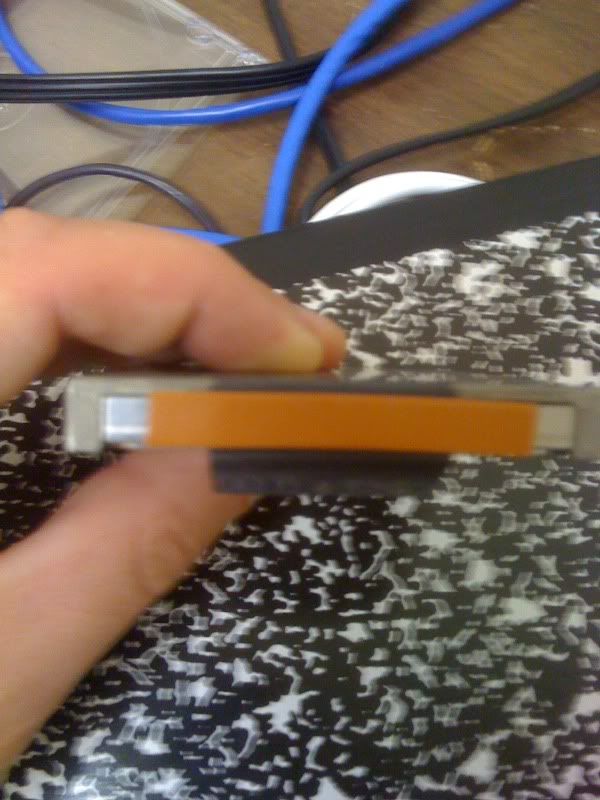
on the side it says foxcon #1 p/n ea03200400
 
Those aren't model numbers I recognize. Like you, I'm getting nothing from search engines. Ghost or other cloning software (Acronis, freeware alternative) is probably the way to go.
 
my iphone camera sucks

IMG_01001.jpg


IMG_01011.jpg


THe rest is unlabeled

IMG_01021.jpg


IMG_01031.jpg
 
Those pictures actually look like the casing that goes on the laptop hard drive, you would have to take it off to see the actual maker of the drive.
 
Those pictures actually look like the casing that goes on the laptop hard drive, you would have to take it off to see the actual maker of the drive.

Agreed, it's either a 2.5" in a case or the strangest drive I've ever seen
 
It seems toshiba doesn't have any cloning software, however, any free cloning software should work such as clonezilla or search for free cloning software.
 
Back
Top