(NOTE: The following doesn't recover any tangible files, it just creates a byte-by-byte copy of the HD contents (as best as it can) so, in case your hard disc dies completely (if it hasn't already), you can still try to do a recovery on the image or possible write the contents of the image to another HD and try to do a recovery on it. If they're too complicated or you don't want to risk playing around with dd, you could just skip them and try a program like piriform recuva on Windows and see if it works. Using recuva might actually be the best course of action for someone inexperienced, but note that it will be slower and the chances of the hard disc dying halfway through are higher.)
So, it's detected 3 hard drives - do you know how many your computer has, and do you have any external storage attached to your machine? Try the following commands:
sudo dd if=/dev/sdb of=/dev/zero bs=1M count=8 iflag=sync
sudo dd if=/dev/sdc of=/dev/zero bs=1M count=8 iflag=sync
And observe which devices (if any) have the light flash or make noise. You can try it with if=/dev/sda too, though sda should be your primary hard drive. Be careful with dd, and make sure you don't get the if and of mixed up - that command can destroy data permanently if you make a mistake with it. Once you have identified the broken hd, use the following command:
sudo dd if=/dev/sdb of=/mount/someplace/filename conv=sync,noerror
This effectively creates an image of the hard drive (if, of course, the hard drive isn't borked beyond recovery already.) Replace sdb with whatever device is your hard drive, and /mount/someplace with a location that definitely has enough space to store an image of the entire hard drive (i.e. it needs to have more free space than the entire capacity of the disc you're trying to recover.) Now, the latter part might be tricky if you're new to Linux... I don't actually know where Ubuntu mounts devices by default. Once you have definitely mounted a partition (just go to file manager and click the icon of the device, it'll mount it automatically) where you want to store the image, Try
ls /media
ls /var/run/media
ls /mount
ls /var/run/mount
One of these locations should have the mount point for the drive you mounted. It might be possible to get the path just using the file manager, but I haven't used Ubuntu for ages, I would have no idea how to do that. 'ls' just lists the contents of a directory, if you get more than one folder, just use ls on it to see if the contents look familiar. Once you have identified the location, just use the dd command with /mount/someplace replaced as appropriate.
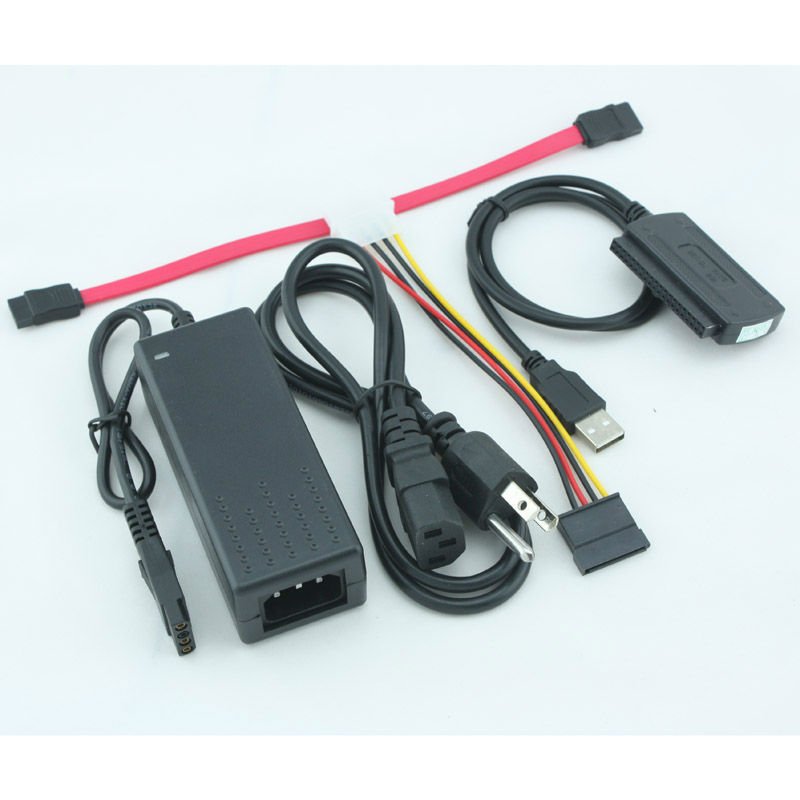
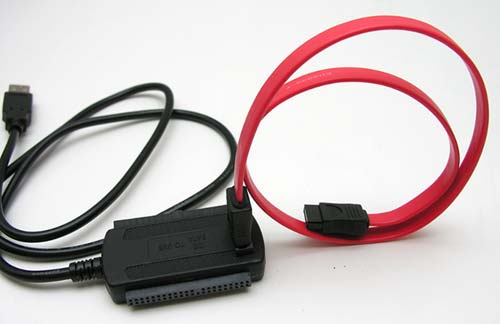
As for connecting it, just get a SATA cable. There is exactly 1 kind available. Or wait for someone else to post a link... I don't know anything of computer shops in the UK.