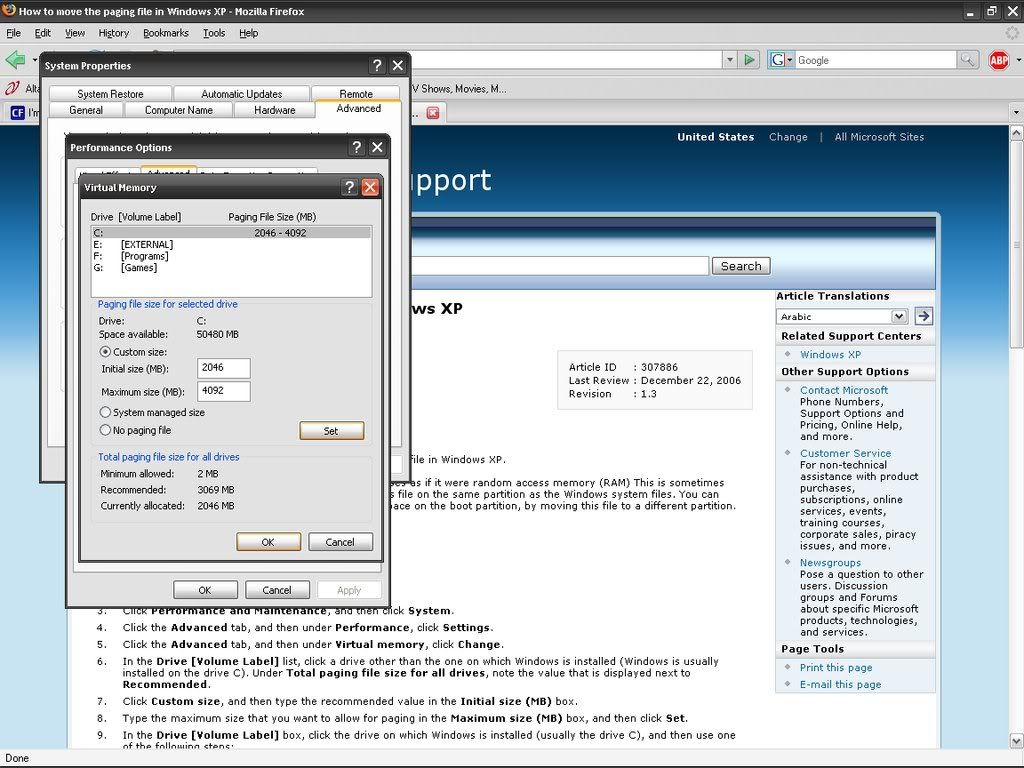
If I'm not allowed to do this, I understand, but it's sort of a big problem:
When i want to hibernate my computer, i go to the start-turn off computer-hold down shift-hibernate
My computer does go to the 'hibernating...' screen, but then it flashes back to my desktop with this message in my toolbar:
a screenie:
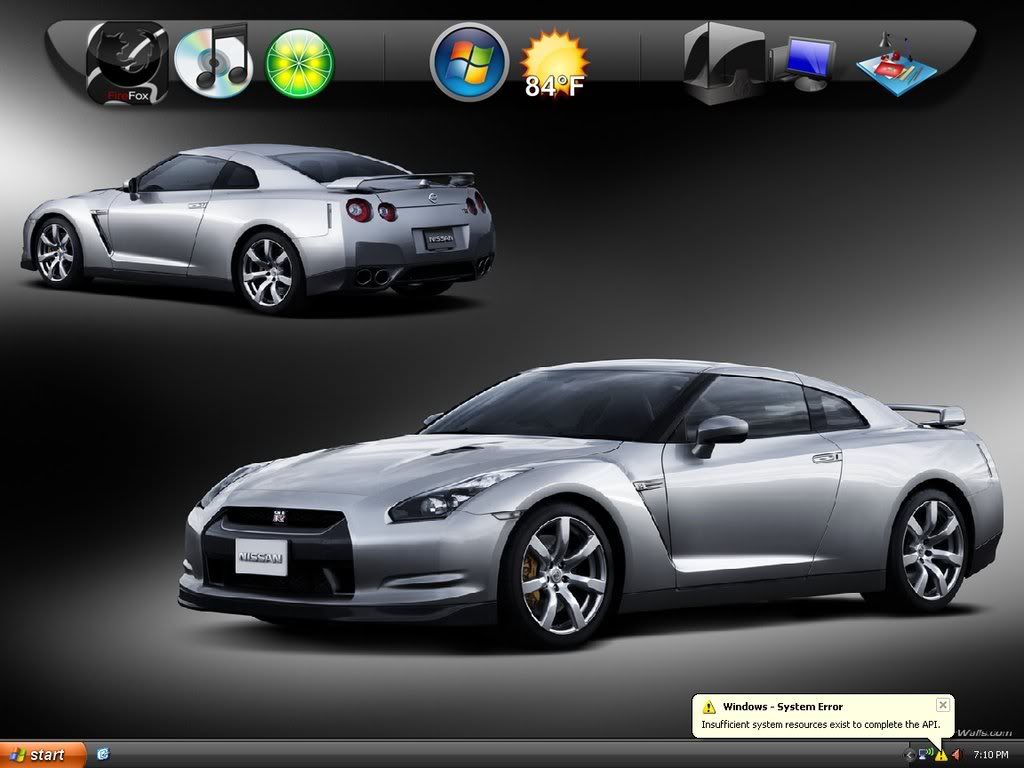
Did i mess up something? I've never had this problem before. It started happening...let's say 4-5 days ago. There was no software change or anything.
-----------------------------------------------------------------------------
IDK if this could be some how related, but, i have a certain folder on my external drive (E). All the folders work, except this one. It is titled 'Movies'. These home movies and all so it's all clean.Once again, any folder would open except this. It always stops responding i need to END NOW. The only way, that i know of, to access it, is through my object dock listed MY COMPUTER thingy.
Thanks alot guys, really appreciated. I know i'm not allowed to be on here, but i would rather just fix the problem early.
Thanks again!
-Vishal
When i want to hibernate my computer, i go to the start-turn off computer-hold down shift-hibernate
My computer does go to the 'hibernating...' screen, but then it flashes back to my desktop with this message in my toolbar:
a screenie:
Did i mess up something? I've never had this problem before. It started happening...let's say 4-5 days ago. There was no software change or anything.
-----------------------------------------------------------------------------
IDK if this could be some how related, but, i have a certain folder on my external drive (E). All the folders work, except this one. It is titled 'Movies'. These home movies and all so it's all clean.Once again, any folder would open except this. It always stops responding i need to END NOW. The only way, that i know of, to access it, is through my object dock listed MY COMPUTER thingy.
Thanks alot guys, really appreciated. I know i'm not allowed to be on here, but i would rather just fix the problem early.
Thanks again!
-Vishal