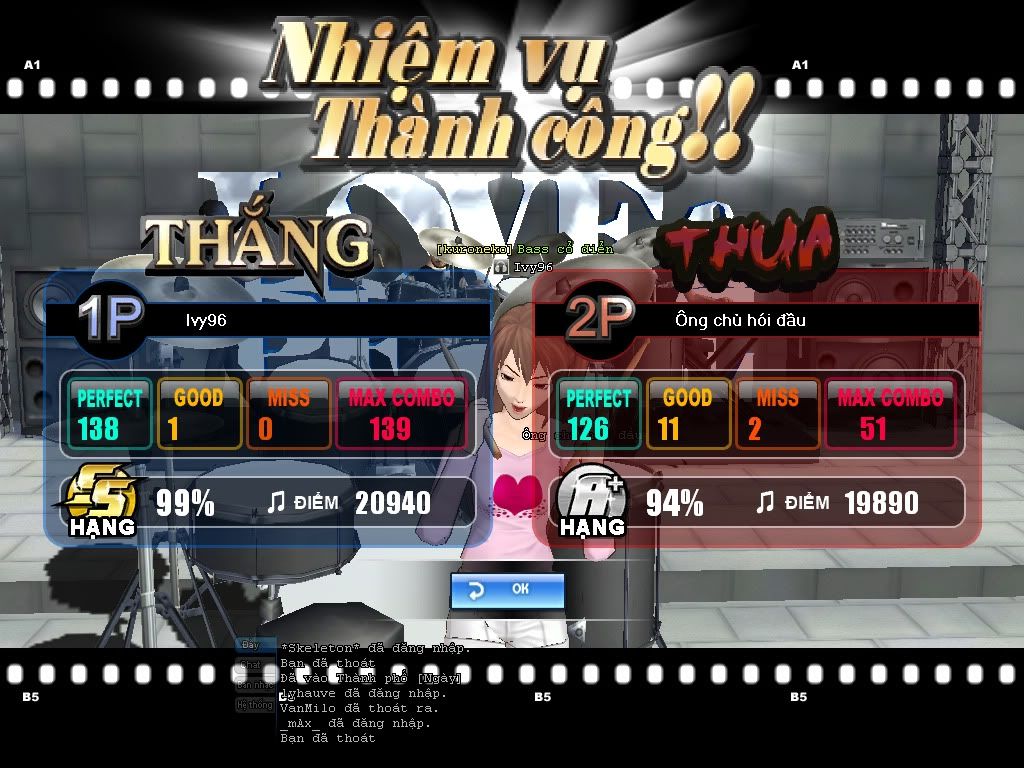
my desktop is error

darksoulfire008

New Member
everybody can see 2 picture below
first
untitled1.jpg


and then
untitled-4.jpg


but if i change different wallpaper , it is no longer error
please, help me thank you very much
 
Last edited:
i can't write a word in english, because i can't search it in dictionary Viet -Anh , can you understanding me? and i hope every can help me
 
the first screenshot is perfect. the second has like 16-bit colour haha

what are you doing when it changes?
what causes it to change?
 
  • Right click on desktop and select, "Properties".
  • Click on, "Appearance"
  • Select, 32bit under Color quality.

Click ok and see if it works.
 
I suppose it's a driver problem. You would have to download the newest graphics card driver. That often fixes the problem.
 
Back
Top