
You are using an out of date browser. It may not display this or other websites correctly.
You should upgrade or use an alternative browser.
You should upgrade or use an alternative browser.
OS issue
- Thread starter mg712
- Start date
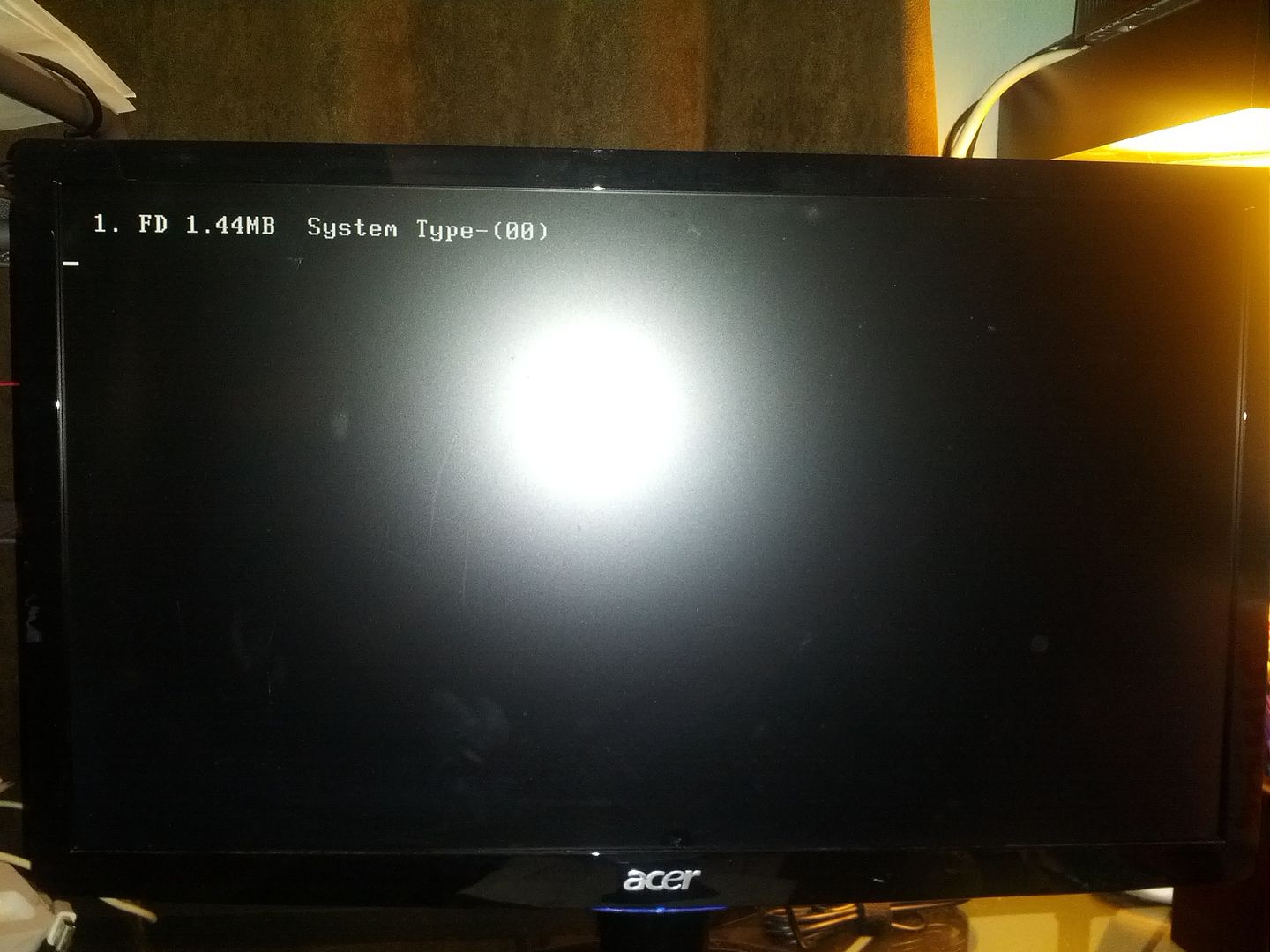

I took the battery out, unplugged everything, and waited for about 10 minutes before setting everything up again. Still got that screen.
Then, I disconnected the hard drive and both disk drives and got a disk boot failure message.
Next, I reconnected everything one by one. The message only came up once I plugged in the disk drive with the bootable disk in it.
Finally, I burnt the iso again onto a new disk. Still getting the "1. FD..." message.
Then, I disconnected the hard drive and both disk drives and got a disk boot failure message.
Next, I reconnected everything one by one. The message only came up once I plugged in the disk drive with the bootable disk in it.
Finally, I burnt the iso again onto a new disk. Still getting the "1. FD..." message.
Last edited: