
Thunderdome
New Member
I just got my new PC, Dell XPS 8300. It has a ATI Radeon Hd 5679 1GB DDR5 video card. The screen in question is a Samsung SyncMAster BX2350 LED sceen. When I check the resolution in windows it says its at 1920x1080 which is great, except that there is a huge black border in the screen, the image should be stretched out to the edge of the screen, not have an inch of black, and I am not talking about the bezel. Terrible picture from my iPhone, hopefully it gives you an idea. I installed the drivers from the CD that came with the screen. What am I doing wrong? Or what do I need to do to resolve this?
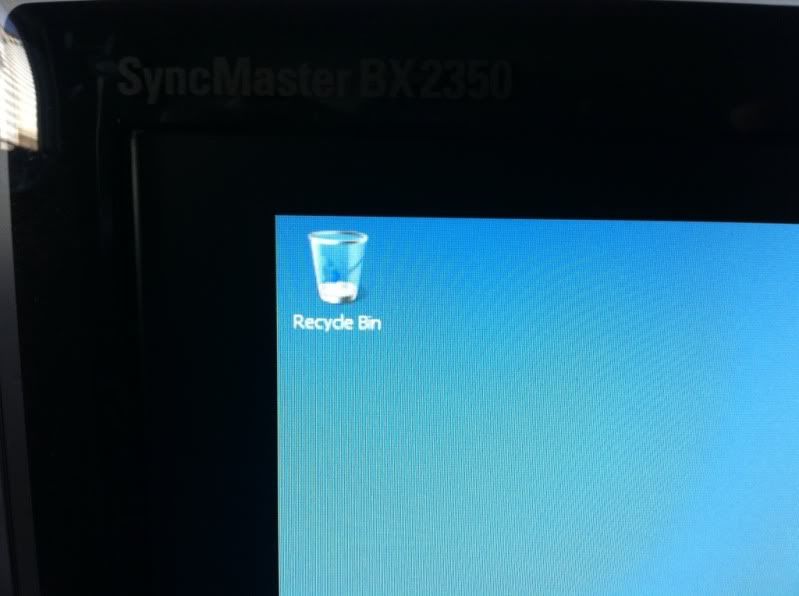
I am a PC noob as I use a Mac 99% of the time, so these issues are really foreign to me. Though I should just be able to plug it in and go.
thanks
I am a PC noob as I use a Mac 99% of the time, so these issues are really foreign to me. Though I should just be able to plug it in and go.
thanks
Last edited:

 , but that should be the fix