Richard Parker
New Member
Hey there,
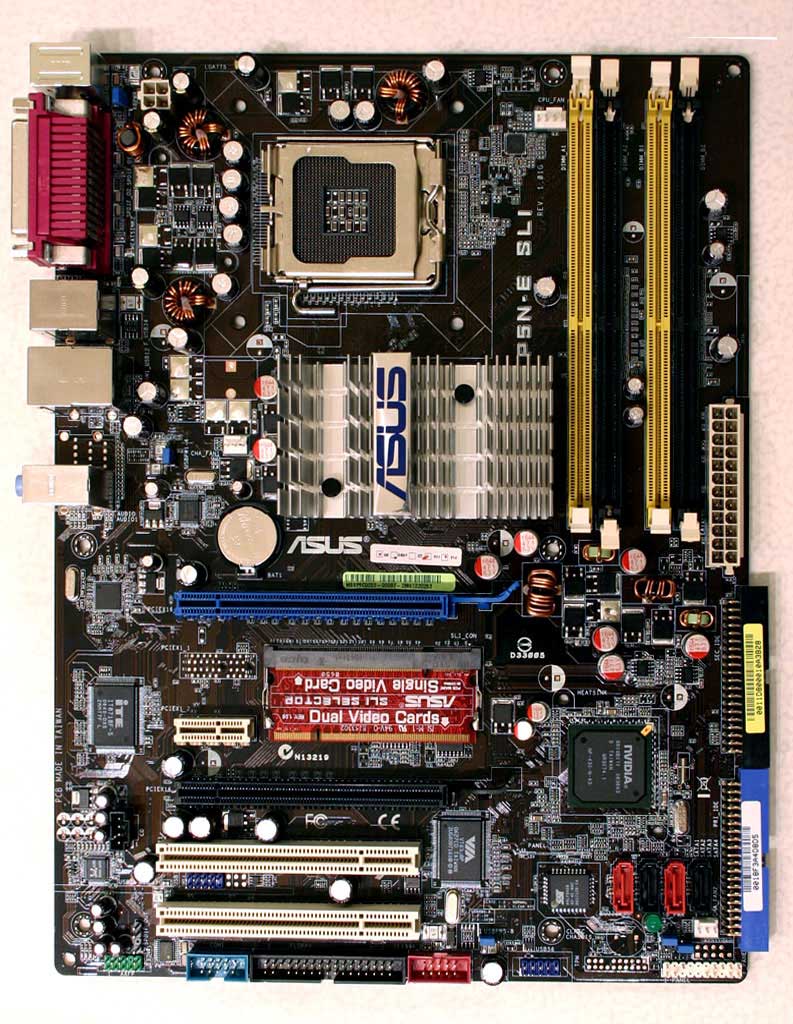
So, I've got an Asus P5n-e SLI, with dual 8800 GT cards from different makers. I have them connected with the Asus SLI bridge. I have a Q8200 OC'd to 2.8, and an OCZ 650 watt PSU.
Both cards are recognized, and I have the newest nvidia drivers. SLI is enabled in the nvidia control panel and the SLI icon is turned on.
So far so good.
But: When I actually play a game, the SLI icon does not appear, and the performance is the same (or less) than what I was getting with just one of the cards. I've tried reinstalling the drivers, reconnecting the bridge... nothing helps. I've run several games and benchmarks and the results are the same: no performance increase from SLI, and no SLI icon.
Any ideas?
So, I've got an Asus P5n-e SLI, with dual 8800 GT cards from different makers. I have them connected with the Asus SLI bridge. I have a Q8200 OC'd to 2.8, and an OCZ 650 watt PSU.
Both cards are recognized, and I have the newest nvidia drivers. SLI is enabled in the nvidia control panel and the SLI icon is turned on.
So far so good.
But: When I actually play a game, the SLI icon does not appear, and the performance is the same (or less) than what I was getting with just one of the cards. I've tried reinstalling the drivers, reconnecting the bridge... nothing helps. I've run several games and benchmarks and the results are the same: no performance increase from SLI, and no SLI icon.
Any ideas?