

Mattu
Member
Ok...Every time I press Ctrl-Alt-Del on my comp. as every one has done in some point or another when they are running Windows  is that I get this weird window that pops up and looks like this on my desktop:
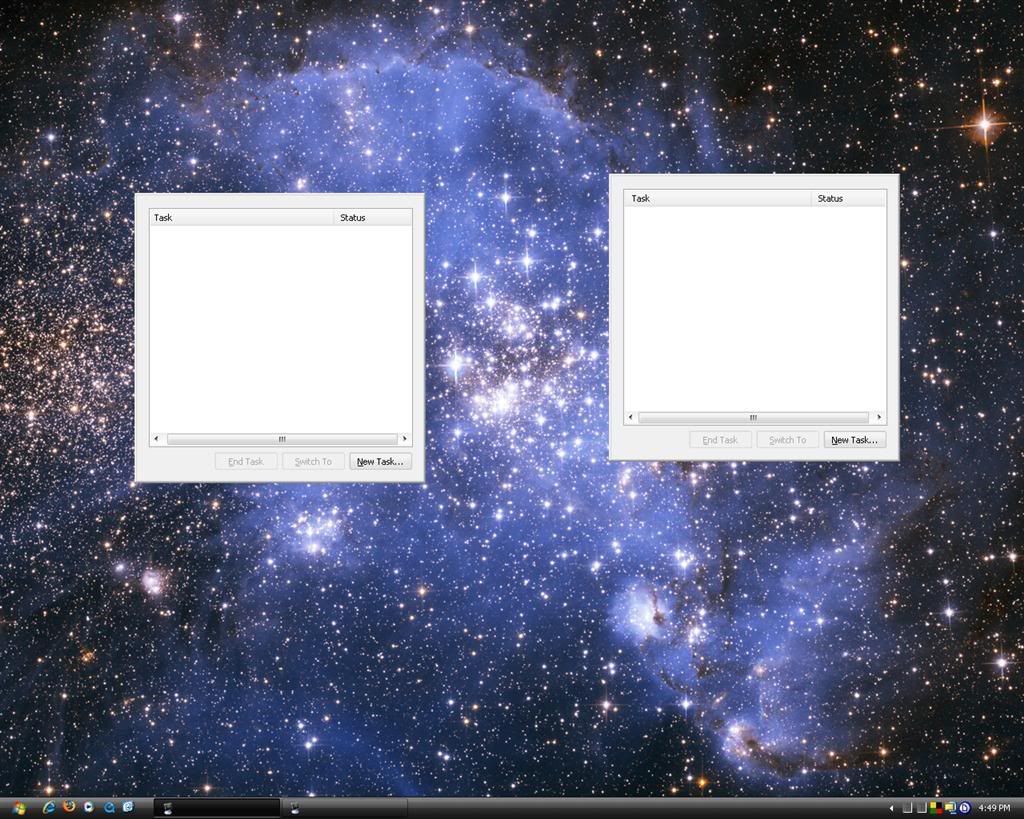
This just started happening a little while ago. As you can see it just shows the task part of the window and gives no options up top as it usably would. And at the task bar button has no name but only the icon shows up
If anyone knows how I can get this back to normal it would be much appreciated...
EDIT: The only way I can close this window is to log out and back in again or restart the whole computer.
is that I get this weird window that pops up and looks like this on my desktop:
This just started happening a little while ago. As you can see it just shows the task part of the window and gives no options up top as it usably would. And at the task bar button has no name but only the icon shows up
If anyone knows how I can get this back to normal it would be much appreciated...
EDIT: The only way I can close this window is to log out and back in again or restart the whole computer.
Last edited:


