
usb boot

turbodiesel

Member
i read somewhere on the internet that if you have a usb flash drive you can make it bootable

like just plug it into a computer and it will boot not install a OS and you use the OS on the computer until the drive is unpluged of the pc is powered off and while the computer is used you can install software and then when you plug the drive into another computer and boot it it will have the same software you installed

i would love to know if that is even possible and if it is how to

cheers
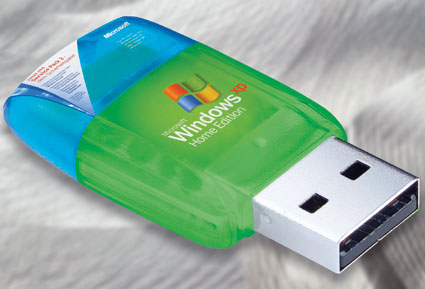
 
windows-on-usb-key.jpg
 
as far as i know you cannot run an os directly from a flash drive, the purpose of making a flash drive bootable is so you can install an os from a flash drive instead of a disc.

The only way i can think of to run a windows os direct from a flash drive is, copying hirens boot cd to a flash drive, hirens boot cd has a mini windows xp that can be used to easliy access a machine that wont boot.
 
I've only run live linux distros off a flash drive, but I believe it's possible to install something like Ubuntu to a flashdrive.
 
First you need to go into your Bios and make sure you can "boot from external drive" and then yes you can. I currently have a 4 GB usb with Chromium OS installed on it. I also have seen Ubuntu able to do it but you should use a 16 GB cause most Linux Distro's need about 6-8 GB and your going to want some extra room for storage for saved files and apps.
 
I use Linux Ubuntu from USB stick most of the time when I need to do something on other computers without being afraid to get infected ^^ It's pretty cool actually.

3 years ago I actually installed Windows ME to Cruzer USB stick of 1.0 GB capacity =D It was awesome lmao! =D

Just note that running an OS directly from a flash drive is not working as fast as it does on a real HDD.Unless if you have HDD of 1000 RPM lol...
 
Back
Top