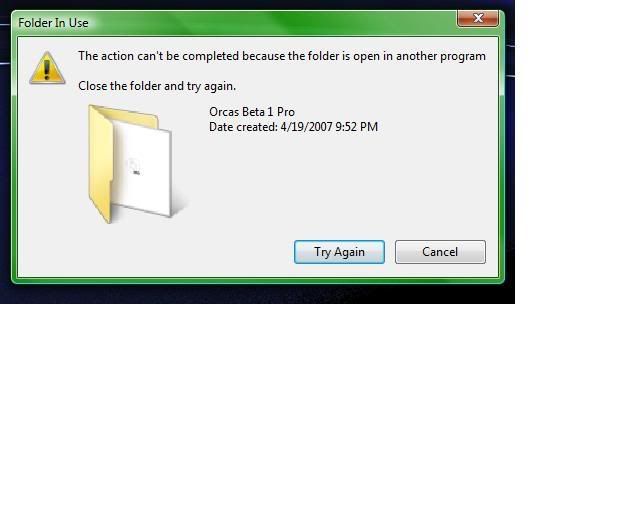
The message there tells all! You still have something running in the background you will have to find and shutdown to see that removed. Have you tried irght clicking on it to see what the properties point to? That may give you a better idea of what processes you could end in the task manager to avoid needing to boot in safe mode or using the msconfig to disable a startup.
I'm not sure i have looked but it doesnt really tell me where to look and nothing is running related to this program in the task manager any suggestions?
Some registry is the only other thing holding onto that folder seen there. Even in Vista there's one little freeware that calls up all softwares installed into the main window to pick and choose which one you want removed. Grab a copy of RegCleaner at http://www.dewassoc.com/support/useful/regcleaner.htm
Some stuck registry key left there from the uninstaller or even the add/remove in Control Panel will keep things tied up until that is removed. Once you see the desktop shortcut created simply look for any key that looks familiar. You'll probably need to restart the system after to see that unload and free the folder up. The image seen here is one example for showing how to remove the keys for Mozilla's Firefox and Thunderbird all seeing the Mozilla name identifying those keys.
Once and if you find the key or to simply run the automatic cleaner simply go to the "tools" link on the menu bar and bring down the menu seen there. The registry cleanup will bring another menu out to the right where you can go for the "do them all" option. Instantly you will that scan the entire registry and count up any now invalid entires and delete them. It never touches any programs that are currently installed. Surprisingly it works far better then the retail crap sold for registry repair.