Can Am1551
Member
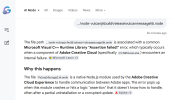
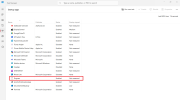
OK, the pop up I am getting mentions to see Visual C+ documentation so I looked into that. I am now thinking this pop up "might" have something to do with Microsoft Edge, and as you know I do not use Edge. In fact, I found an Edge deflector years ago because Edge was very aggressivly trying to get me to switch from Chrome. It might also have something to do with CoPilot. Could that be what this is all about? If not, forget it. Lets stay on the task to get rid of this pop up.
Here's a screenshot of the page I got when typed in Visual C+ in the bottom search bar on my task manager:
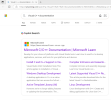
Here's a screenshot of the page I got when typed in Visual C+ in the bottom search bar on my task manager: