Da Mail Man
Active Member
Greetings All...
1)...Using a Lenovo IdeaPad S340 Laptop and windows 10 64bit...
2)...I have been trying for 2 days to change the e-mail notification sound and failed each time....
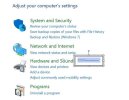
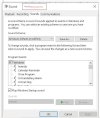
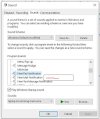
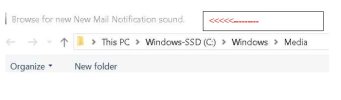
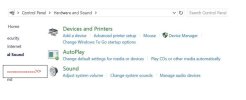
3)...I get into the area to change the sounds (add a different sound of my own) and when I tell the computer what WAV sound to use, hit "apply", and hit close and test same, I still get the same default sound!
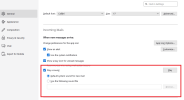
4)...I send mail to that laptop and and it receives that nail, HOWEVER, the laptop stills notify s me with the Windows e-mail notification sound
5)....I watched a few vids on utube and am still failing.......WHAT AM I MISSING HERE?
Any assistance is welcome...
1)...Using a Lenovo IdeaPad S340 Laptop and windows 10 64bit...
2)...I have been trying for 2 days to change the e-mail notification sound and failed each time....
3)...I get into the area to change the sounds (add a different sound of my own) and when I tell the computer what WAV sound to use, hit "apply", and hit close and test same, I still get the same default sound!
4)...I send mail to that laptop and and it receives that nail, HOWEVER, the laptop stills notify s me with the Windows e-mail notification sound
5)....I watched a few vids on utube and am still failing.......WHAT AM I MISSING HERE?
Any assistance is welcome...